AI Image Editor
Turn summer into snow, swap the outfit, take out the bin or make it a watercolour. Say what to change in one sentence, and the rest of the photo is kept.
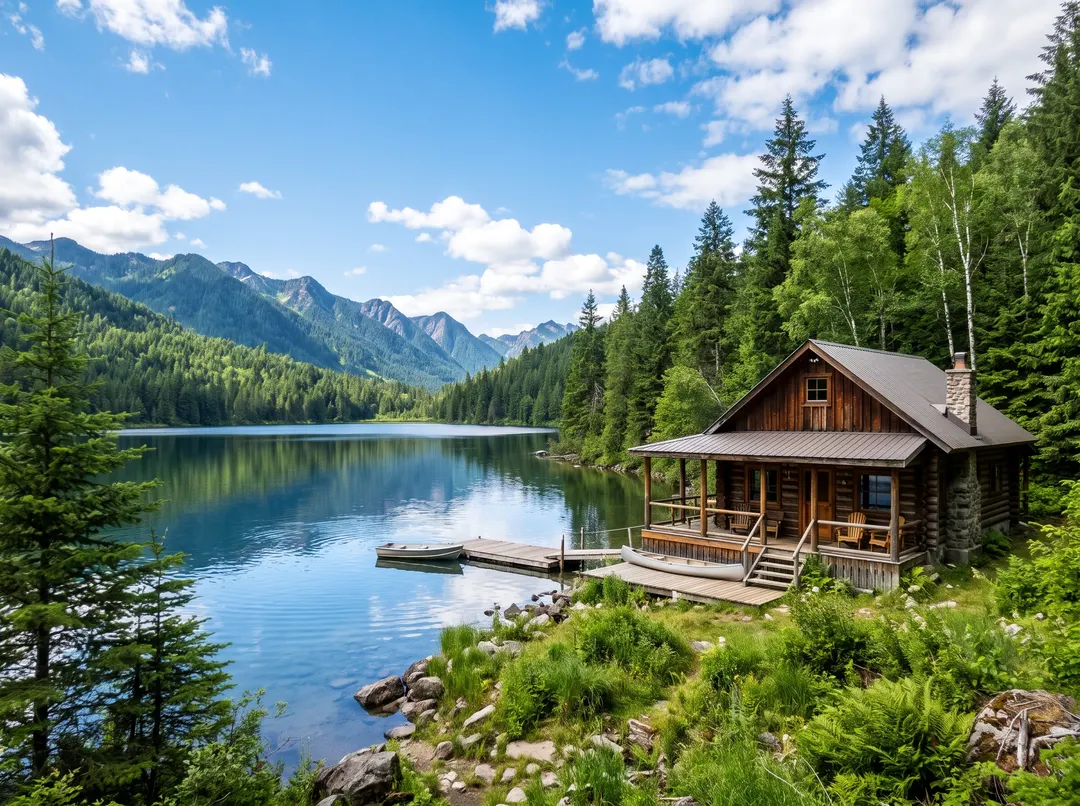
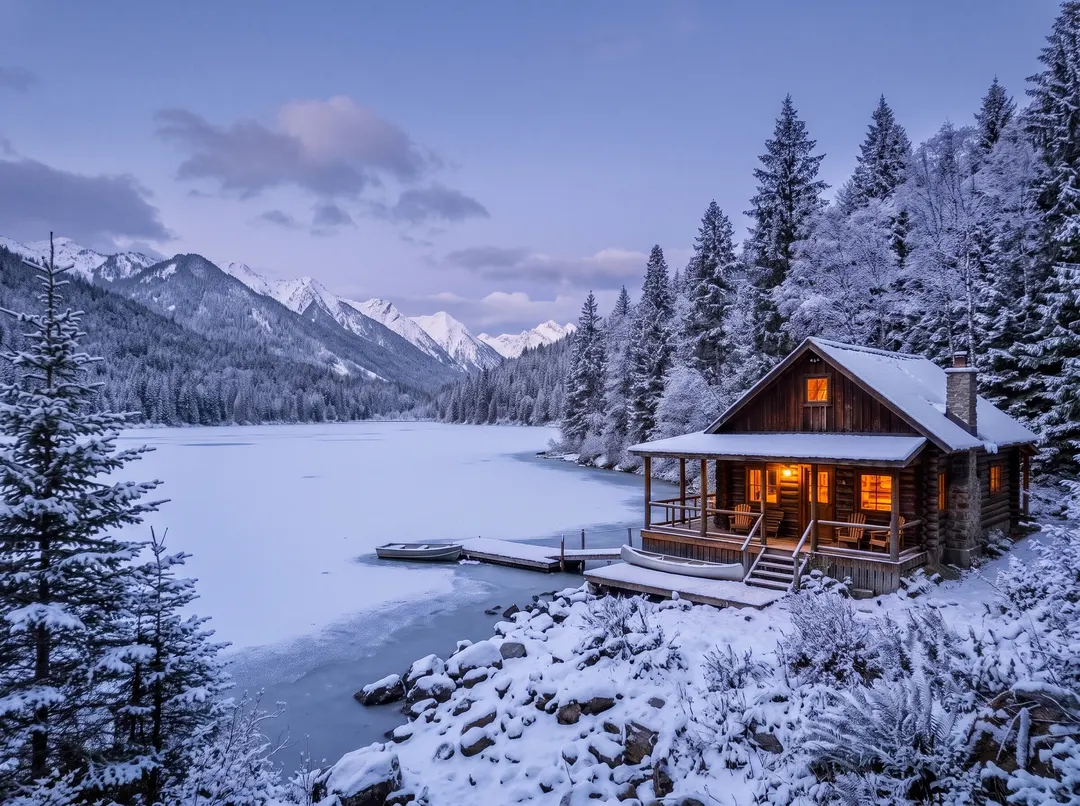 BeforeAfterMake it a snowy winter eveningBeforeAfterMake it a snowy winter evening
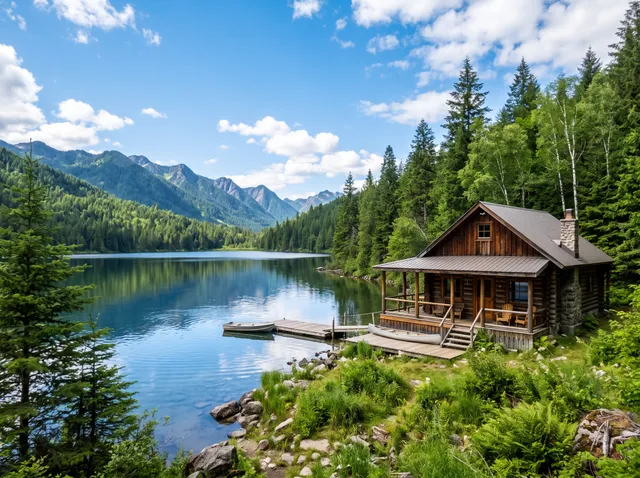
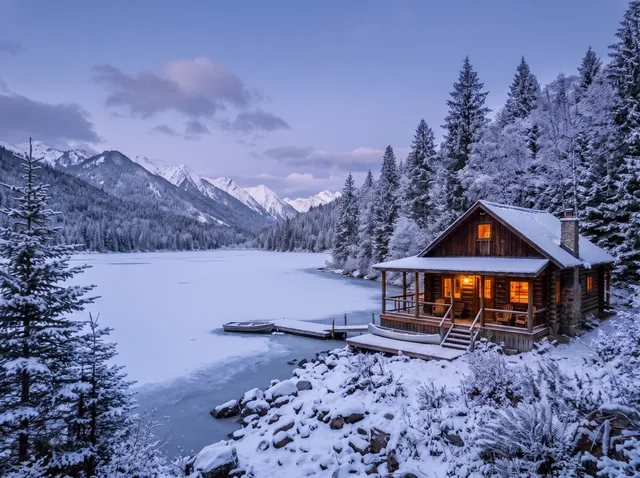
Summer cabin, winter evening.
You took it in July. The card goes out in December. Say “make it a snowy winter evening” and snow settles on the roof and the trees, the lake freezes over, and warm light comes on in the windows. The cabin and the framing stay where they were, so it still looks like your place.
- Seasons, weather and time of day
- The light changes with it, not a filter on top
- The rest of the photo kept

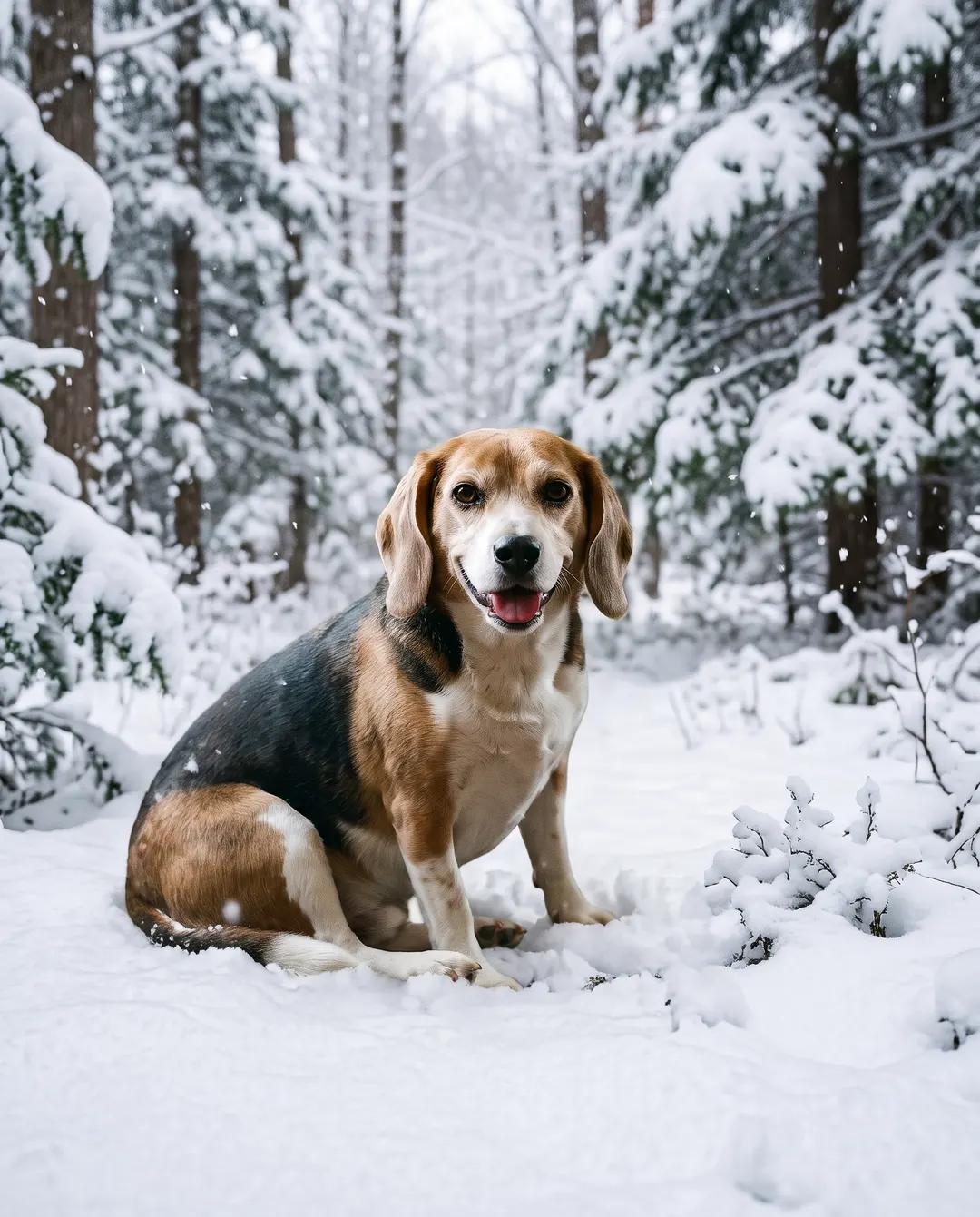 BeforeAfterPut him in a snowy forest clearing
Same dog, somewhere he has never been.
The beagle was on the sofa with a crumpled blanket behind him. One sentence later he is sitting in a snowy forest clearing with snow drifting down around him. His ears, his coat and that hopeful look all come from your photo, so it is still unmistakably your dog.
- Change the place, keep the subject
- Fur and faces kept from your photo
- Just the background? Background changer does it too
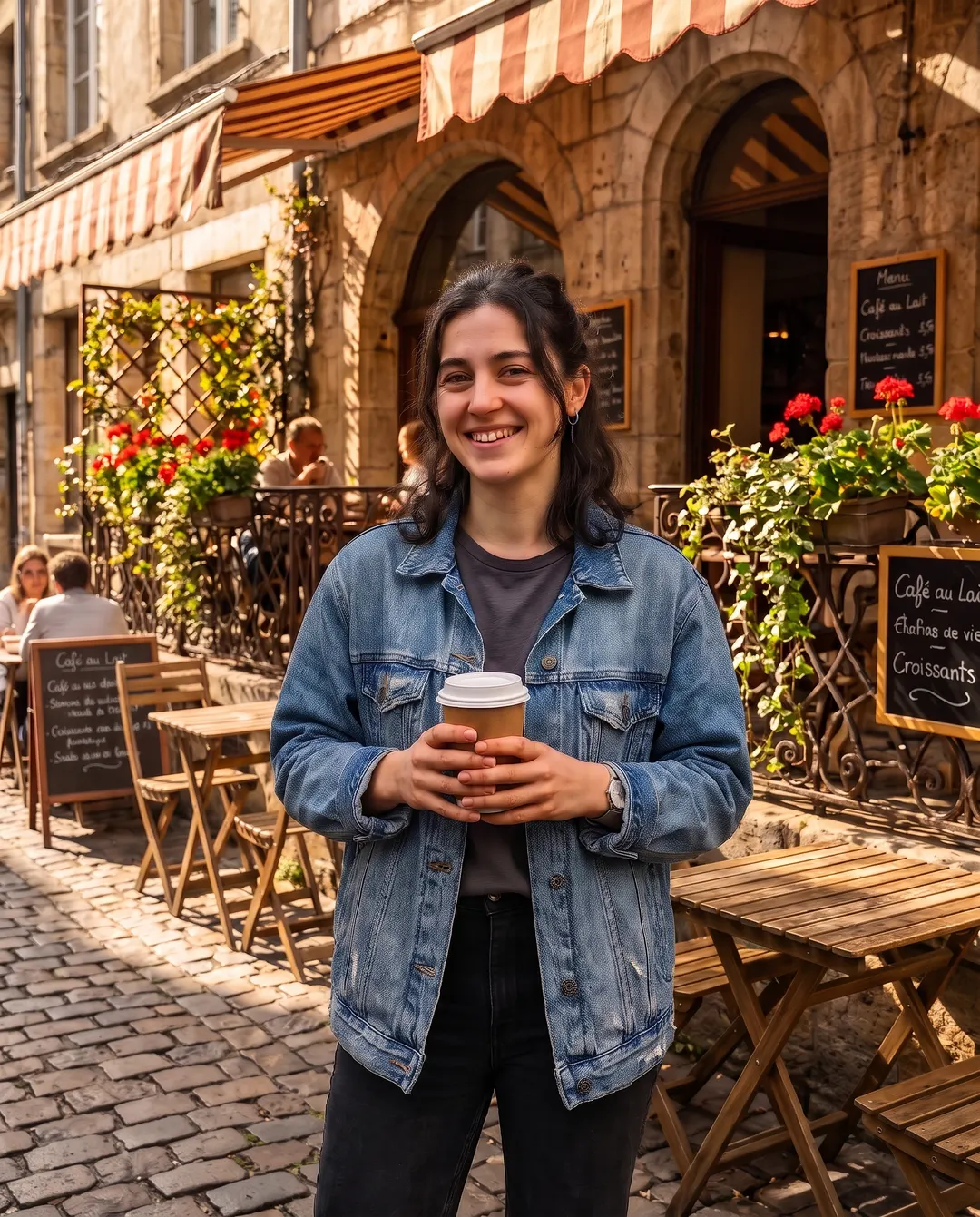
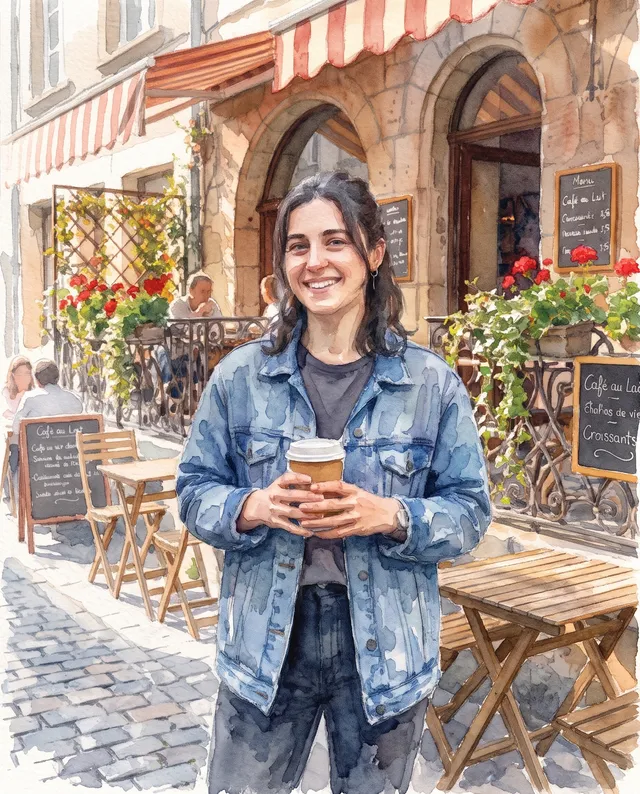
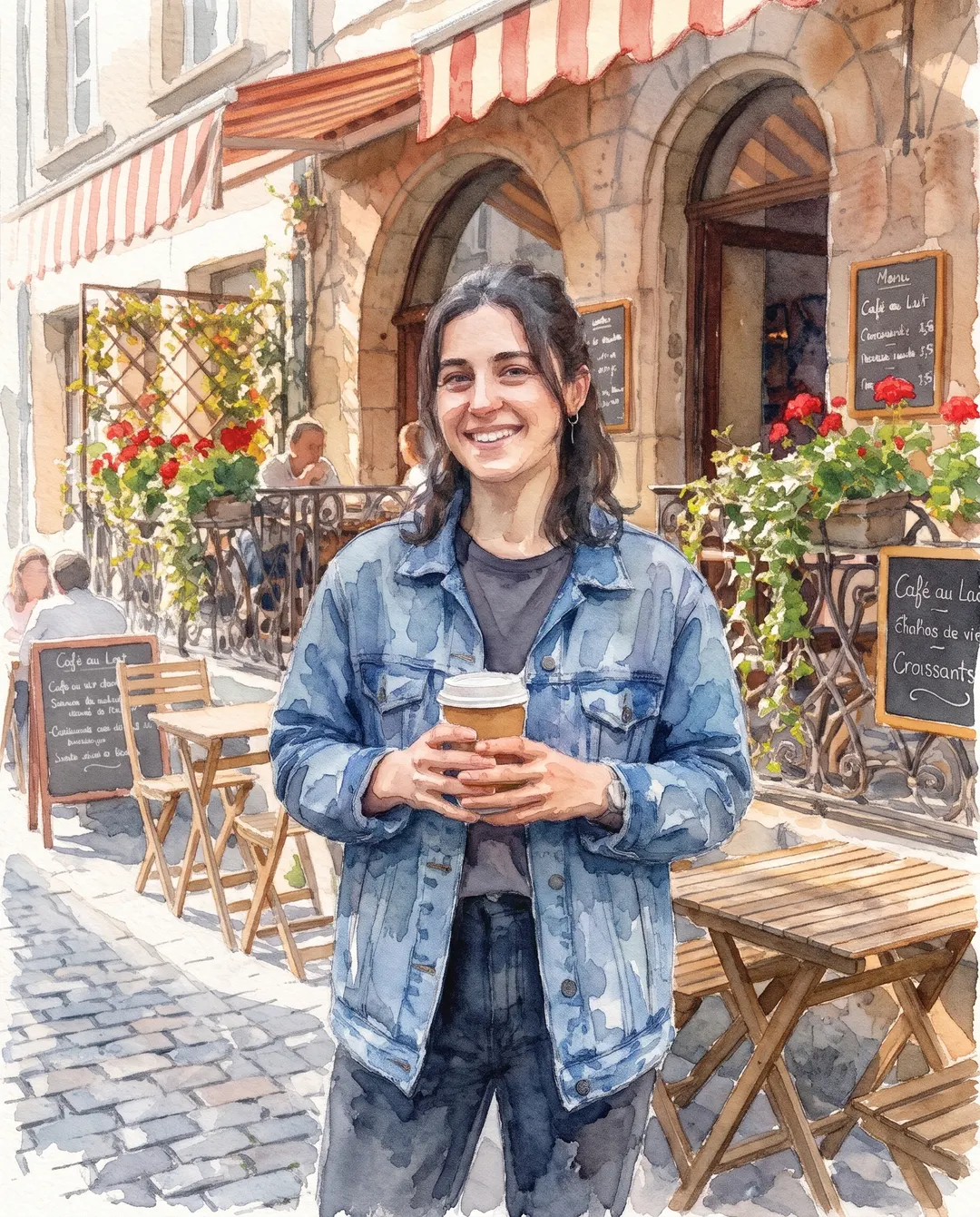 BeforeAfterMake it a watercolour
A photo this morning, a watercolour by lunch.
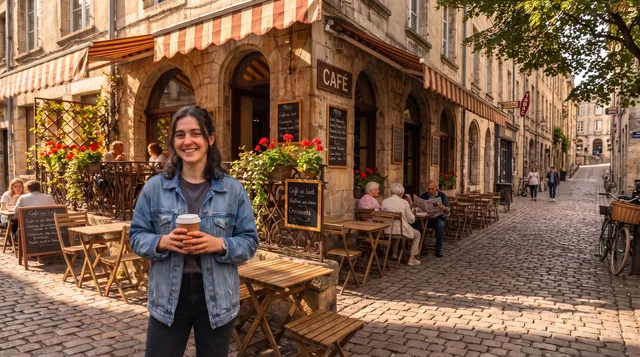
Holiday snaps make lovely paintings. Ask for a watercolour and the café, the flowers and the cobbles turn into loose washes on textured paper, while she still looks like herself. Oil paint, a pencil sketch or a picture-book illustration take the same one line.
- Watercolour, oil, pencil: name the style
- Made to keep faces recognisable
- Lovely for prints, cards and gifts
Edited? Keep going.
Every result comes with a next step, so one edit leads to the next. Here’s one phone photo, four sentences later.
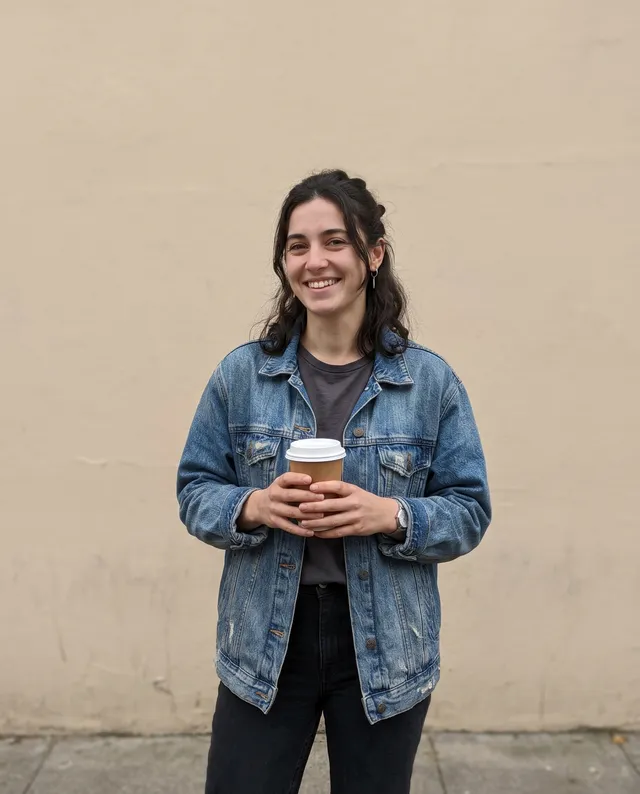 Taken on a phone
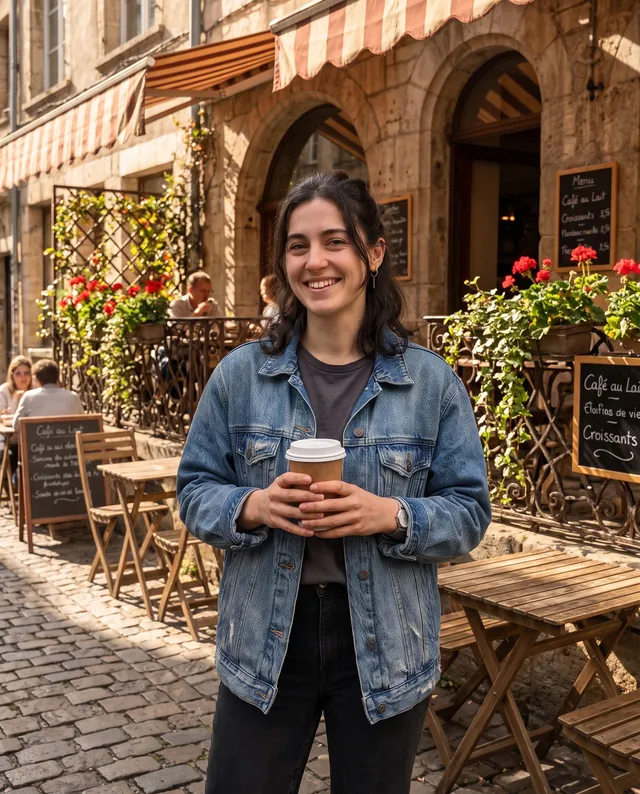 Put it on a café terrace
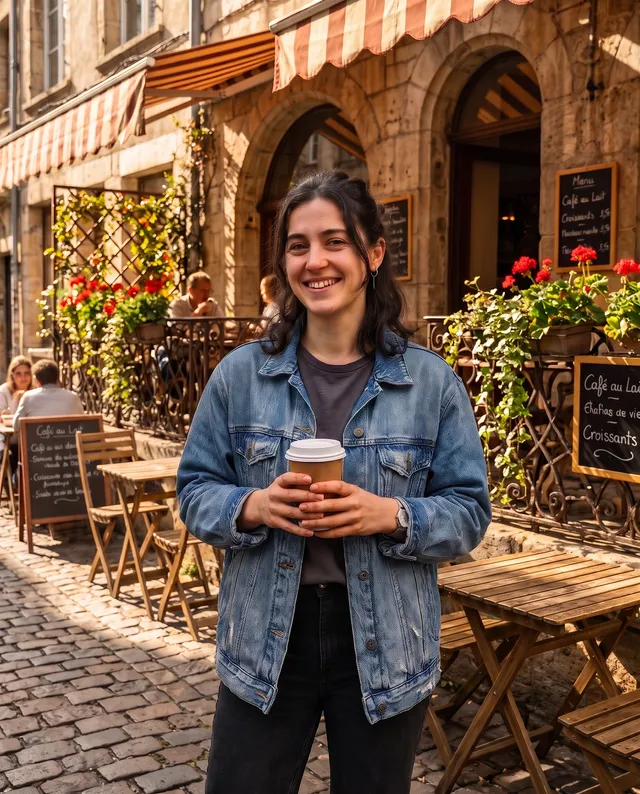 Make it crisp and bright
 Extend it to 16:9
 Make it a watercolour
The AI image editor in three steps. No layers, no masks.
Nothing to select and nothing to learn. If you can say it, you can edit it.
Add your photo
From your phone or computer, or paste it straight in.
- “Make it a snowy winter evening”
Say what to change
In your own words, or tap Winter, Golden hour, New outfit or Watercolour.
Download, or keep going
Save it with no watermark, or say the next change and go again.
An AI photo editor for what you’d change if you could.
Most edits start with “if only”. These are the ones we see most.
Seasons and weather
Snow for the Christmas card, blossom for spring, blue sky for the grey day you actually had.
Light and time of day
Turn a flat midday shot into golden hour, or a daytime street into a glowing night.
Take things out
The bin, the cables, the stranger in the back. Say what goes and the space is filled in.
Outfits
Try a suit for the profile photo or a different dress for the party, without changing your face.
Art styles
Watercolour, oil painting, pencil sketch or comic: turn a favourite photo into something to hang.
Rooms and homes
See the living room in a new style or the garden in full bloom before you spend a penny.
Questions about editing photos with AI
Something else? Email support@pixenhancer.ai
Explore more ways to fix a photo
Objects & People
Restore & Enhance
Say what you’d change. See it changed.
Start with one sentence.


