Seedream 5
Bold colour and crisp edges. Posters, covers and large prints come out punchy and sharp.


In plain words.
Every model has a shape. Here is where this one shines, and when another one on PixEnhancer will serve you better.
Good at
- Bold colour, posters and sharp large prints.
- Working from up to 5 of your photos
- Sizes 2K and 4K, in 7 shapes
- From 4 credits a picture, priced before you run
Pick something else for
- Follows long, detailed instructions closely.GPT Image 2
- Photo-real light, skin and texture.Flux 2 Pro
- Clean layouts, lettering and diagrams.Qwen Image 3 Pro
- Playful, cinematic looks in seconds.Grok Imagine
- Rich colour and sharp detail at 2K and 4K.Seedream 4.5
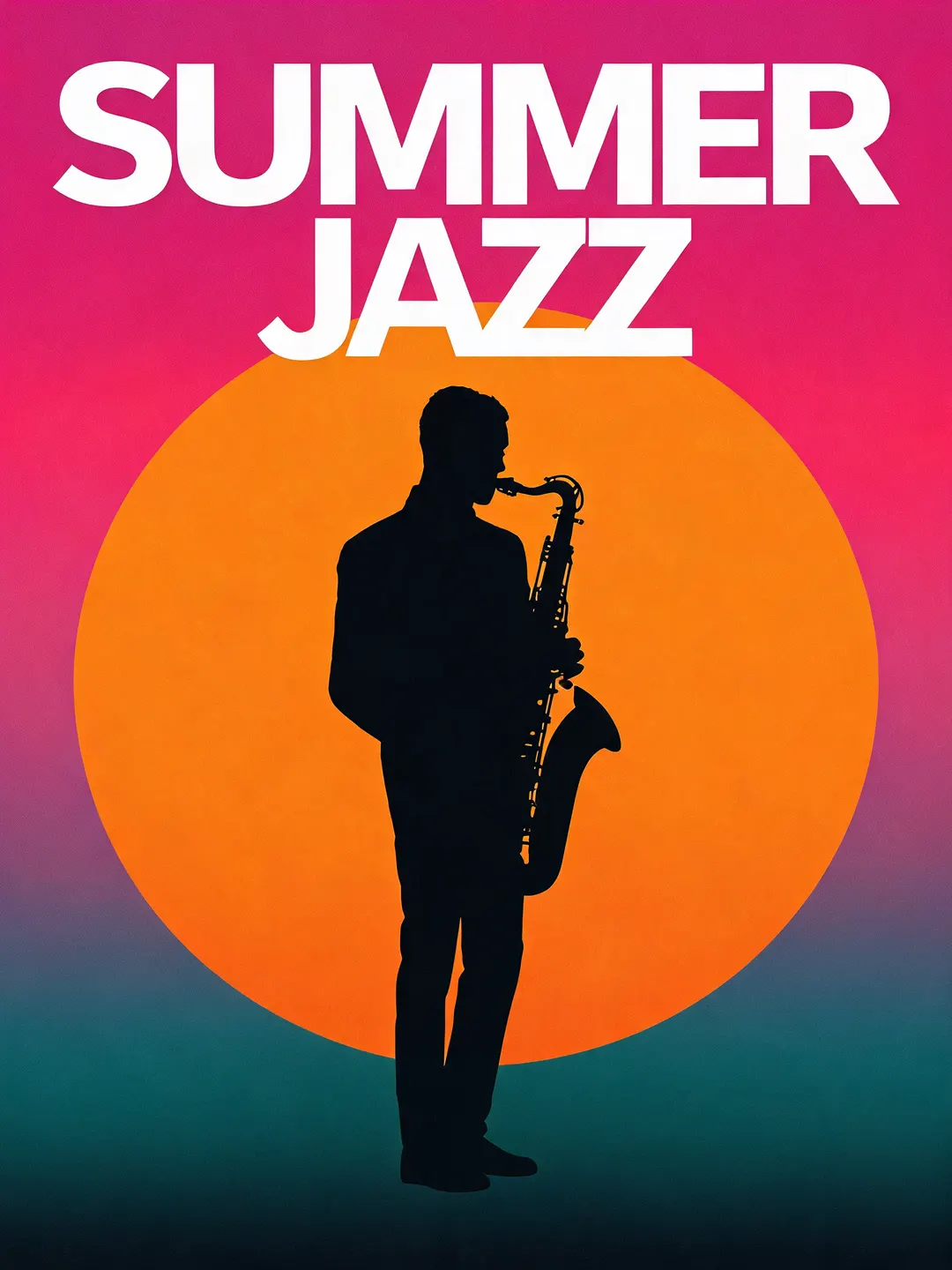
Posters that stop people walking past.
Big flat shapes, a sun that fills half the sheet and colour turned all the way up. Seedream 5 keeps edges crisp and colours clean, so the poster reads from across the street, and the title sits in big bold letters at the top. Save it at 2K or 4K at the same price.
- Saturated colour, clean edges
- Bold titles across the top
- 2K and 4K at the same price
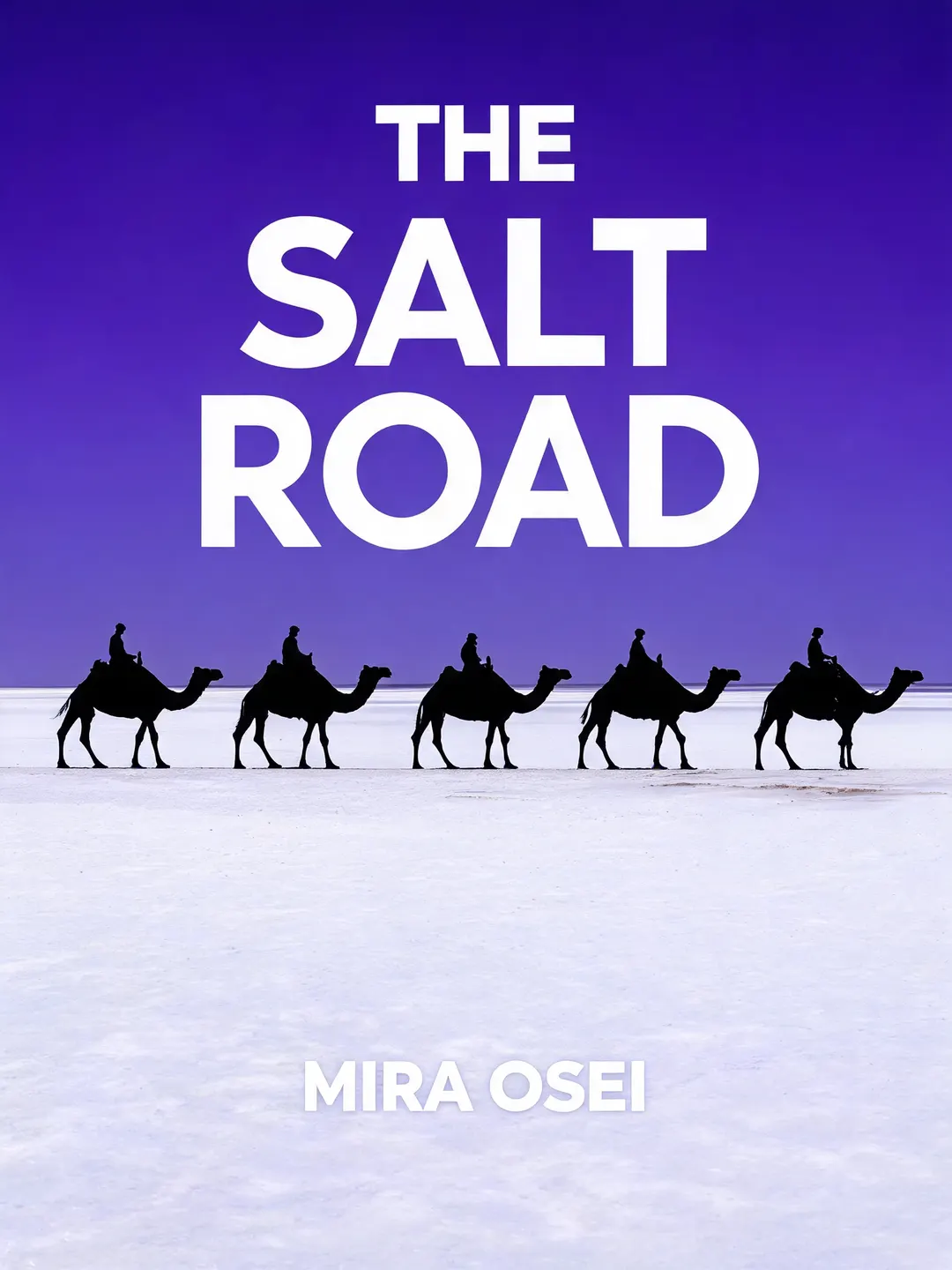
A cover that sells the story.
Describe the scene, the title and the author line, and Seedream 5 lays out a cover you could put on a shelf: a caravan in silhouette on white salt flats, a violet sky, the title large at the top and the author at the bottom. Try it for books, albums, podcasts and event pages.
- Title and author placed for you
- Book, album and podcast covers
- Tall shapes for print, square for apps
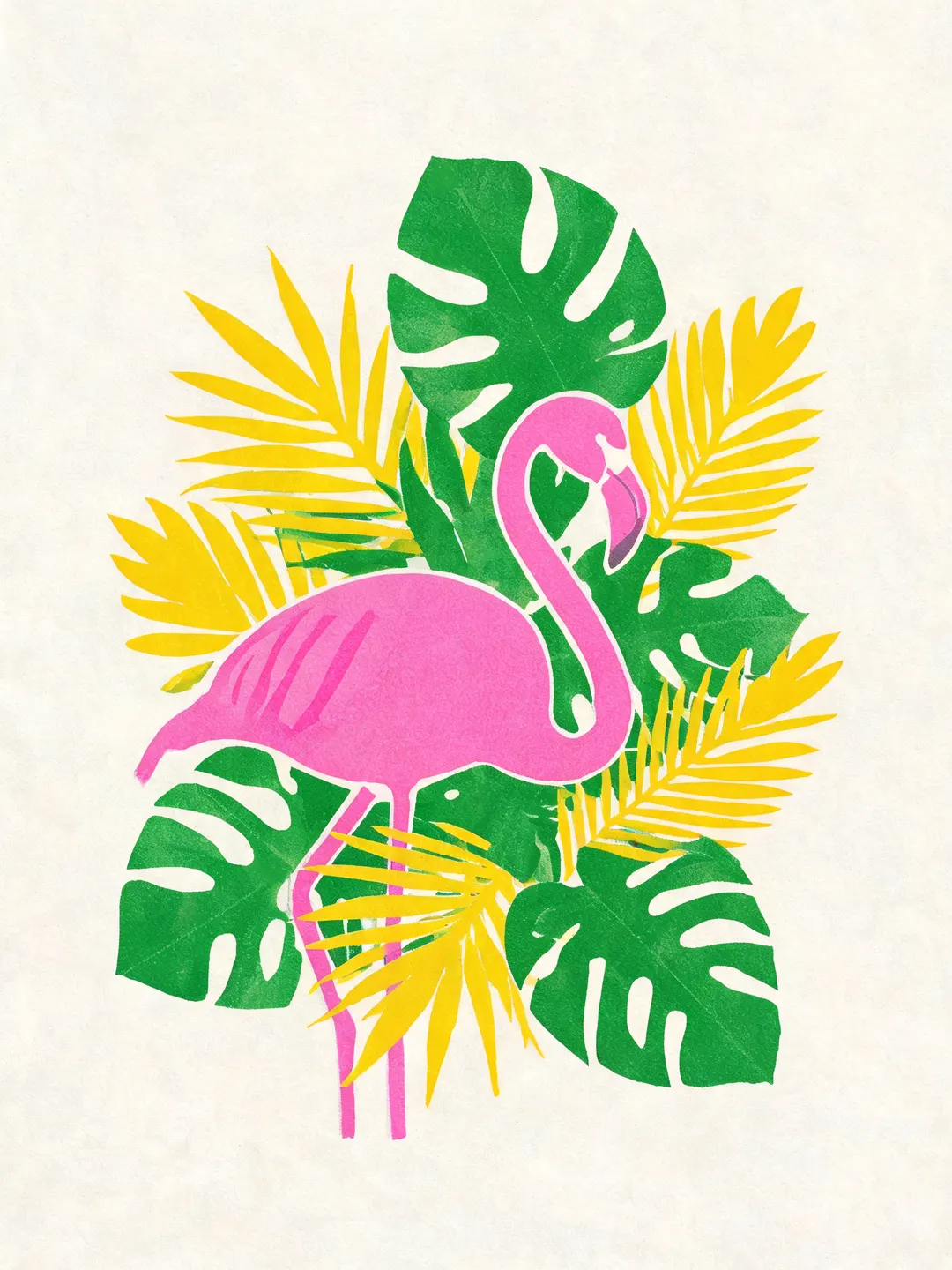
Wall art in punchy, clean colour.
Name a style and three colours, and Seedream 5 holds to them: this risograph-style flamingo uses fluorescent pink, emerald and yellow in clean overlapping shapes, with no stray text. The edges stay crisp at large sizes, so it prints well.
- Name the style and the colours
- No stray text when you ask for none
- Crisp at large print sizes
Made with Seedream 5.
Every example shows the exact words that made it. Tap one to put those words in the box, then change a word and see what moves.
How the AI image generator works.
Three steps and no settings to learn. Everything you need is in the box above.
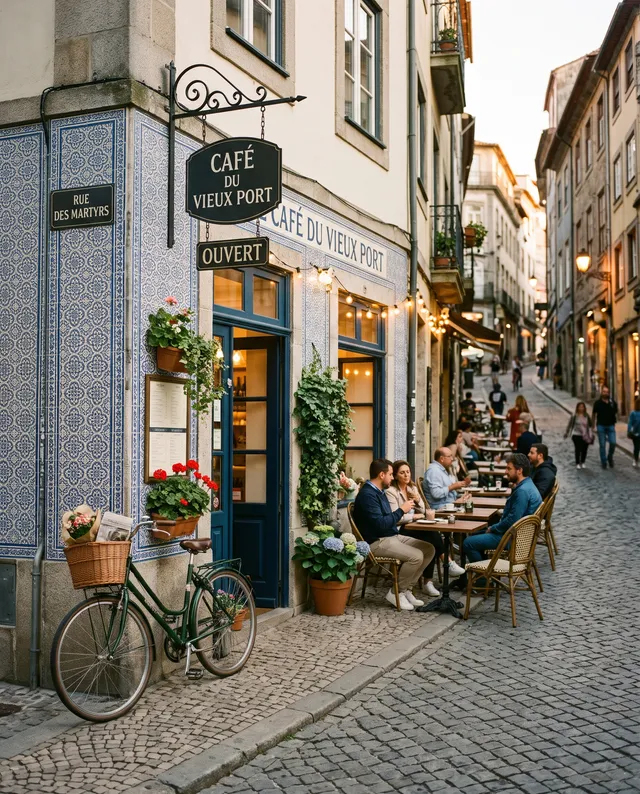 “Street café at dusk, warm string lights”
Describe the picture
Write what you want in plain words: the subject, the place, the light. Pick a shape and add a photo if you like.

Choose a model, see the price
Every model is named and priced. Switch models and the price on the Generate button changes before you run.
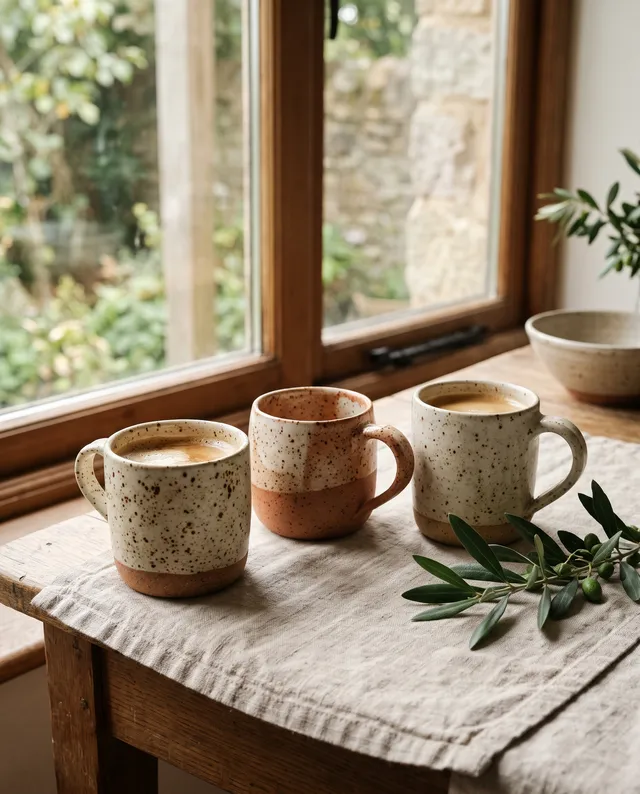
Download it or keep going
The picture appears right here. Download it, or open it in Studio to change it again, upscale it or make it move.
Price, sizes and shapes.
Prices are shown before every run and never change mid-way. Failed runs are refunded in full.
- Price
- From 4 credits2K 4 credits · 4K 4 credits, per picture
- Sizes
- 2K and 4KPick the size in the box
- Shapes
- 7 shapes1:1, 4:3, 3:4, 16:9, 9:16, 3:2, 2:3
- Photos in
- Up to 5JPG, PNG, WebP or HEIC, up to 20 MB
- Per run
- One pictureRun again for another take
- Made by
- ByteDanceNo ByteDance account needed
Not quite the right fit? Try these.
Same box, different strengths. Every model has its own page with examples and prices.
Seedream 5 questions
Something else? Email support@pixenhancer.ai
Start with a photo, or just a sentence.
Bold colour, posters and sharp large prints.


