AI Object Remover
Bins, wires, photobombers: gone, with the background filled in as if they were never there.
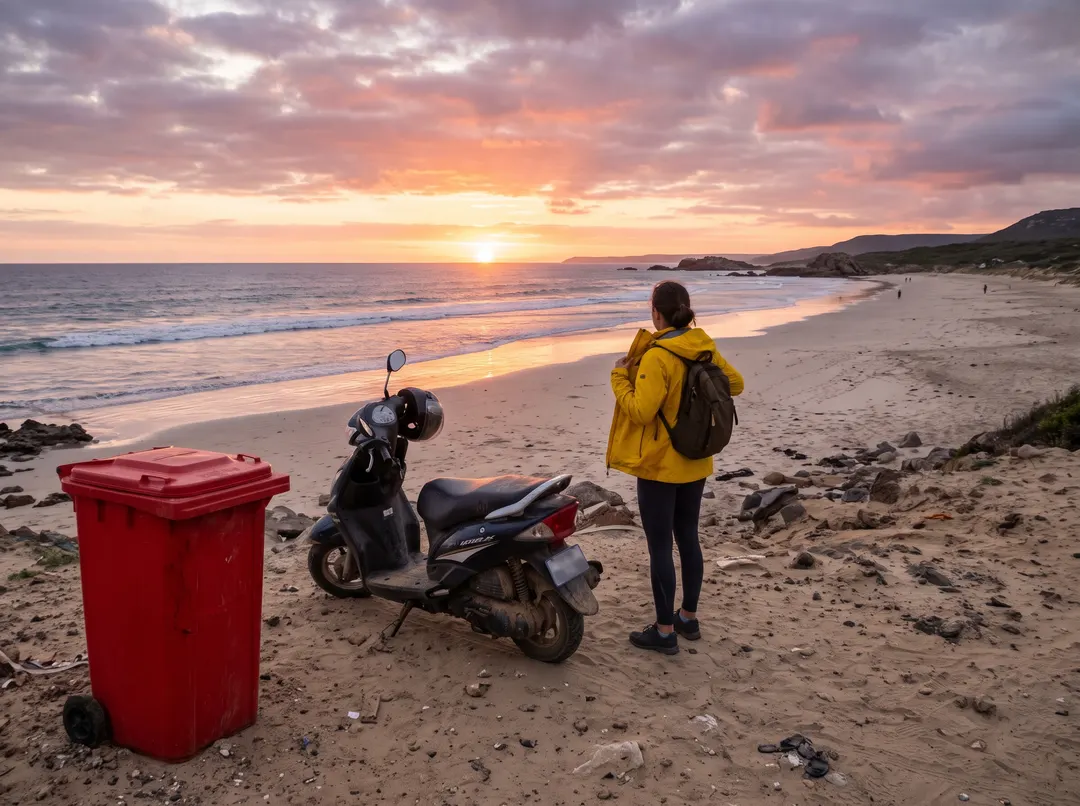
 BeforeAfterPaint over the bin, the scooter and the touristBeforeAfterPaint over the bin, the scooter and the tourist
Remove objects from photos, keep the sunset.
You waited for the light, then noticed the red bin, the parked scooter and a bright jacket right in the frame. Brush over all three and they go, while the sand, the waves and the sky are carried on behind them as if nothing had ever been there. Think of it as a photo eraser that leaves beach behind instead of a blank hole.
- Several things gone in one go
- Sand, water and sky filled in to match
- Missed a bit? Brush it and run again
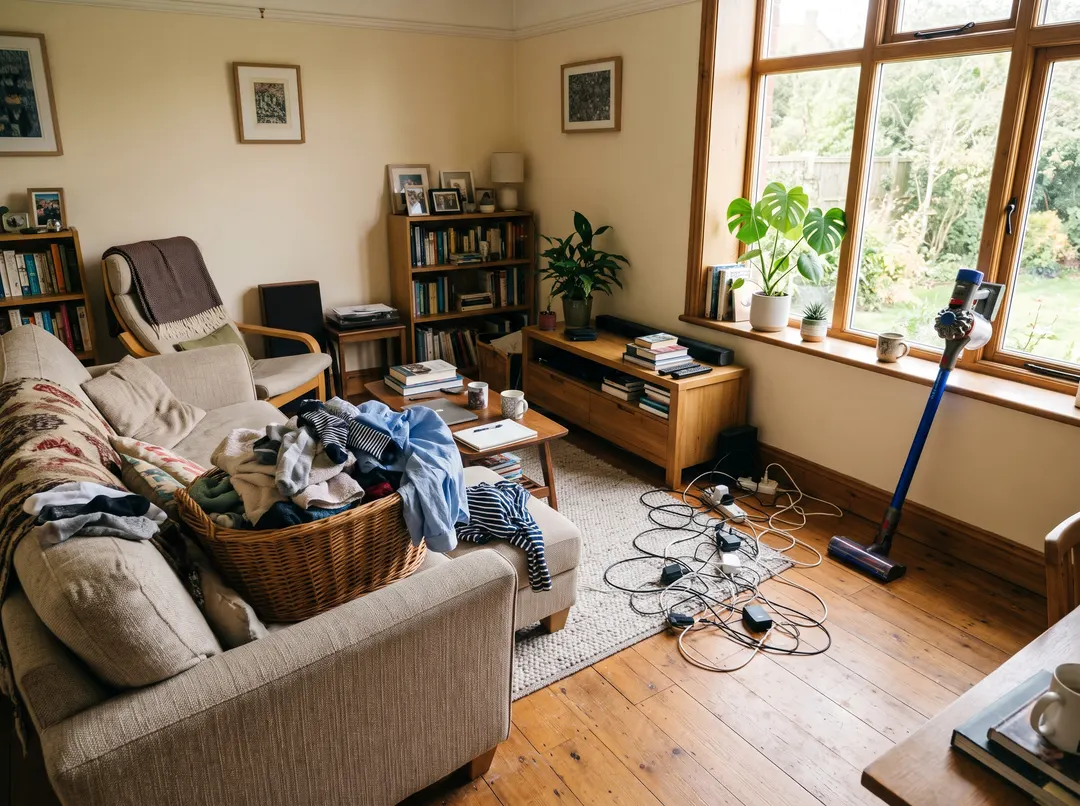
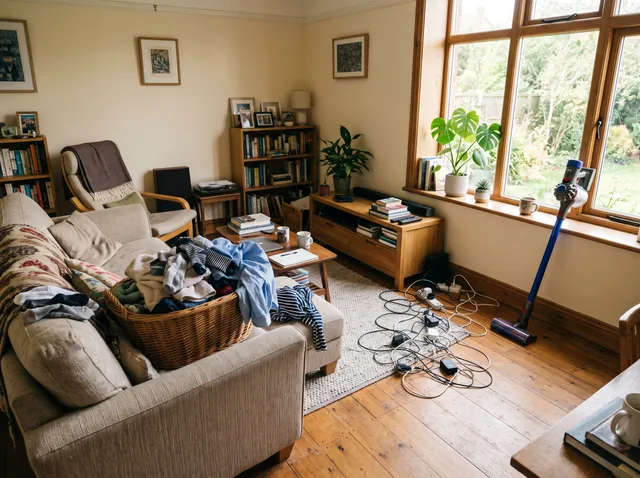
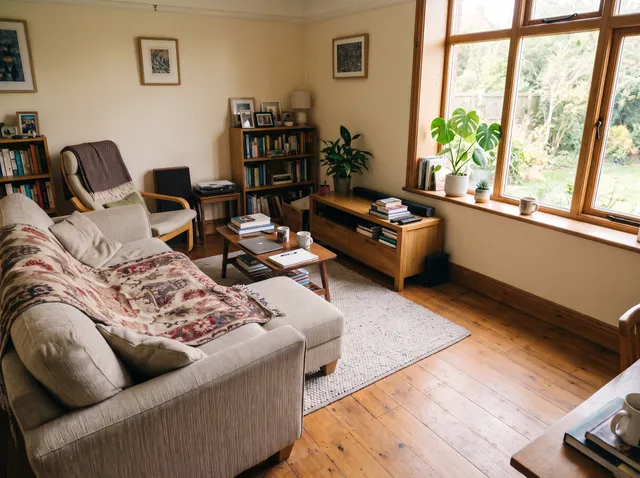
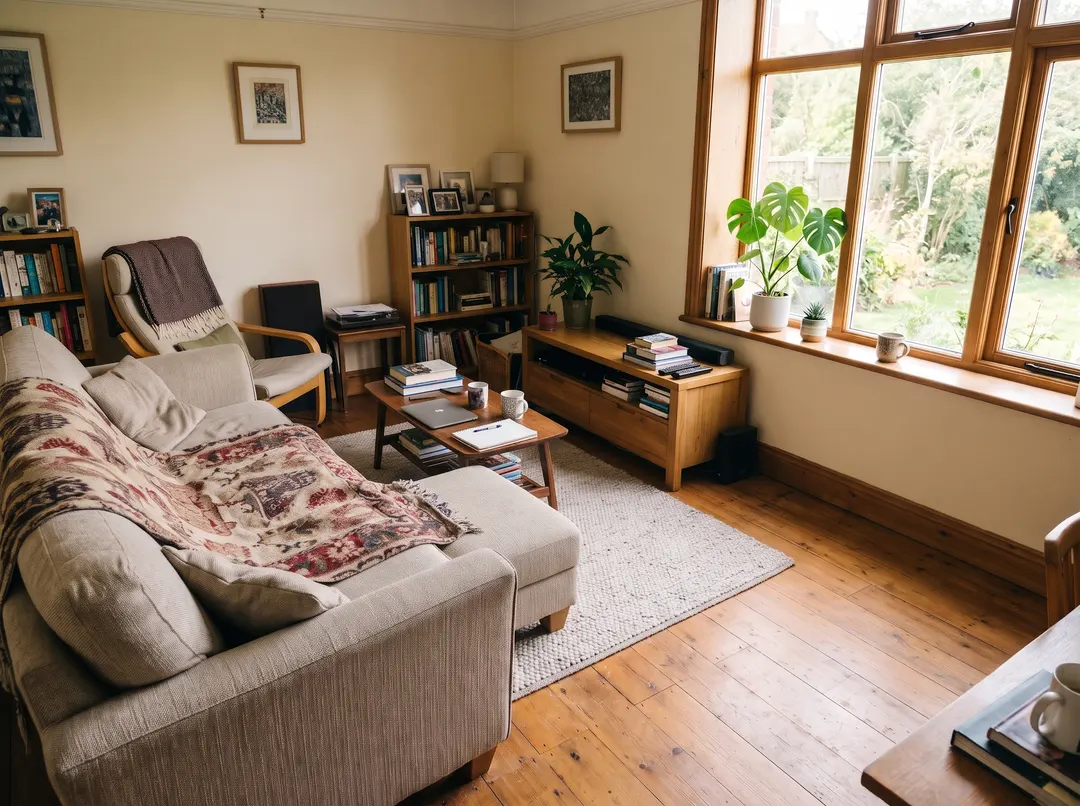 BeforeAfterPaint over the basket, the cables and the vacuum
Tidy the room without tidying the room.
The flat looks great in person, but the photo shows the laundry basket, the cables and the vacuum by the window. Paint over them and the sofa, the floor and the curtains come back clean, ready for a listing, a rental ad or a before-and-after post.
- Clutter gone, furniture left where it is
- Floors and walls continued naturally
- Made for listings and rental ads

 BeforeAfterRemove the caption and the date stamp
Words in the way? Lift them off too.
Captions, date stamps and big sale banners are objects too, just flatter ones. Text remover is made for them: the writing comes off and the table, the wall or the sky underneath is filled back in, so the photo is ready for a new caption or none at all.
- Captions, banners and date stamps
- The picture underneath brought back
- No brushing letter by letter
Clean it up with the magic eraser in three steps. Just a brush.
No clone stamp, no layers. Paint roughly over what should go and the rest is done for you.
Upload a photo
From your phone or computer. Indoors, outdoors, products or places.
- “Paint over the vacuum cleaner”
Paint over what should go
A loose stroke is enough. Make the brush bigger or smaller, undo, or erase a stroke. Cover the whole thing with a little margin; neat edges don’t matter.
Download
Save it with no watermark, or take it on to the AI editor for the next change. Something left behind? Brush over it and run again.
For photos you can’t take again.
The moment has passed, the light has gone. The bin can still go. The AI object remover takes it out after the fact.
Travel photos
Signs, barriers, bins and scooters out of the view you came all that way for.
Property listings
Clutter, cables and personal bits out of every room before the photos go live.
Product shots
The mug, the cable or the stray price tag gone from the edge of the frame. Only the bit you paint changes.
Social posts
A clean frame for the outfit, the plate or the view, without restaging it.
Streets and buildings
Parked cars, bins and road signs out of the way of the architecture. The building gets the frame to itself.
Shots you love
The one photo that would be perfect if it weren’t for that one thing.
Questions about removing objects
Something else? Email support@pixenhancer.ai
Explore more ways to fix a photo
Objects & People
Restore & Enhance
Great photo. Minus one thing.
Paint over what spoils it and it’s gone.


