AI Photo & Video Tools
Fix, change or create. Every tool is ready the moment you open it.
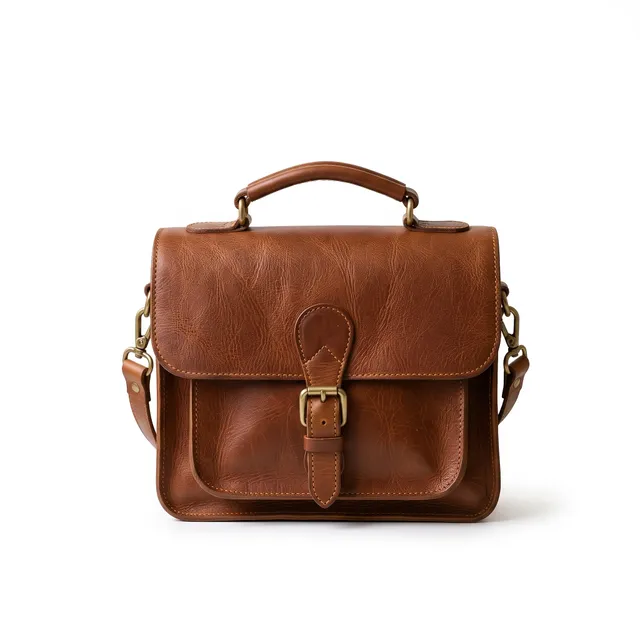
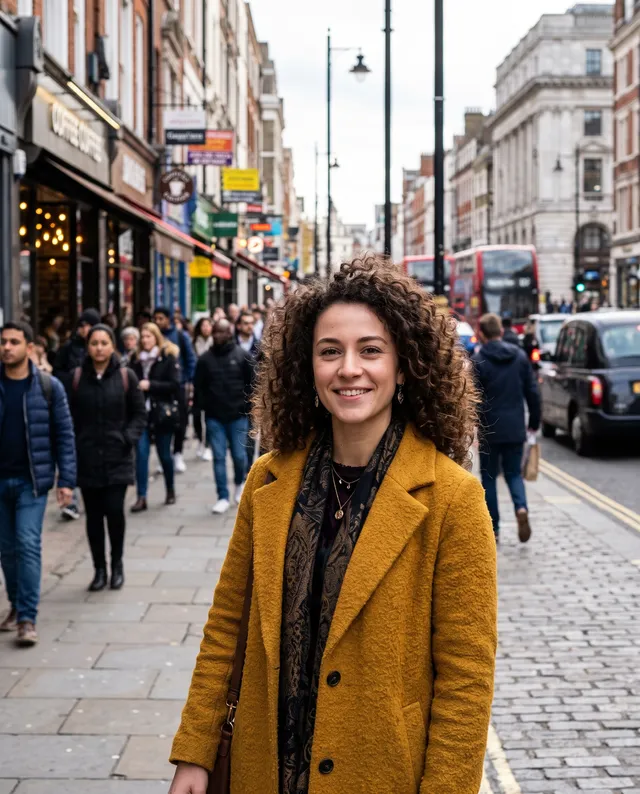
Backgrounds
Put anything anywhere, or take the background away.


Fix & enhance
Make the photos you already have look their best.
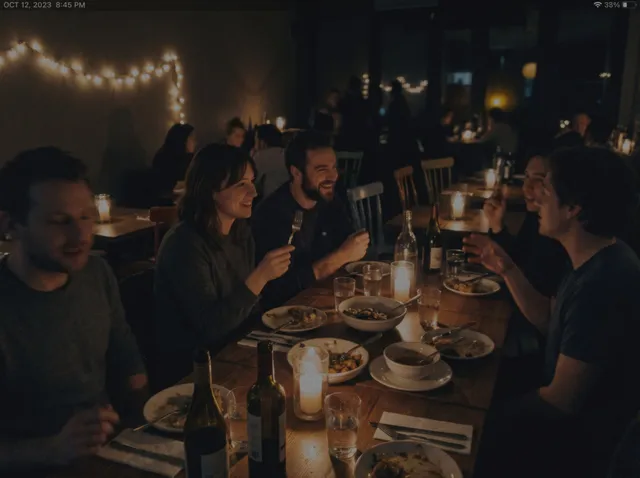
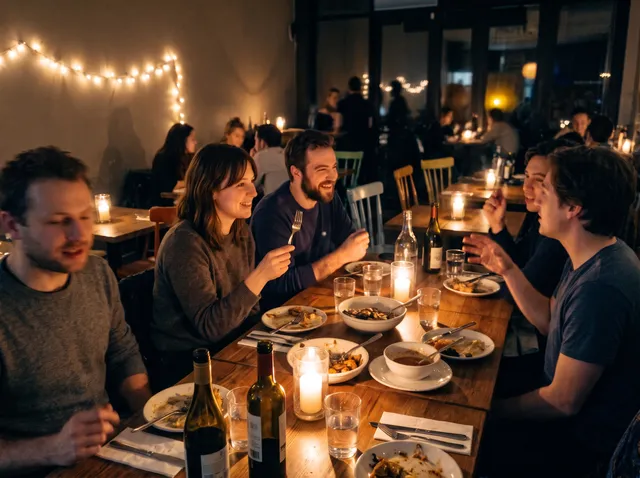 Photo EnhancerFix dark, grainy and dull photosTry it
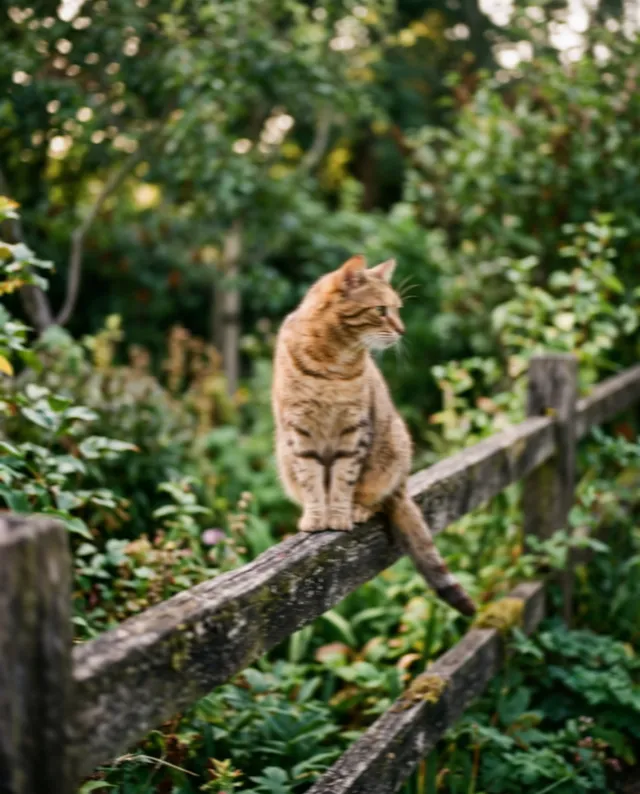
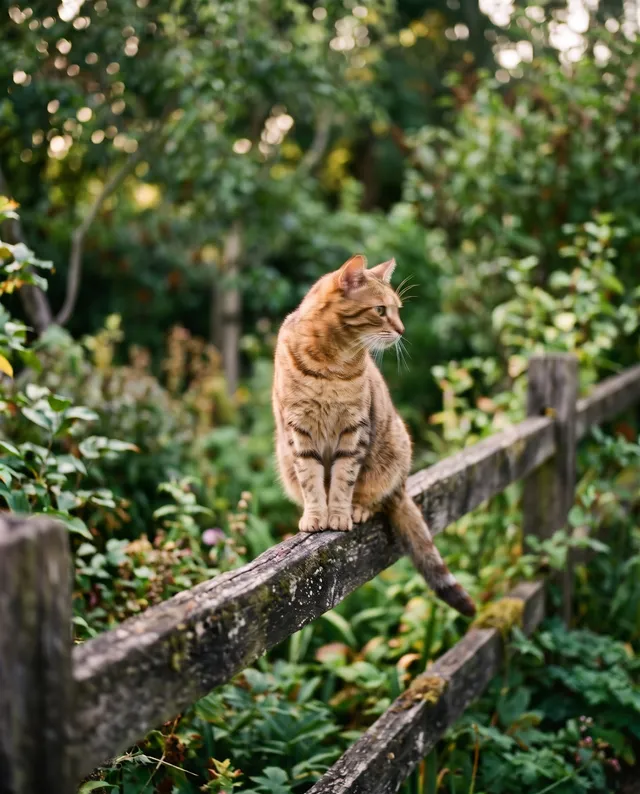 Sharpen ImageMake soft and blurry photos crispTry itUnblur ImageRescue a shaky or out-of-focus shot.Try it
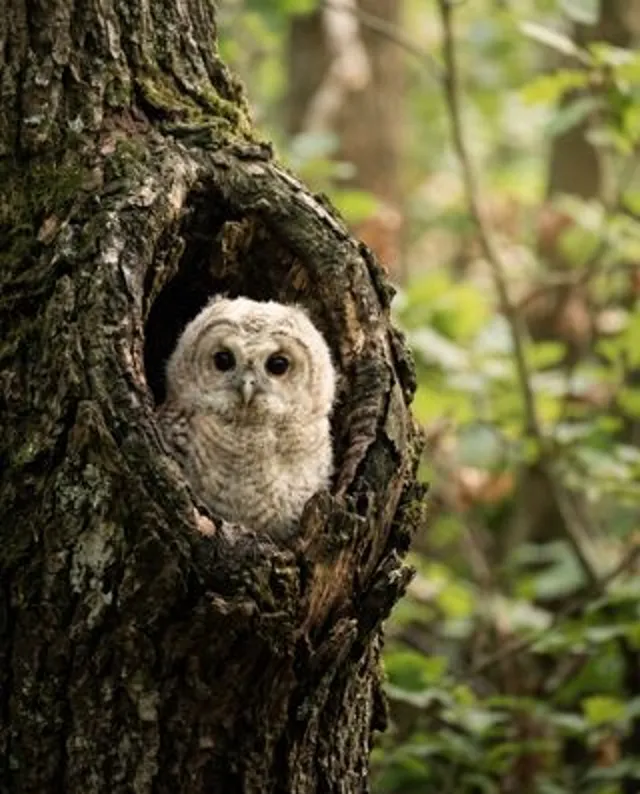
 Free to tryImage UpscalerEnlarge photos up to 4× and sharpenTry itUpscale to 4KBig enough to print or fill a TV, set to 4×.Try it
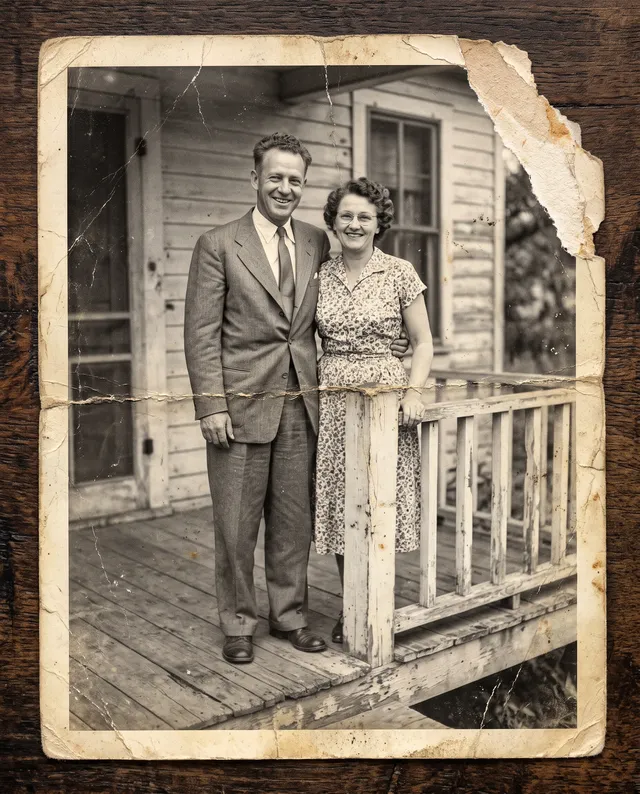
 Photo RestorationRepair old, faded and damaged photosTry itFree to tryColorize PhotoTurn black-and-white photos into colorTry it
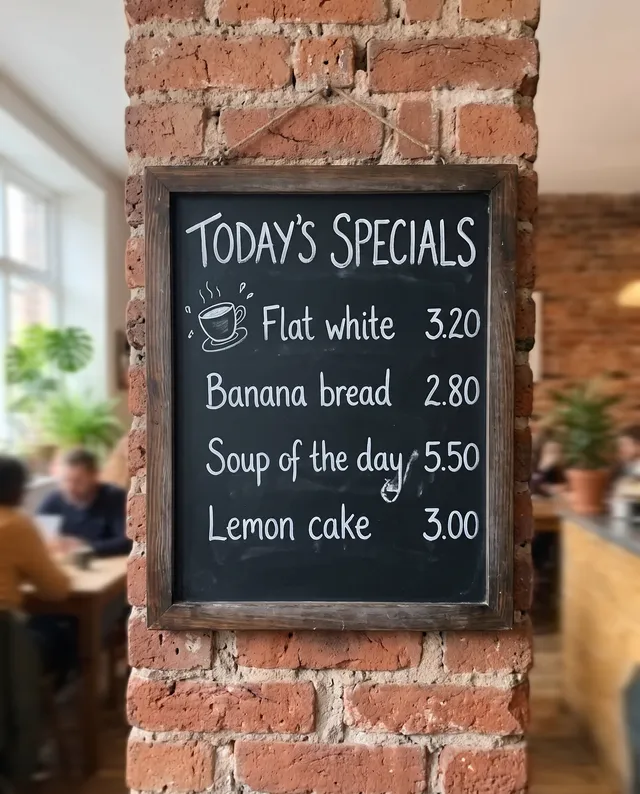 Unblur TextMake blurry writing readable againTry it
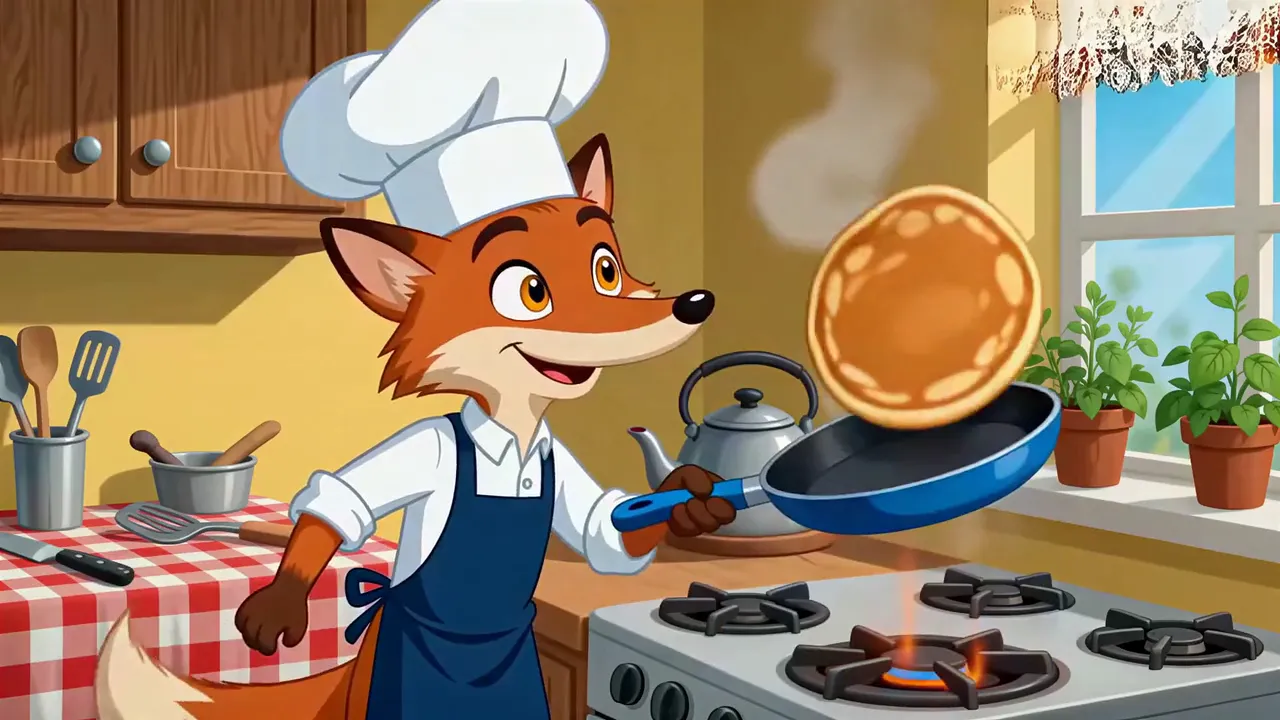 AI Video EnhancerTurn a blurry clip into sharp 1080p or 4KTry it
Erase & extend
Take out what you don’t want, add room where you need it.
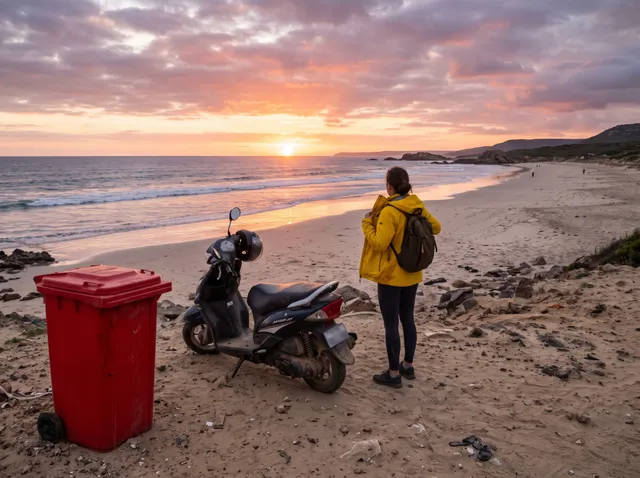
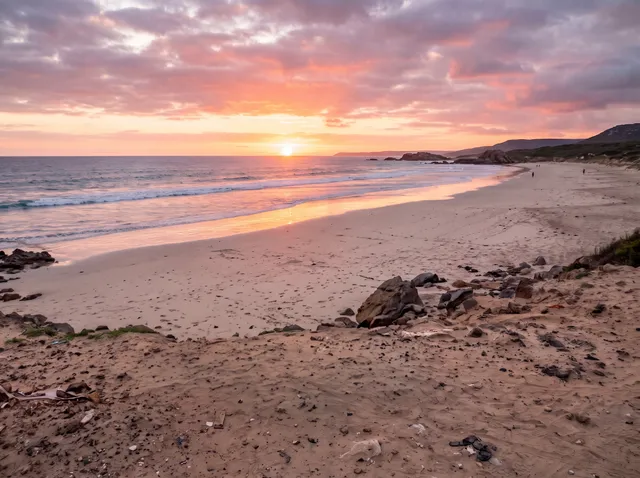 Object RemoverErase clutter, bins and wiresTry itRemove People from PhotoClear tourists and photobombersTry it
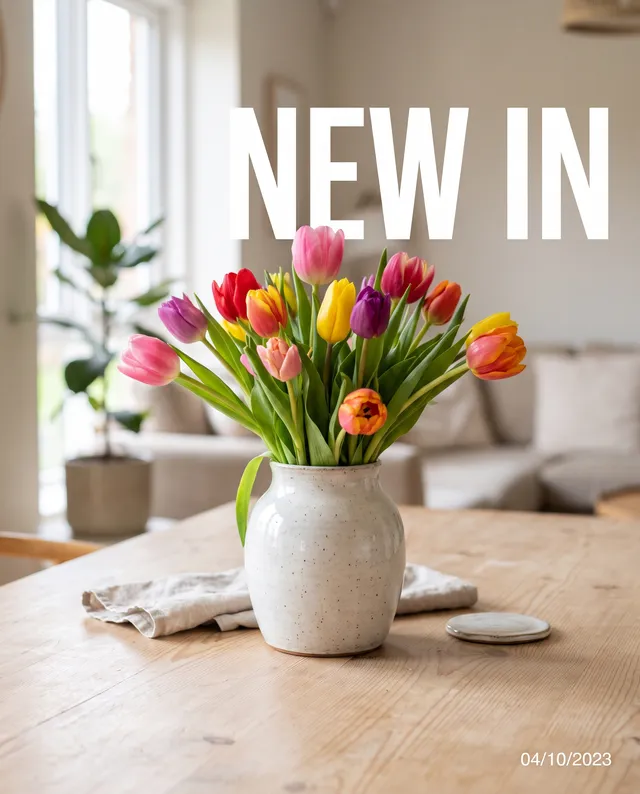
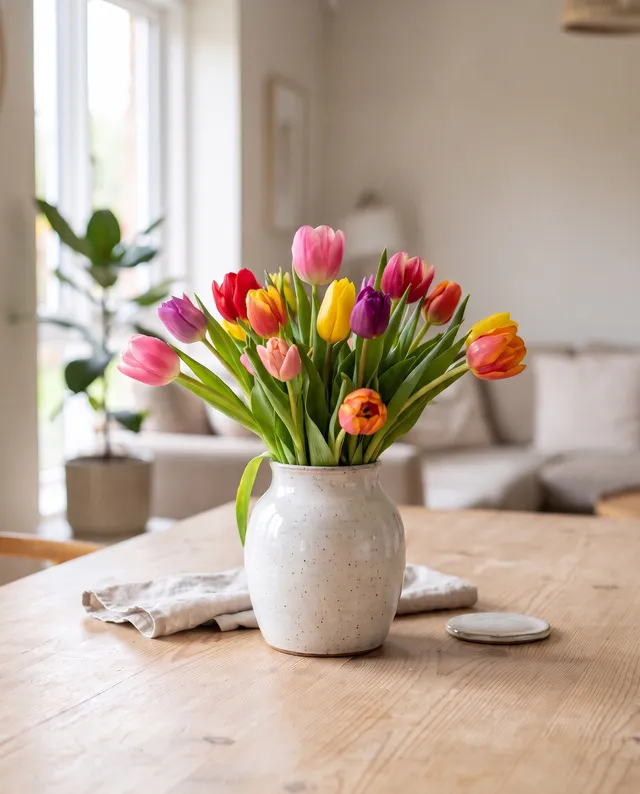 Text RemoverErase captions, stamps and watermarks you ownTry it
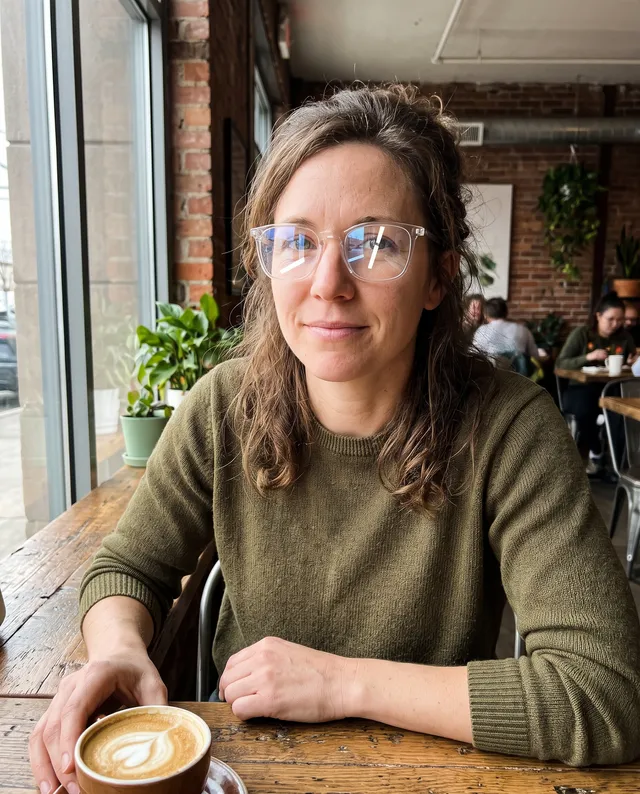
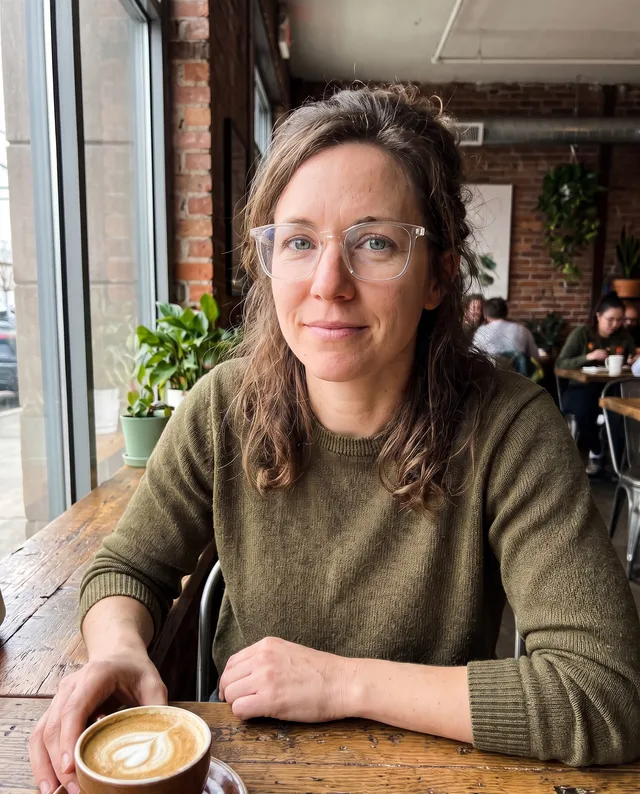 Remove GlareClear glasses glare and flash spotsTry it
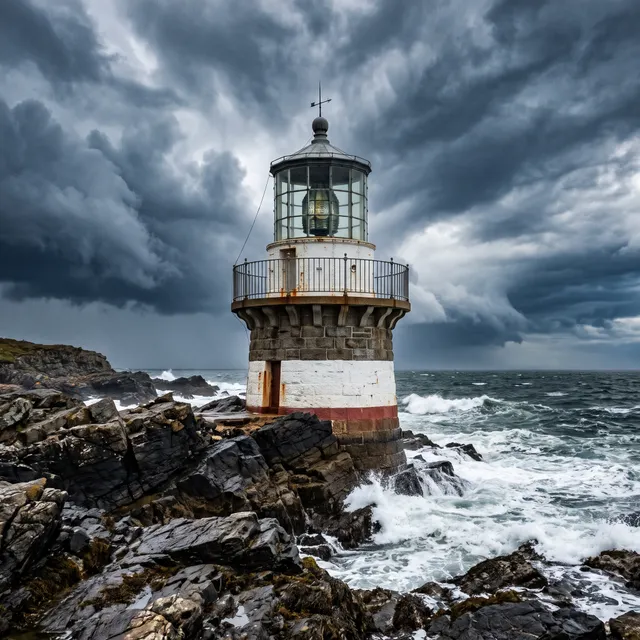
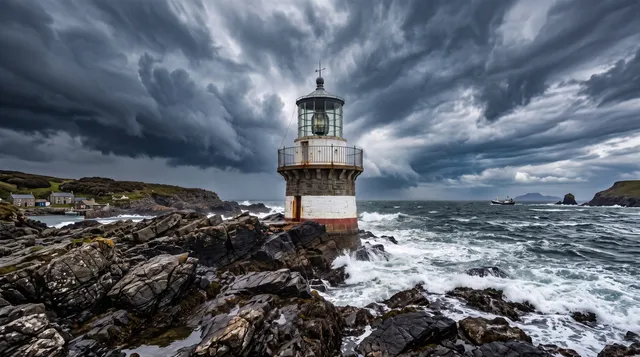 Image ExtenderWiden the frame and fill in the restTry it
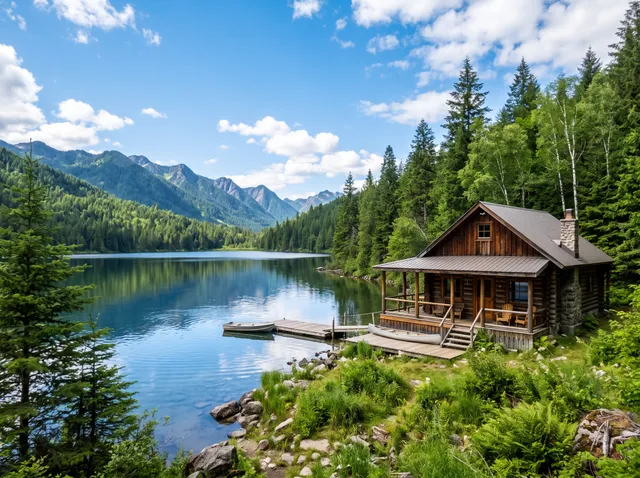
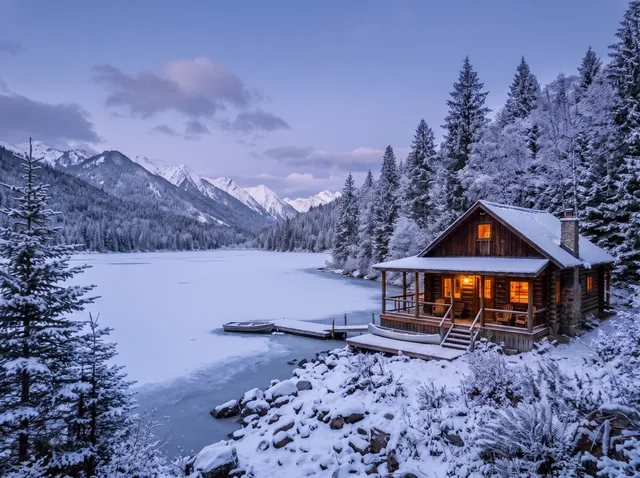 AI Image EditorDescribe any change and get it doneTry it
Create with AI
Start from words or a photo and make something new.
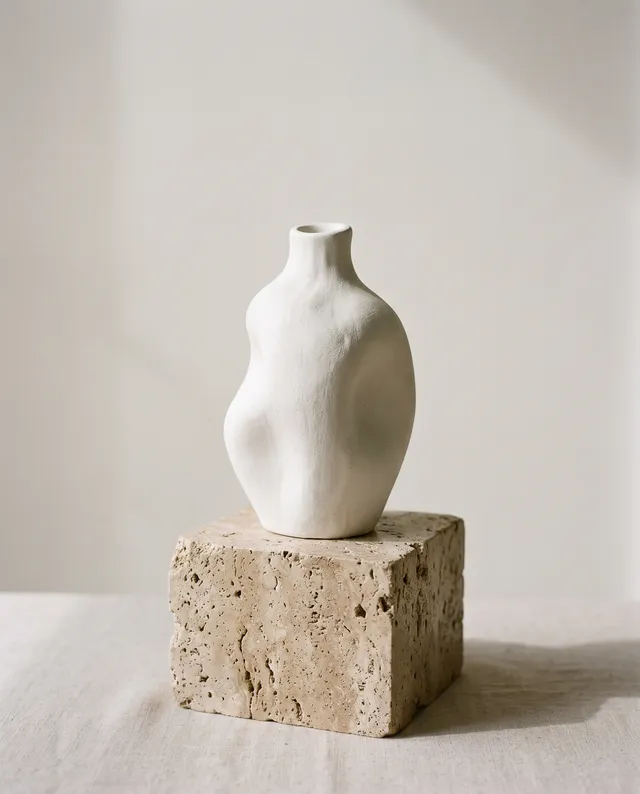
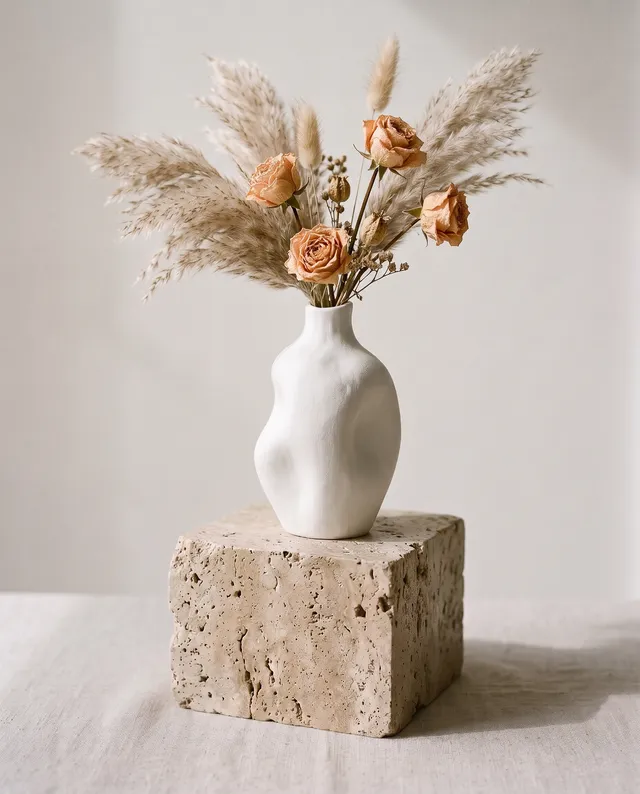 Generative FillPaint an area and say what goes thereTry it
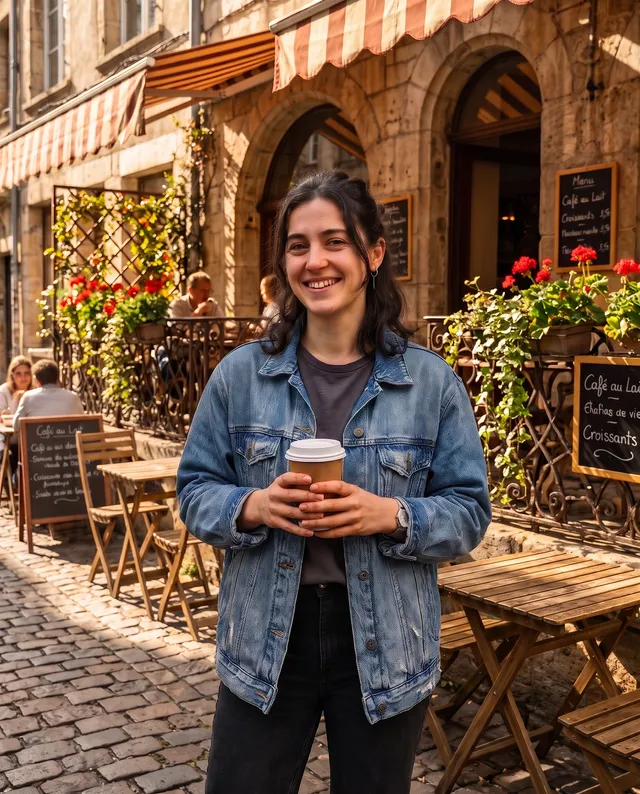
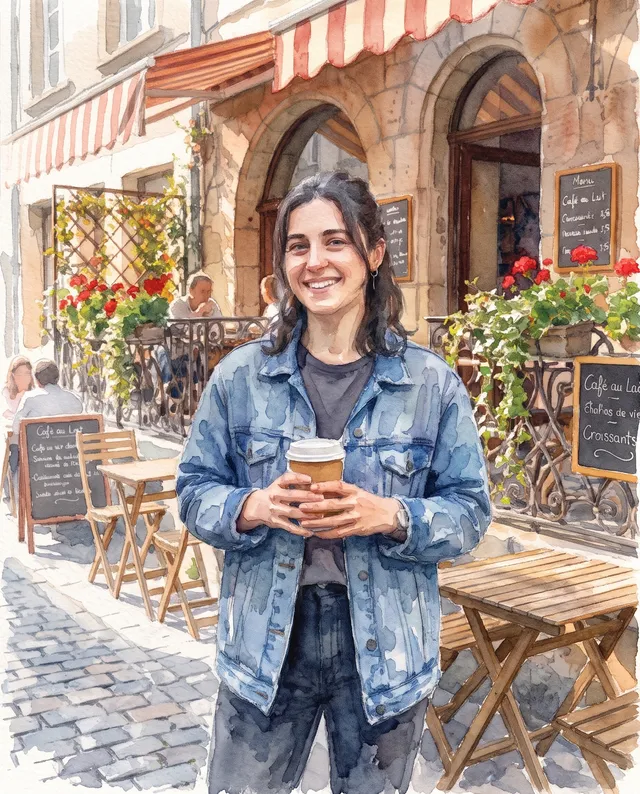 AI Photo FilterTurn a photo into anime, sketch or paintTry it
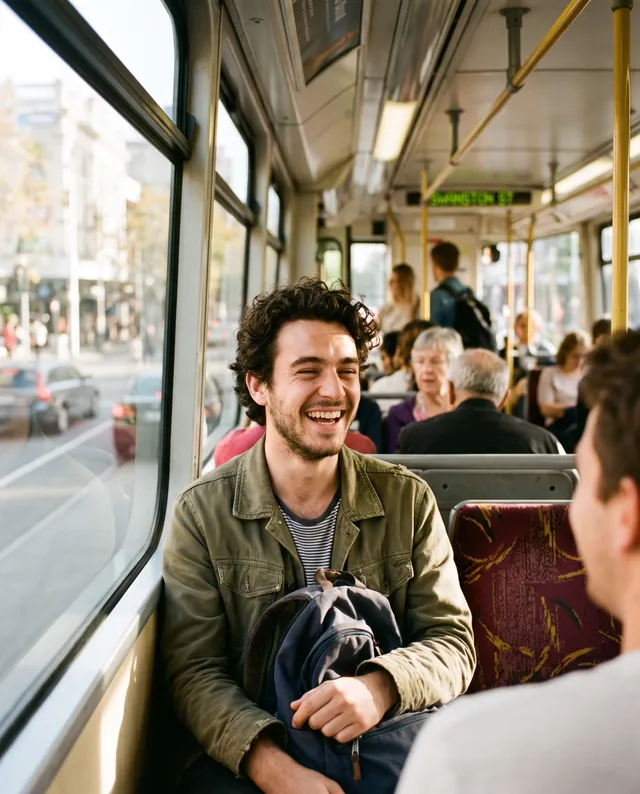
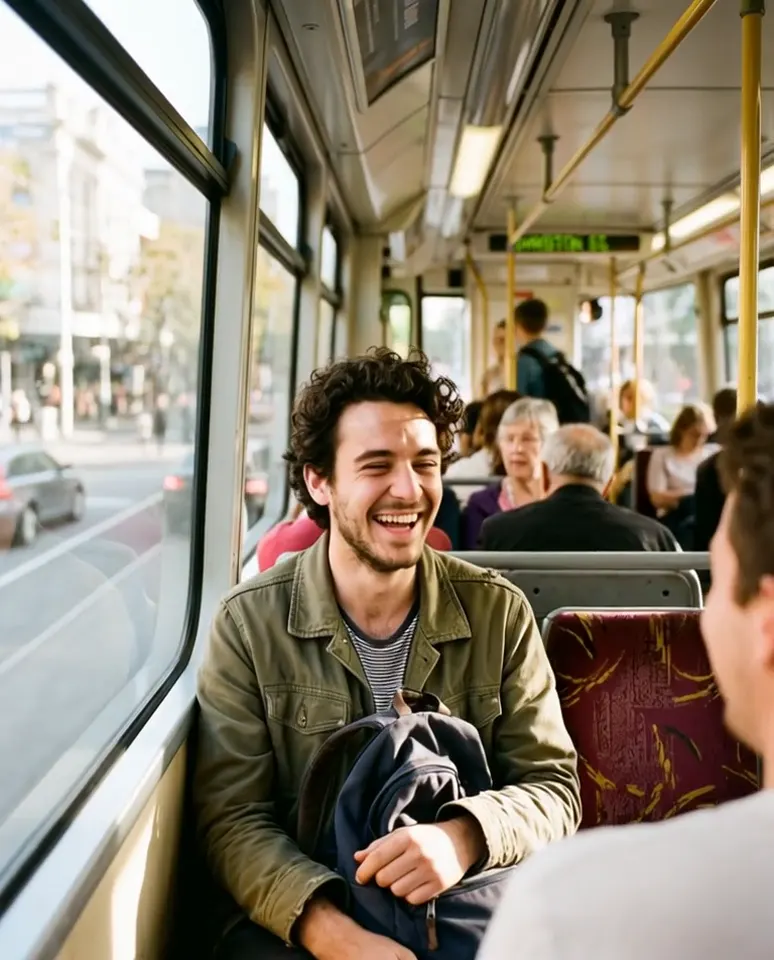 Image to VideoTurn a photo into a short videoTry it
 AI Image GeneratorType an idea, or add a photo, and pick the model.Try it
 AI Video GeneratorDescribe a scene and get a short clip back.Try it
Free tools
Compress, resize, crop and convert photos in seconds.
Which AI photo editing tool do you need?
Most edits come down to one of a few jobs. Start from what bothers you in the photo. With 10 free credits every day, most photo edits cost nothing to try. If a run fails, the credits come back on their own.
The background is wrong
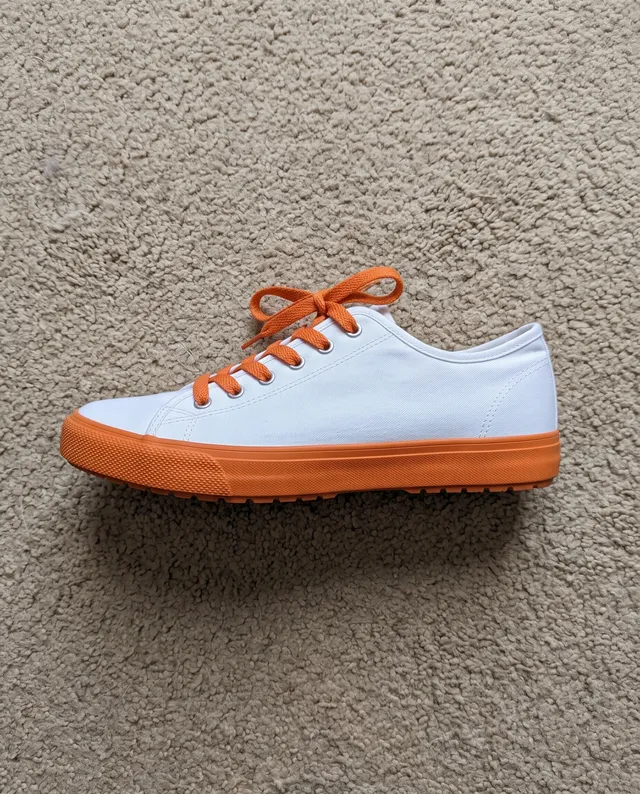
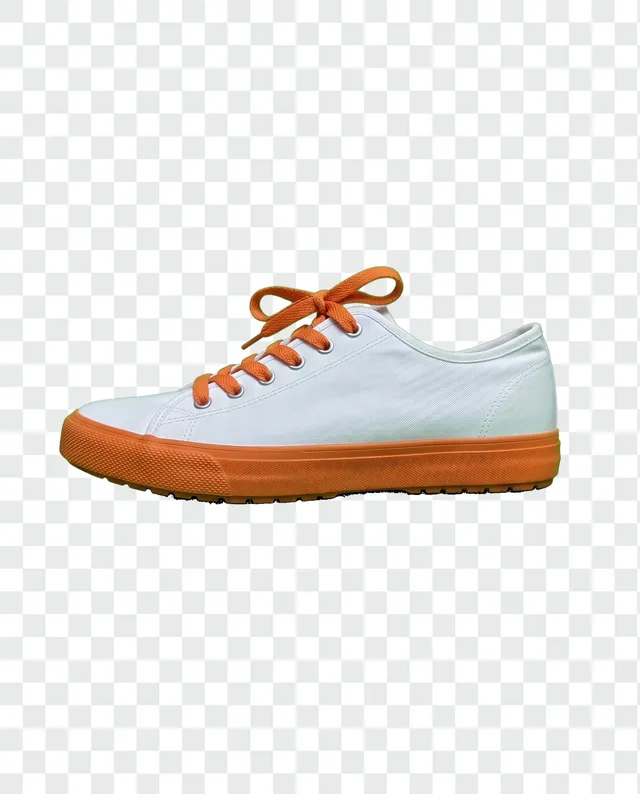
Remove Background cuts out the person or product and leaves the rest see-through, ready for a shop, a slide or a sticker. Background Changer puts them somewhere new, White Background makes clean shop photos, and Background Blur gives the soft portrait look without a big camera.
The photo looks bad
Dark, hazy or dull? Photo Enhancer fixes it in one tap. Sharpen Image is for photos that are only a little soft, Unblur Image for shake and missed focus, and Image Upscaler for photos that are too small to print or post. Unblur Text makes blurry receipts, signs and screenshots readable again, and Upscale Image to 4K makes a photo 4K wide for big screens and prints. AI Video Enhancer does the same for blurry clips.
It’s an old family photo
Photo Restoration takes out creases, scratches and fading from scanned prints and keeps the faces true to the people in them. Colorize Photo turns black and white into colour. Use both, one after the other, for a faded wedding photo that looks like it was taken last year. Scan or photograph the print flat, in even light and at the highest quality your phone or scanner offers. The more detail goes in, the more the tools can save.
Something shouldn’t be there
Object Remover takes out bins, wires and the stranger in the corner: brush over it, and the gap fills with what was likely behind. Remove People clears tourists from a travel shot, Text Remover lifts captions and date stamps, and Remove Glare takes the shine off glasses. Image Extender adds room around a photo that was framed too tight.
You want something new
AI Image Generator turns a sentence into a picture, and AI Video Generator turns one into a short clip. Image to Video brings a still photo to life. AI Image Editor and Generative Fill change a photo from plain words, and AI Photo Filter turns it into a cartoon, anime or sketch.
You just need it smaller or a new shape
Compress, convert, resize and crop run in your browser, so they’re free with no account and nothing uploaded. Use them to get under an upload limit, open an iPhone HEIC photo, fit an Instagram post or cut a 3×3 grid. Fixing the photo too? Do the AI edit first and compress last, so the file you send is both clean and small.
Not sure which tool? Just say what you want.
Studio works it out from your words.