Upscale Image to 4K
Make any photo four times wider and four times taller, ready for a 4K TV, a big monitor or a print on the wall, with crisp detail instead of a stretched blur.
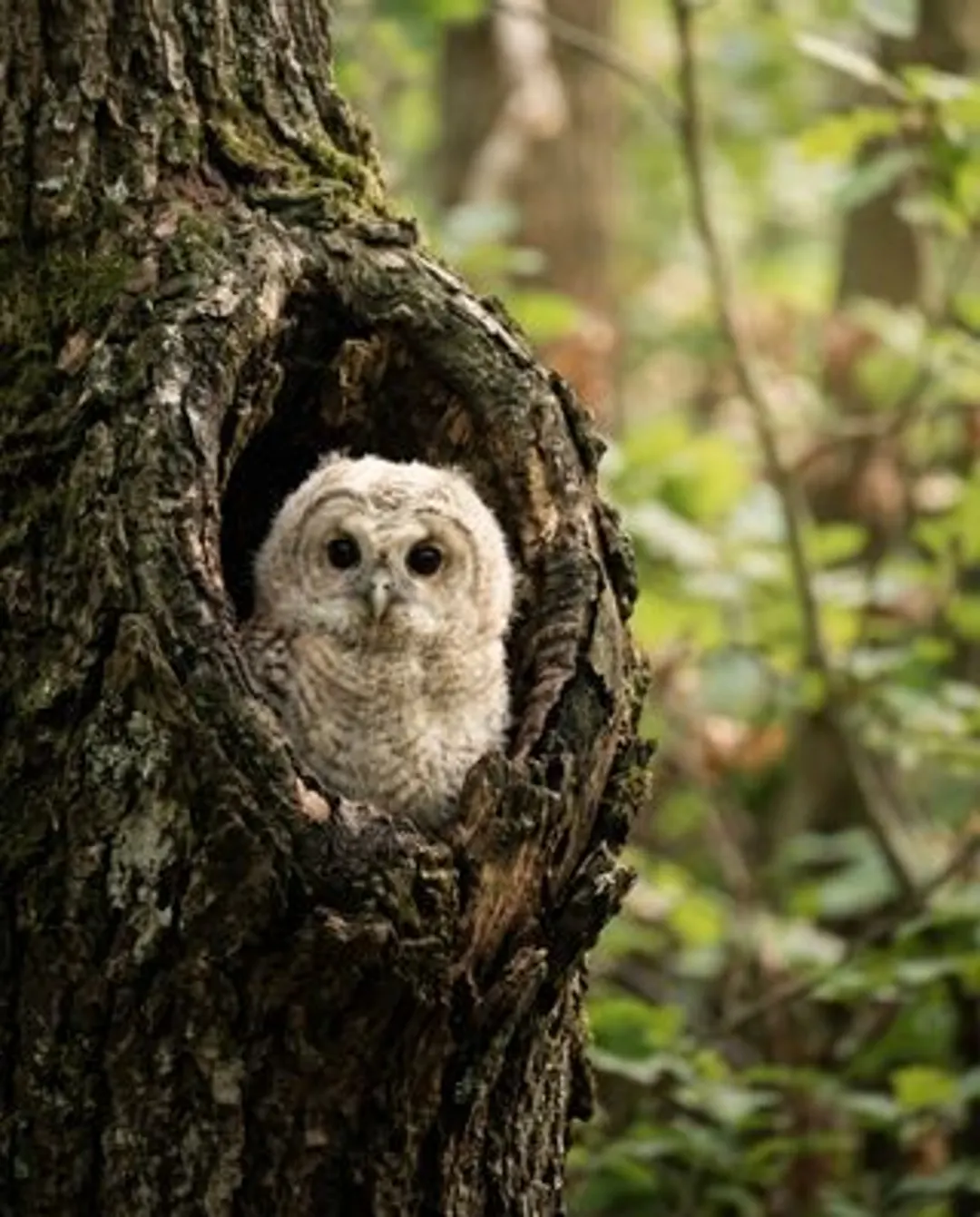
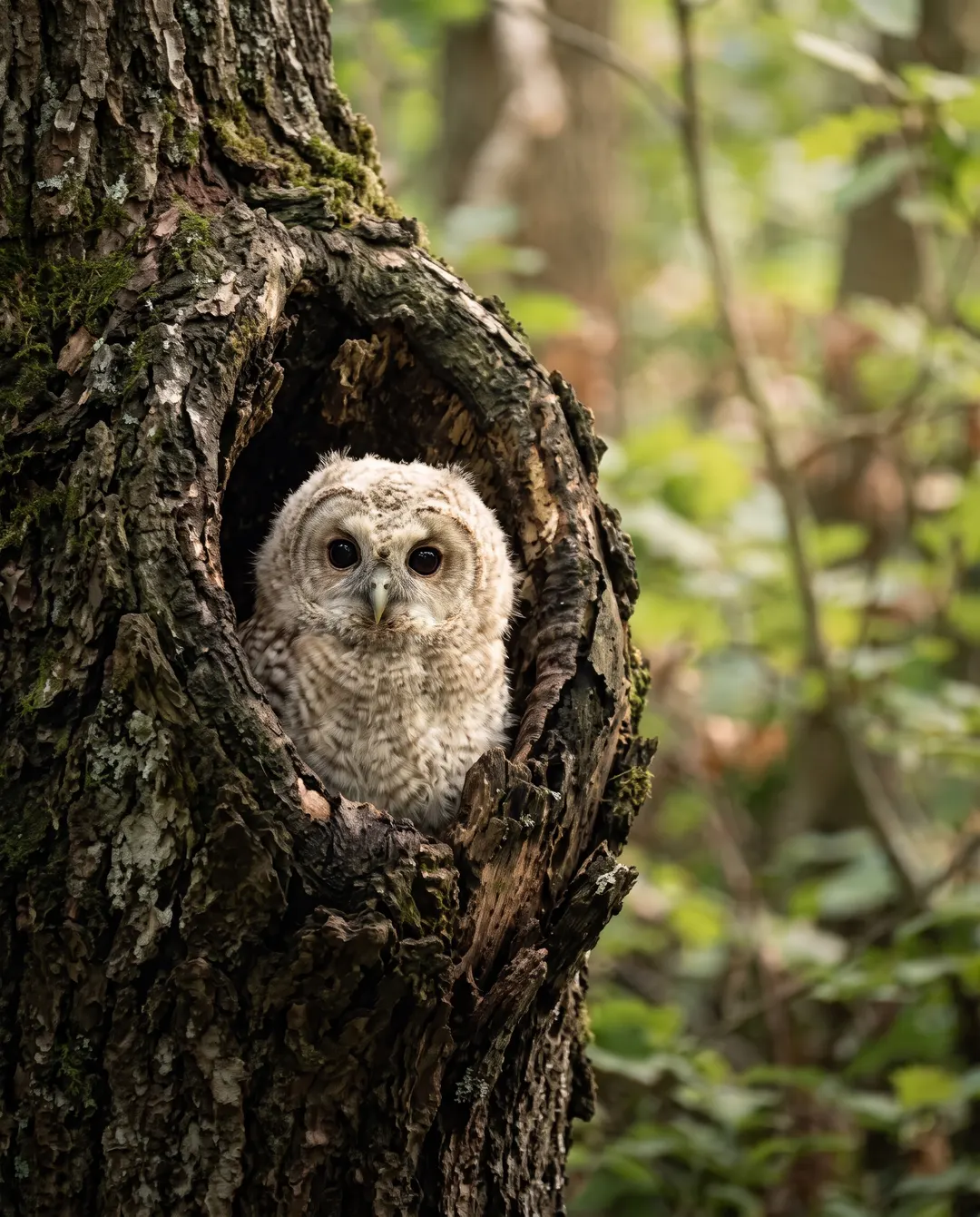 BeforeAfterSharp feathers and eyes, even up closeBeforeAfterSharp feathers and eyes, even up close
From phone image to 4K, made for the big screen.
A photo that looks fine in your hand turns soft and blocky on a 4K TV or a large monitor. Upscaling to 4× rebuilds the fine detail as the picture grows, so the feathers, the eyes and every edge stay crisp even when the photo fills the whole wall. That is the difference between a 4K upscaler and simply stretching a file: one adds detail, the other only adds size. Want the most careful result for a print you’ll keep? Pick Pro 4× instead.
- 4× wider and 4× taller
- Detail rebuilt, not smeared
- 2 credits a photo
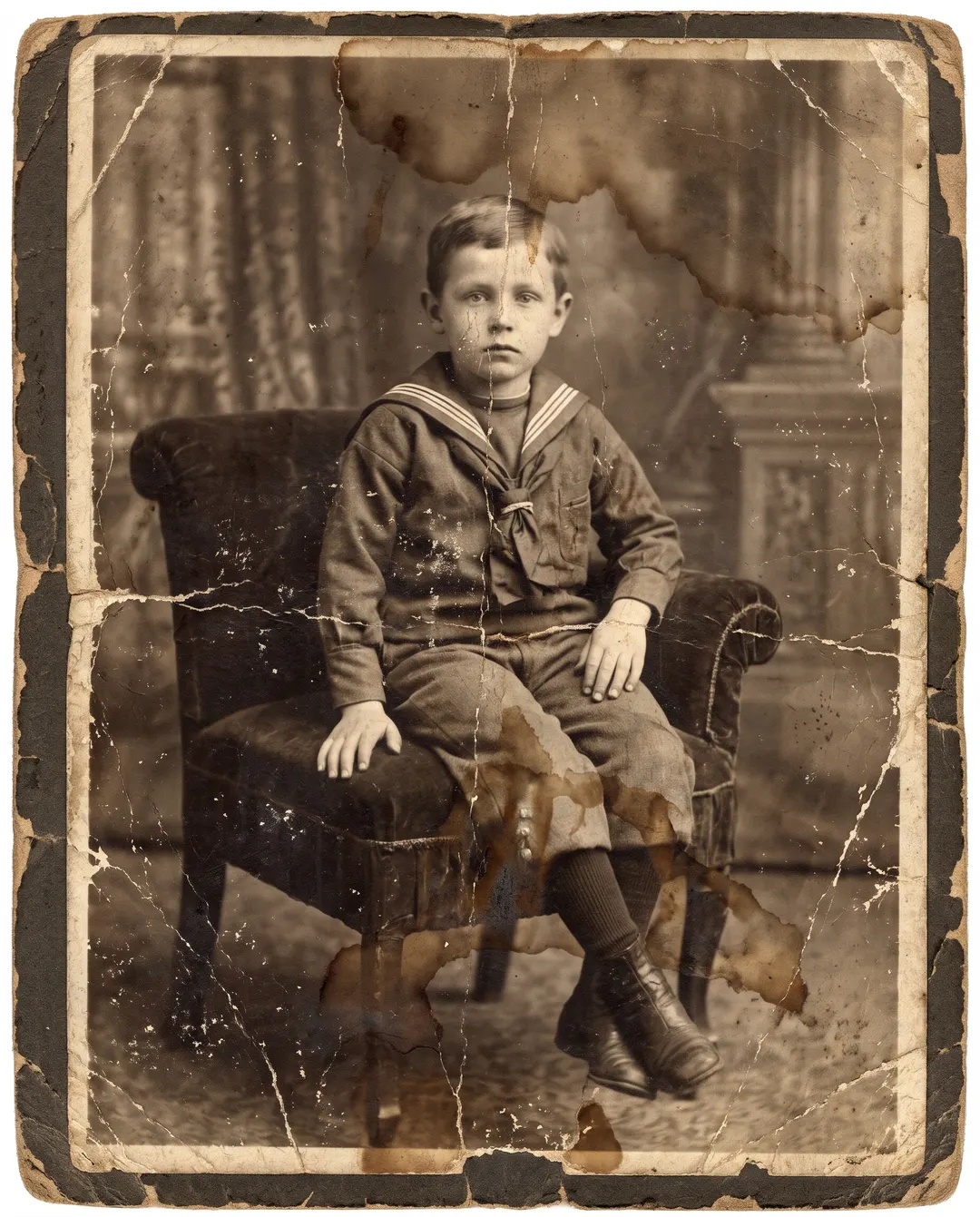
 BeforeAfterRemove the stains and cracks, bring the colour back
An old print for the wall? Restore it first.
Scanned family photos are often small, faded and cracked, and making them bigger only makes the damage bigger. Photo restoration repairs the stains and cracks and brings the faces back first. Then bring the result here and take it to 4K for a frame or a slideshow on the TV. Doing it in that order means the 4K copy shows the faces, not the scratches.
- Cracks, stains and fading repaired
- Faces brought back with care
- Then upscale the result to 4K
Upscale an image to 4K in three taps.
4× is already picked for you. Just add the photo. 4K needs a free account, and the credits it collects each day let you upscale an image to 4K free.
Upload a photo
From your phone or computer. A screenshot, a chat photo or an old favourite, as a JPG, PNG, WebP or HEIC.
Keep 4×
It’s already selected. The finished size shows before you start, so you can check the photo will reach 4K wide. Leave Face restore off unless faces are very blurry.

Download
Save the 4K photo with no watermark, ready for the screen or the printer. If a run fails, the credits come back on their own.
Where a 4K photo makes the difference.
Big screens and big prints show every soft edge. These are the jobs people bring to a 4K image upscaler.
TV slideshows
Holiday and family photos that stay crisp on a 4K television, even when the whole family is sitting close.
Prints and posters
Phone photos big enough for a poster, a canvas or a photo book spread, with edges that hold up when you lean in.
Wallpapers
A favourite photo as a desktop background on a large, sharp monitor, without the soft patches a small file leaves.
Presentations
Pictures that still look sharp when the slide fills the projector screen.
Video projects
Stills that sit in a 4K edit without looking soft next to the footage. Old photos in a family montage match the rest of the timeline.
Gifts and frames
An old snapshot made big enough for the frame it deserves.
Questions about upscaling to 4K
Something else? Email support@pixenhancer.ai
Explore more ways to fix a photo
Objects & People
Restore & Enhance
Small photo. Big screen.
Take your first photo to 4K now.

