AI Photo Restoration
The shoebox photos are creased, stained and fading. Add one here and get it back mended and clear, in its original tone or in colour, with every face still looking like the person you remember.
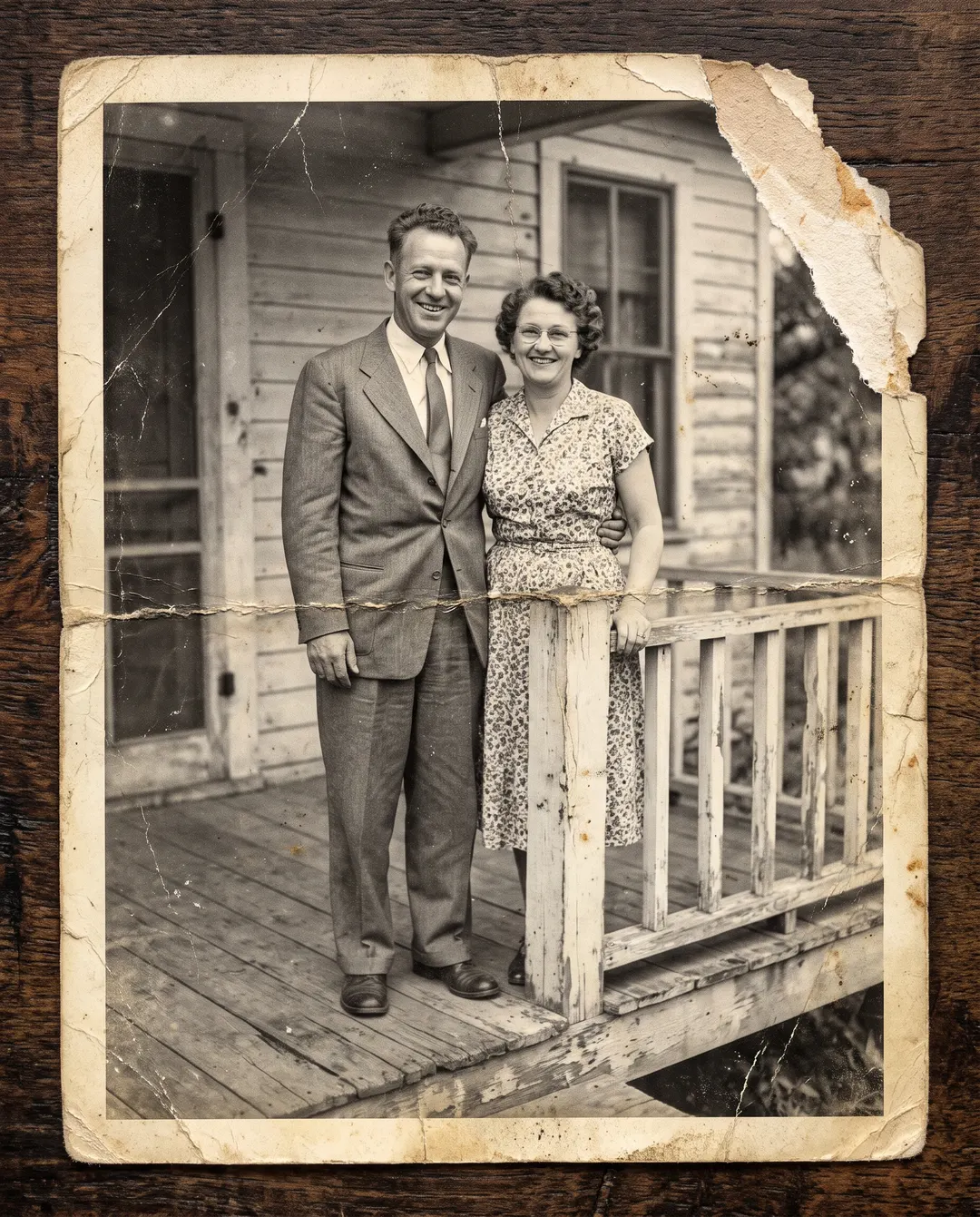
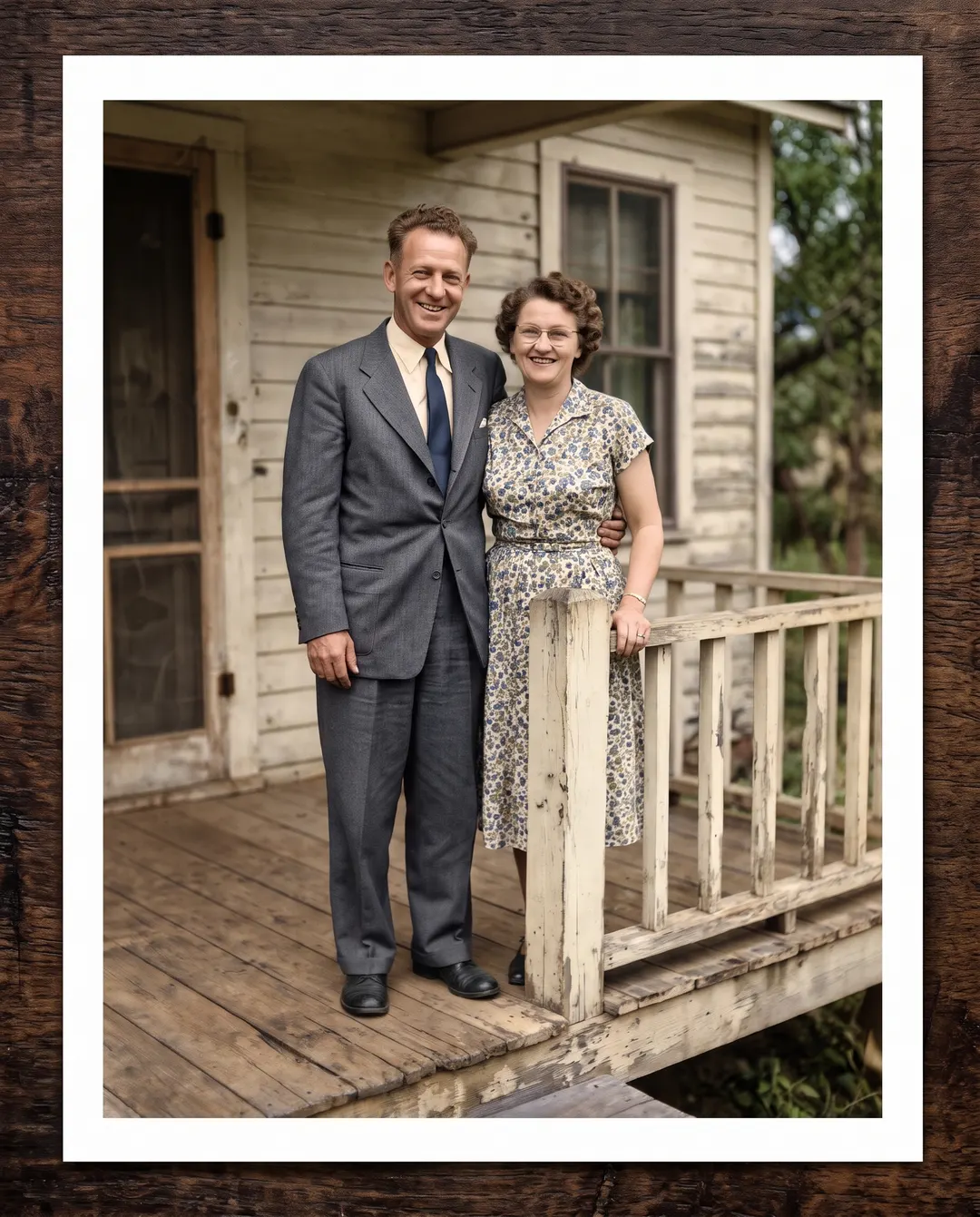 BeforeAfterRepair the creases and tears, then add colour
Black-and-white stays black and white; a faded color photo gets its colors back.
BeforeAfterRepair the creases and tears, then add colourRestore old photos. The creases go, the day stays.
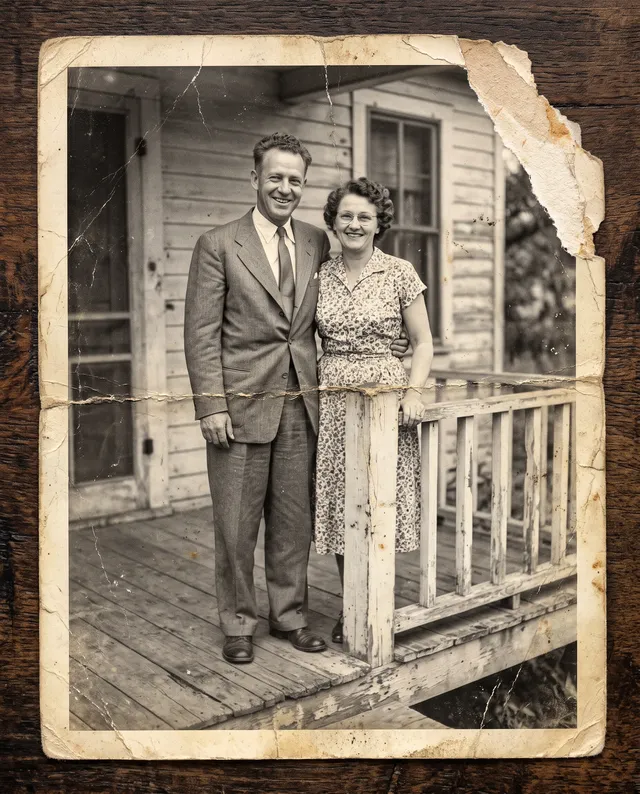
This porch photo spent sixty years in a shoebox: a torn corner, a crease through the middle, dust everywhere. Restoration mends the paper and brings the faces back into focus without inventing anyone new. Keep it black and white, or pick colour, as here, and the porch gets its summer back. If a corner is gone for good, the gap gets a best guess, so check it before you print.
- Creases, tears, scratches and dust spots repaired
- Faces made clear, still unmistakably them
- Keep the original tone, or add colour
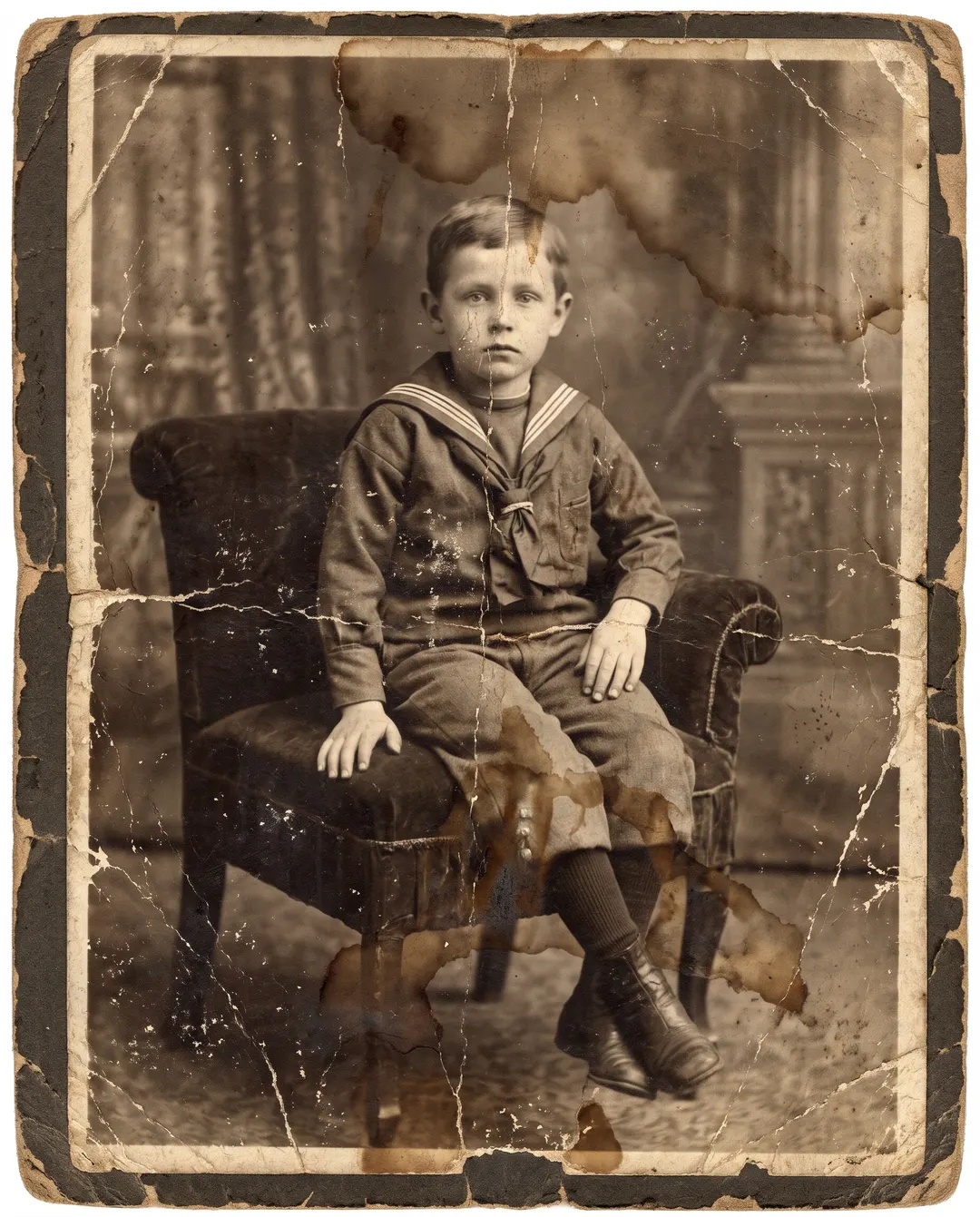
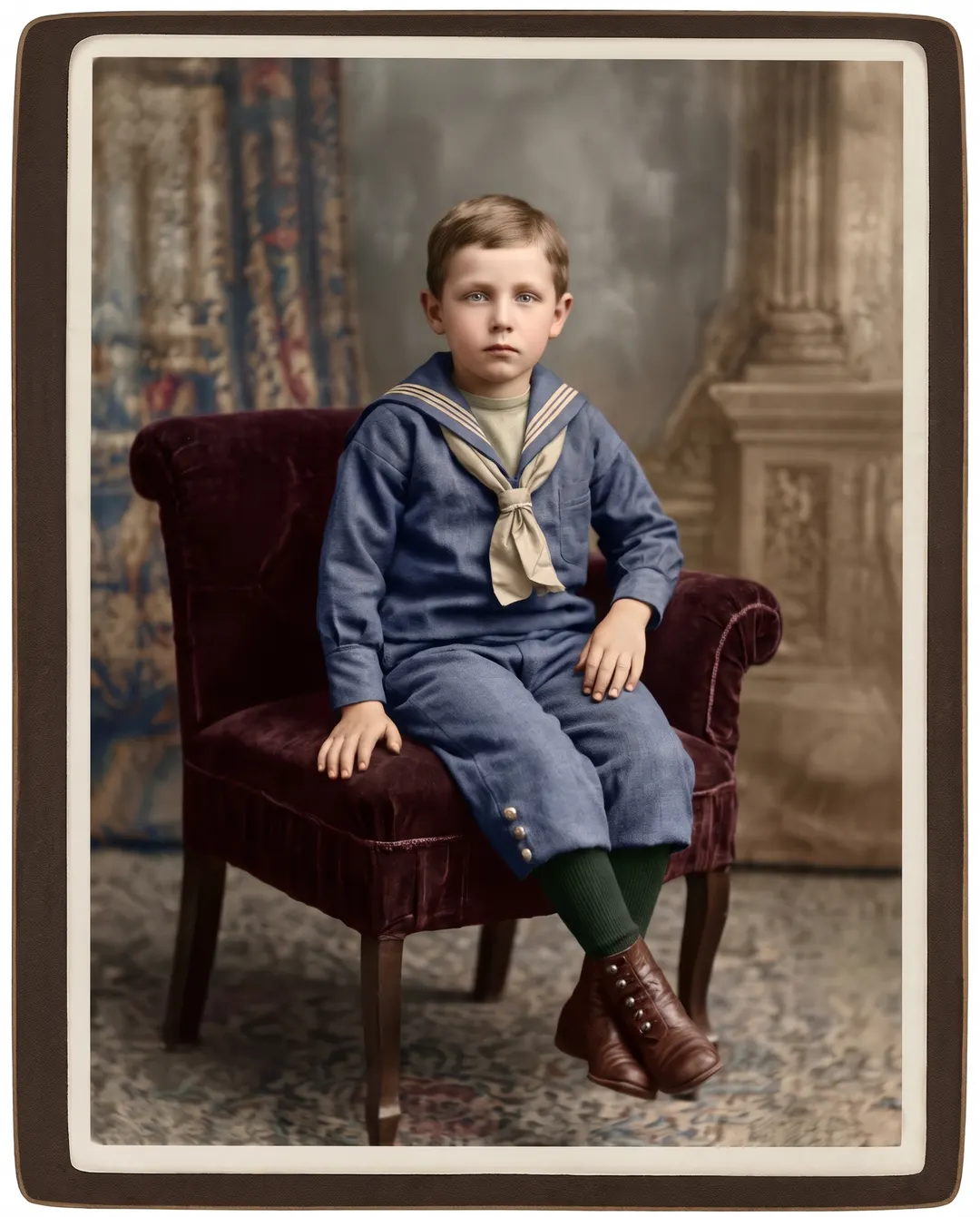 BeforeAfterClear the stains and cracks, then add colour
Water stains and cracks on the only photo of him.
One studio portrait, a century old, and the damp got to it first. The stains and the cracks across his face are cleared, the detail in the sailor suit and the velvet chair comes back, and the look in his eyes stays his. Choose sepia for a warm vintage print, or colour, as shown. On tiny or badly damaged faces, old photo restoration has to guess some detail, so put the result next to the original before you share it.
- Stains, cracks and heavy fading cleared
- Hair and fabric detail brought back
- Original, colour, black and white or sepia
Photo restoration in three steps. No retouching.
No healing brush, no clone stamp. AI photo restoration finds the damage and mends it for you.
Add the old photo
A scan, or a phone photo of the print taken flat in even daylight. Fill the frame with the print and skip the flash.
Pick a tone
Keep the original, add colour, or choose black and white or sepia.

Download and share
Save it with no watermark, ready to print, frame or send to the family. It also stays in your history, so you can restore a photo today and download it again later.
For the photos you can’t take again.
Most old photos exist as one print. These are the ones people bring most.
Family albums
Faded holiday snaps, birthdays and Sunday lunches, cleaned up before they fade any further.
Wedding photos
Your grandparents’ wedding day, with the creases and the yellowing taken out.
Portraits of loved ones
The one good photo of a parent or grandparent, made clear enough to frame.
Memorials
A clean, clear photo for a service, an order of service or a memory table.
Family history
Old faces for your family tree, readable again instead of lost in the damage.
Gifts and reprints
A restored print makes a present nobody expects. Frame it for a birthday or an anniversary.
Questions about restoring photos
Something else? Email support@pixenhancer.ai
Explore more ways to fix a photo
Objects & People
Restore & Enhance
Some photos can’t be taken again. They can be restored.
Start with the one that matters most.

