Free AI Image Upscaler
That photo looked fine on your phone and fell apart on the big screen. Make it 2× or 4× bigger and get crisp edges and real detail back, not a blown-up blur.
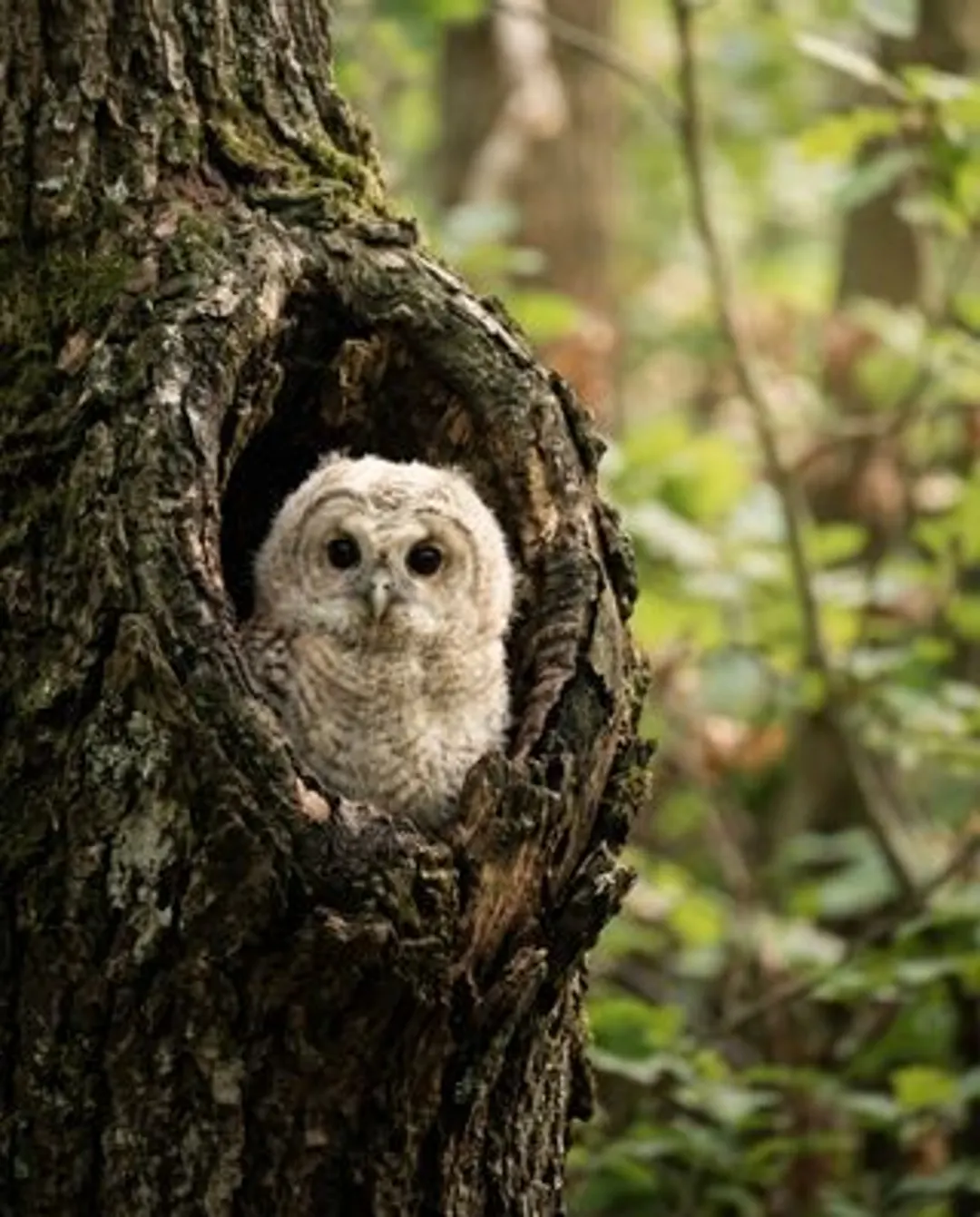
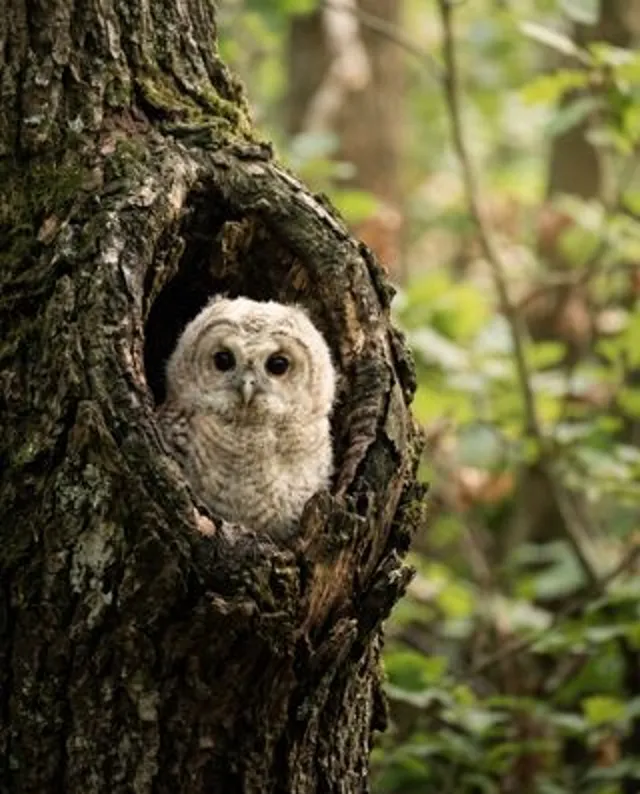
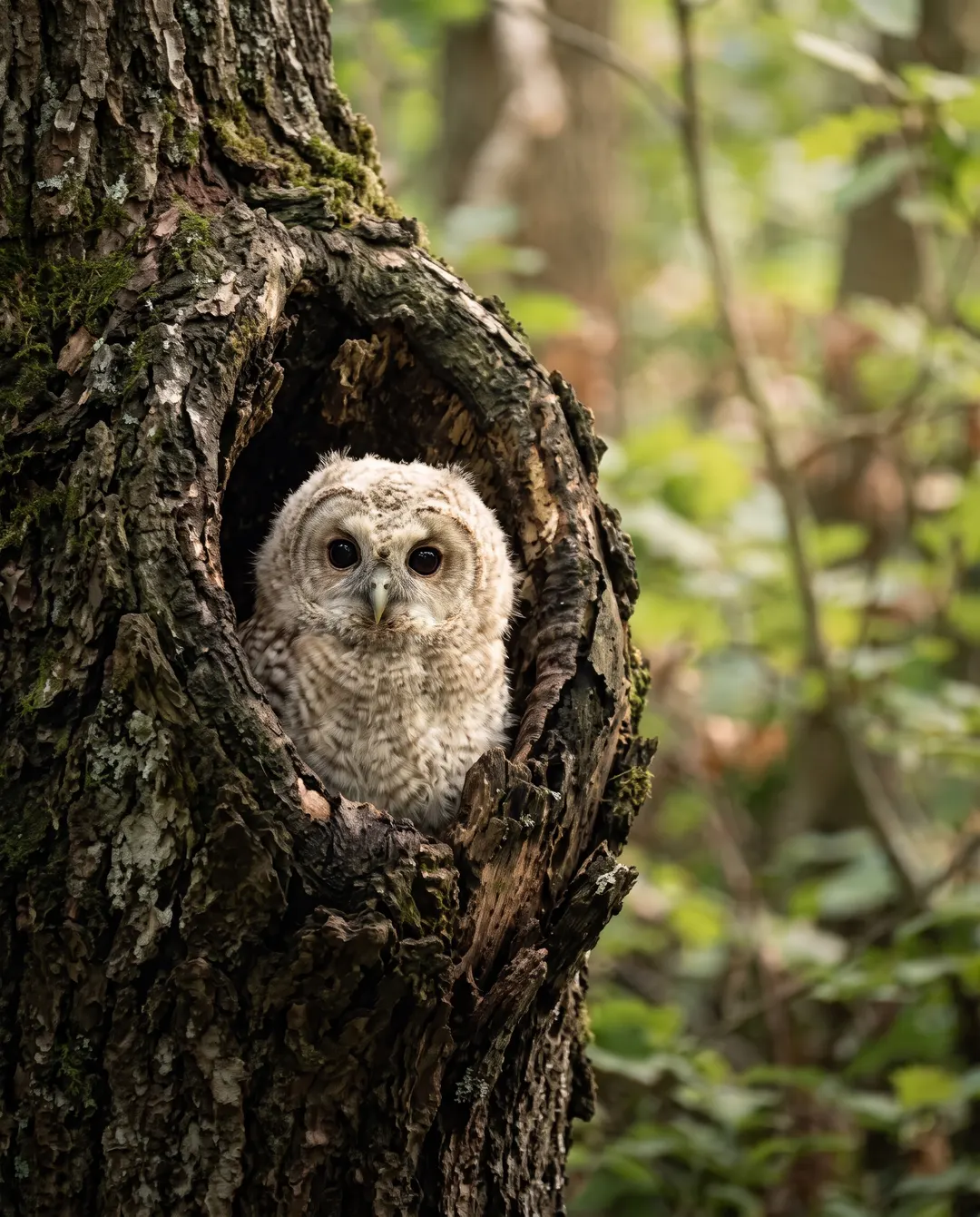 BeforeAfterSharp feathers, eyes and barkBeforeAfterSharp feathers, eyes and bark
Enlarge the image, and keep it sharp.
Stretching a small photo usually just stretches the blur. Here the detail is rebuilt as the picture grows, so feathers stay fine, eyes stay bright and edges stay crisp. Pick 2× for screens and sharing, 4× when it needs to fill a print, a poster or a TV. When a print shop or a listing asks you to increase image resolution, you see the finished size before anything runs, so there are no surprises.
- Edges and texture rebuilt, not smeared
- 2× for 1 credit, 4× for 2 credits
- See the finished size before you start
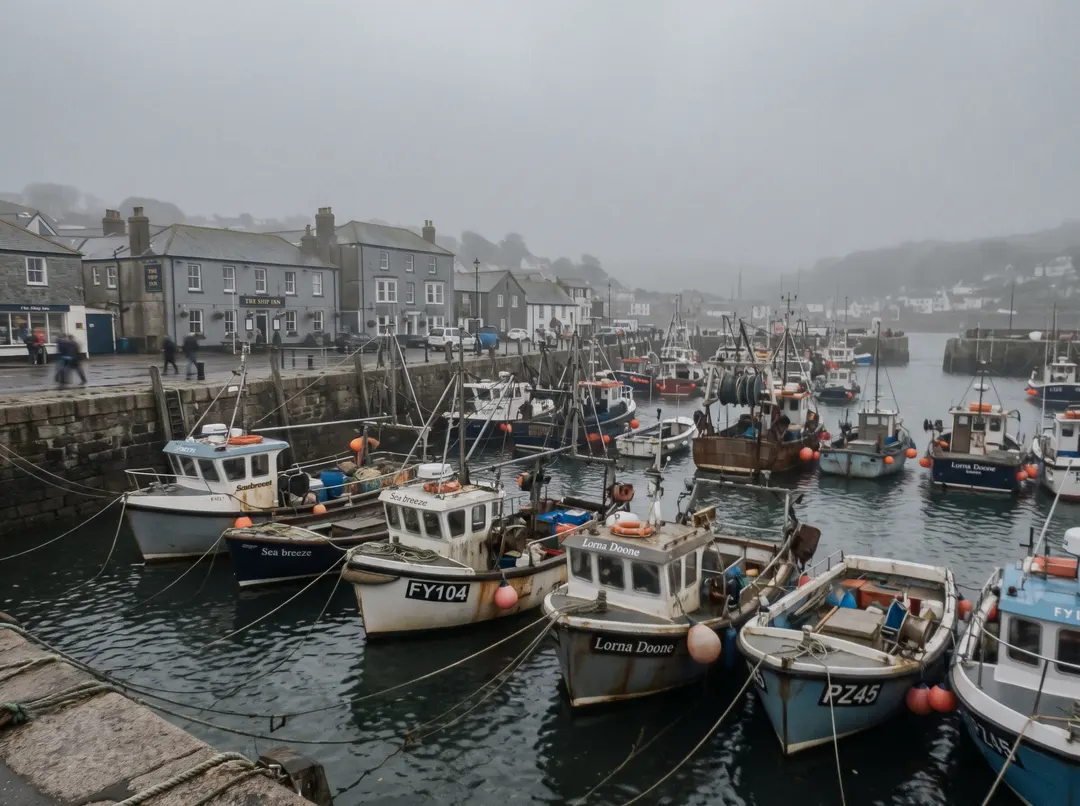
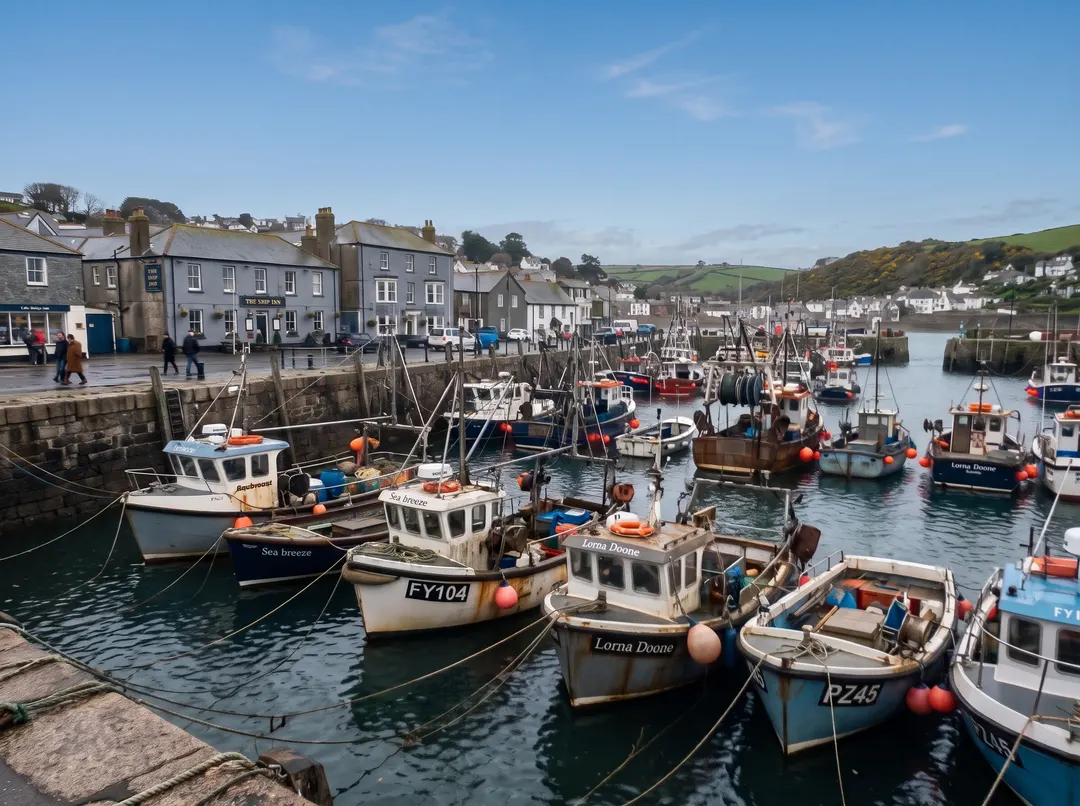 BeforeAfterClear the haze and bring the colour back
Small and dull? Fix the light too.
If the photo is not just small but hazy, dark or flat, size alone won’t save it. Photo enhancer clears the haze and brings the colour back first, then you can make it bigger here. One photo, two quick steps, and it looks the way the day actually did. If the trouble is camera shake rather than size, run it through Unblur first, then come back and upscale the photo.
- Haze and flat light cleared
- Colours brought back, not painted on
- Then upscale the result
Bigger now? Keep going.
Every result comes with a next step. Here’s one phone photo, four sentences later.
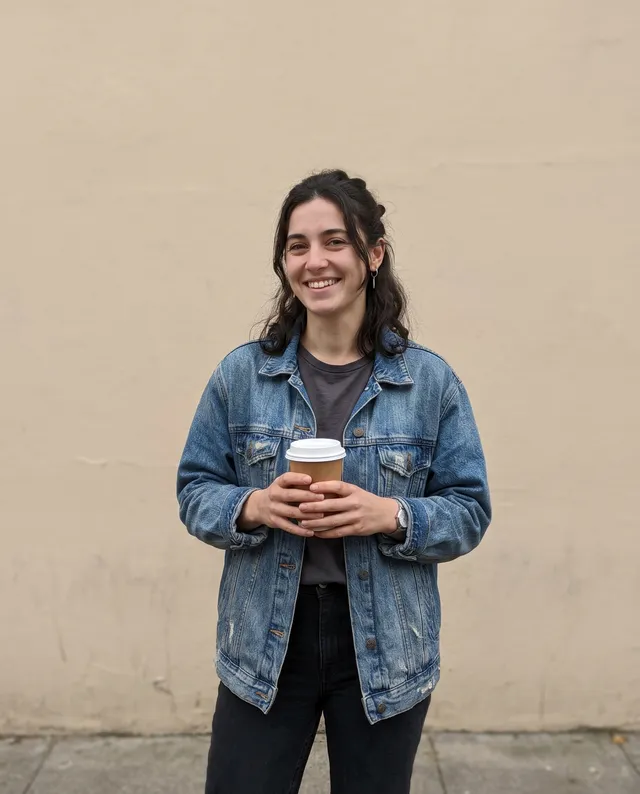 Taken on a phone
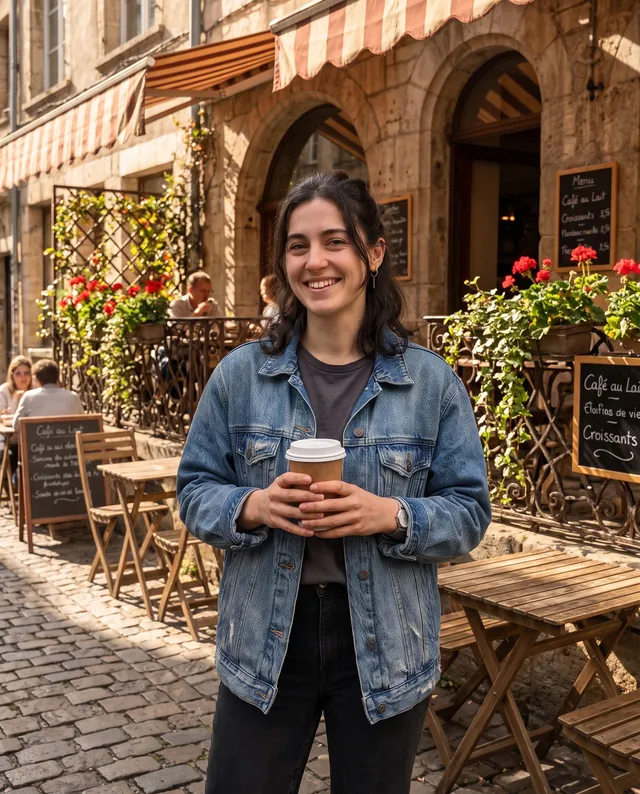 Put it on a café terrace
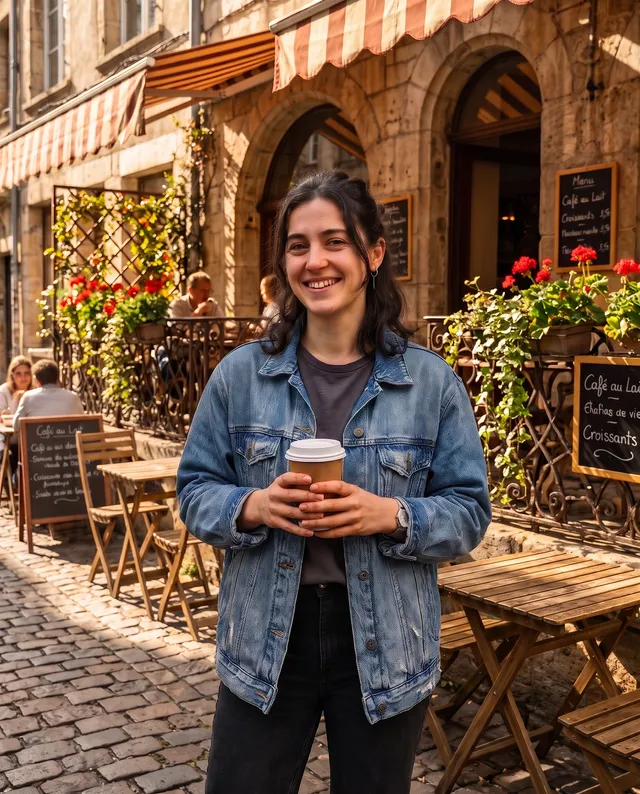 Make it crisp and bright
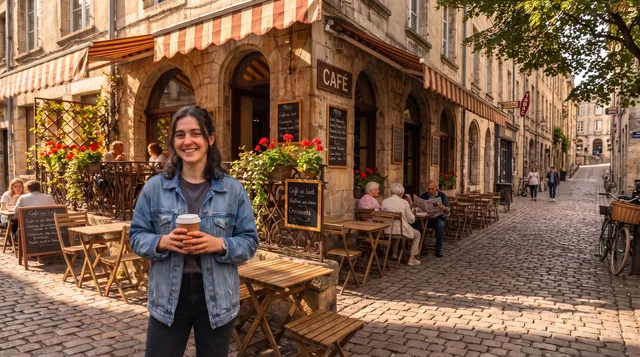 Extend it to 16:9
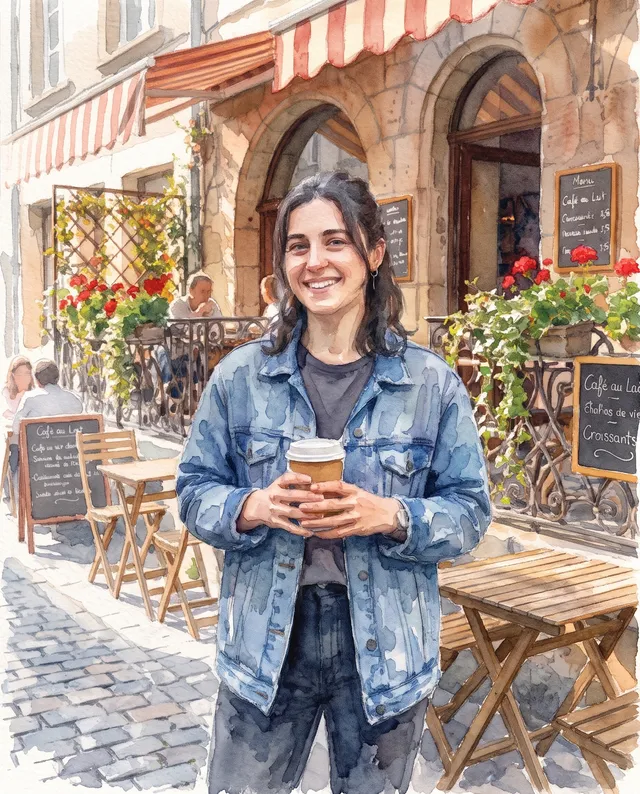 Make it a watercolour
Upscale an image in three steps.
Nothing to install and no settings to learn. The AI image upscaler does the detail work; you just choose how big.
Upload a photo
From your phone or computer. Small, cropped or saved from a chat is fine. JPG, PNG, WebP and HEIC all work.
Pick how much bigger
2×, 4× or Pro 4×. The finished size shows before you start. Save Pro 4× for the photos that matter most, and switch on Face restore only when faces are very blurry.

Download
Save the bigger photo with no watermark, ready to print, post or crop. If a run fails, its credits come back.
For photos that need to go big.
Most photos are taken small and needed large later. A good photo upscaler earns its keep in moments like these.
Prints and posters
Phone photos big enough to frame, hang or turn into a canvas, without the soft, blocky look of a plain stretch.
Shop listings
Product photos that stay sharp when buyers zoom in on the detail. Small supplier shots get a second life.
Photos from chats
Pictures that were squashed small when someone sent them, brought back up to size.
TVs and big screens
Slideshows and wallpapers that stay crisp on a large display.
Slides and reports
Photos that still look sharp when the slide fills the room.
Art and designs
Illustrations and generated pictures made big enough to print. Leave Face restore off so line work and texture stay as drawn.
Questions about upscaling
Something else? Email support@pixenhancer.ai
Explore more ways to fix a photo
Objects & People
Restore & Enhance
Too small to use? Not any more.
Make your first photo bigger now.

