Qwen Image 3 Pro
Clean layouts. Lettering, labels and simple diagrams come out tidy and readable.
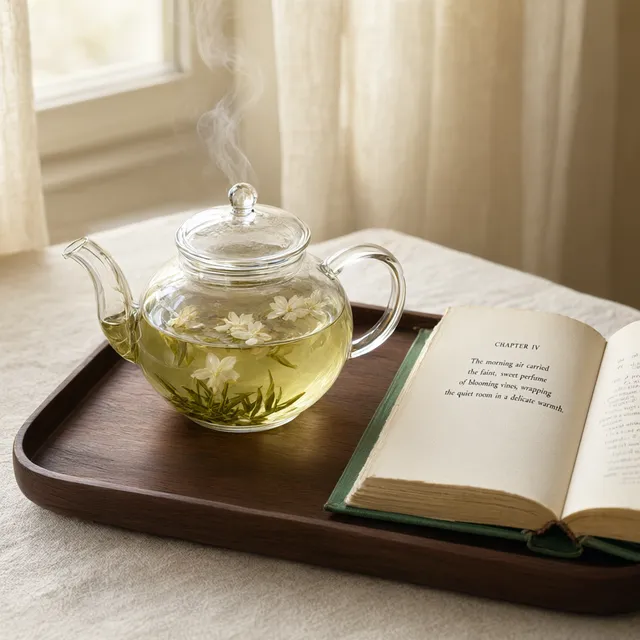
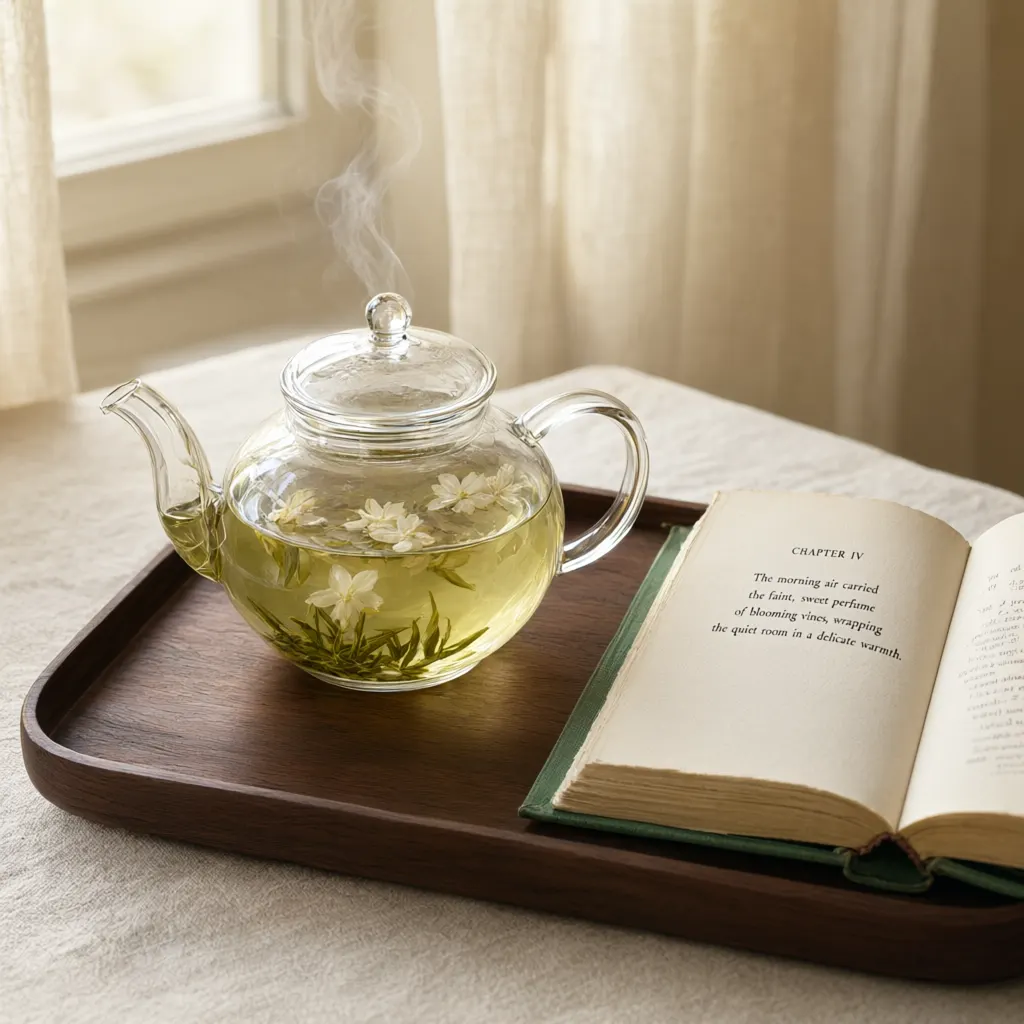
In plain words.
Every model has a shape. Here is where this one shines, and when another one on PixEnhancer will serve you better.
Good at
- Clean layouts, lettering and diagrams.
- Working from up to 3 of your photos
- Sizes 1K, in 5 shapes
- From 4 credits a picture, priced before you run
Pick something else for
- Playful, cinematic looks in seconds.Grok Imagine
- Rich colour and sharp detail at 2K and 4K.Seedream 4.5
- Precise edits that keep the rest of the photo.Flux Kontext Pro
- Lively scenes and characters from a sentence.Wan 2.7 Image
- Fast, low-cost pictures from a sentence.Z-Image Turbo
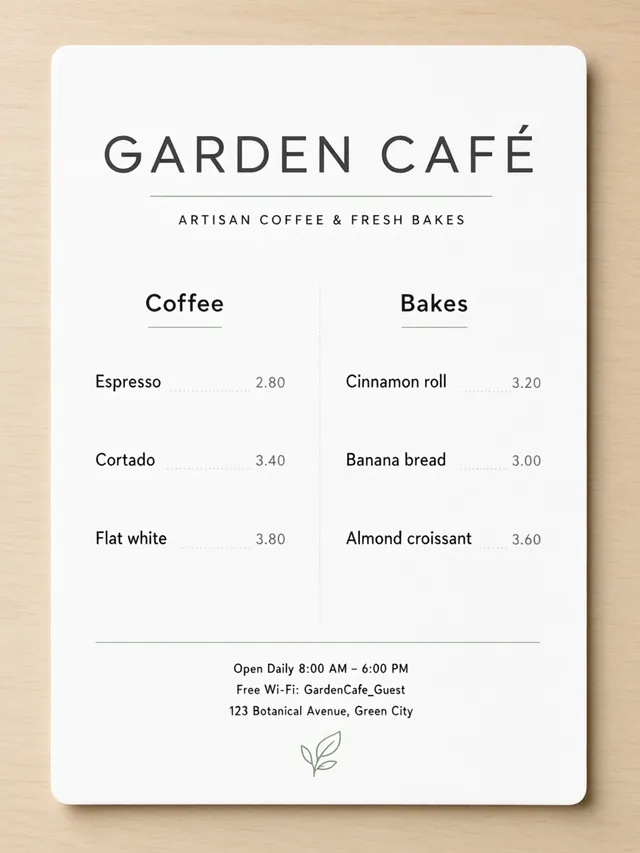
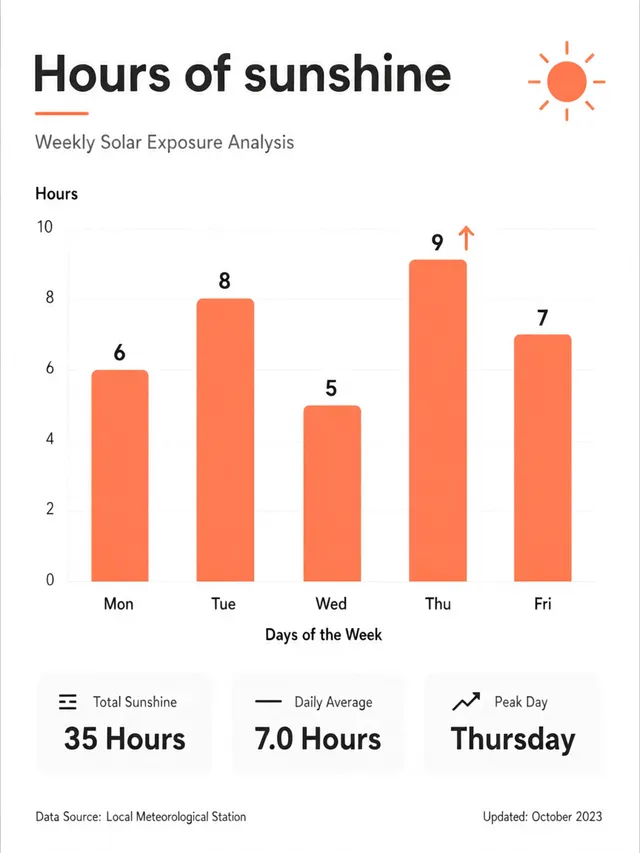
Menus and charts that read cleanly.
Give it the title, the headings and the items, and Qwen Image 3 Pro sets them in a tidy layout with even spacing. The café menu keeps its two columns and prices; the chart has its five days and the values 6, 8, 5, 9 and 7 on the right bars.
- Titles, columns and prices
- Numbers written where you ask
- Plenty of clean white space
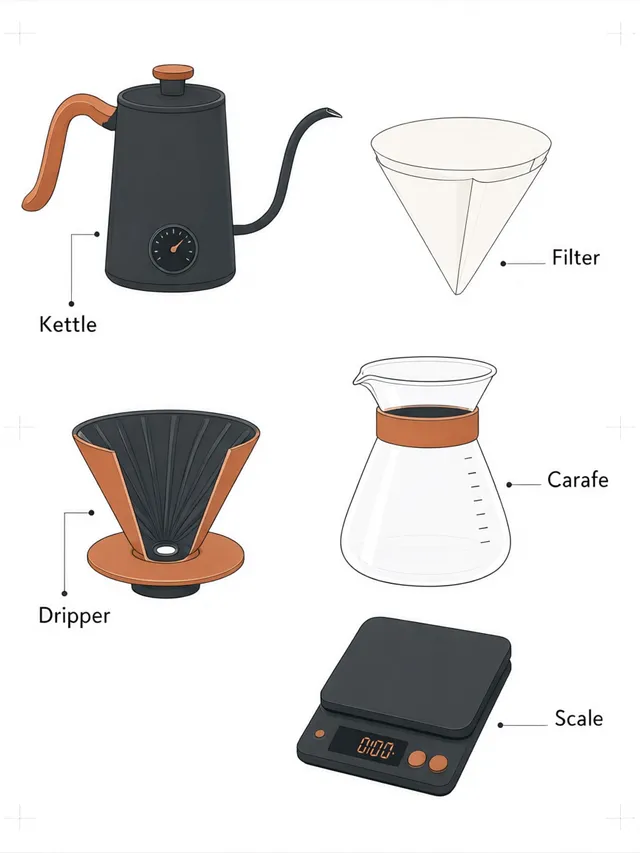
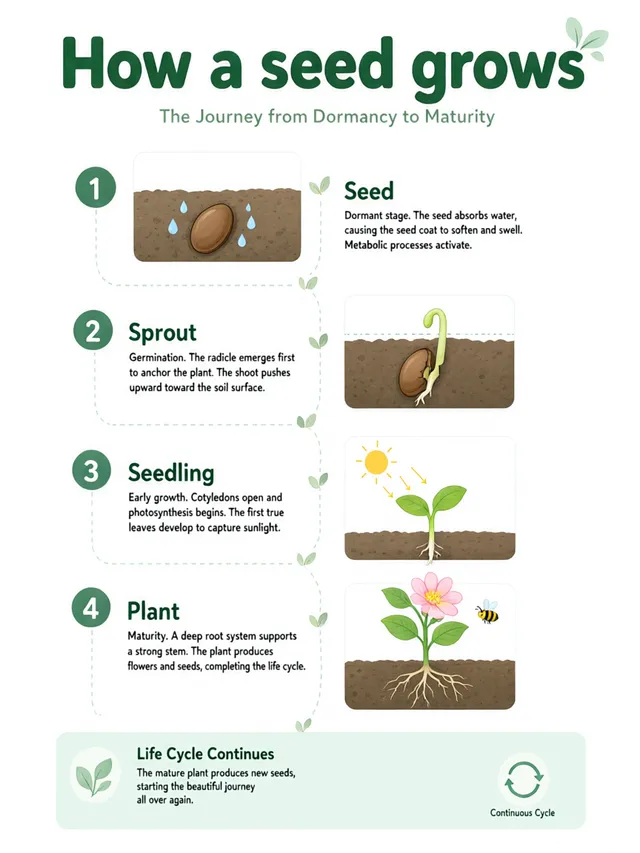
Labelled diagrams without a design tool.
A coffee setup with a neat label on each part, and labelled steps showing how a seed grows. Name the parts or the steps and Qwen Image 3 Pro draws them in a flat style with clear labels, ready for a guide, a slide or a lesson.
- A label on every part
- Steps in order
- Flat style for guides and slides
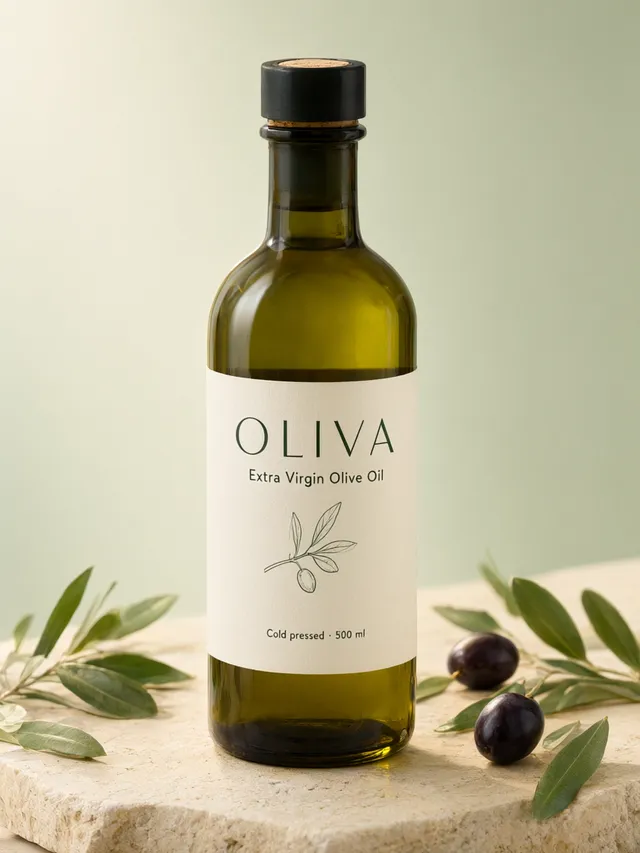
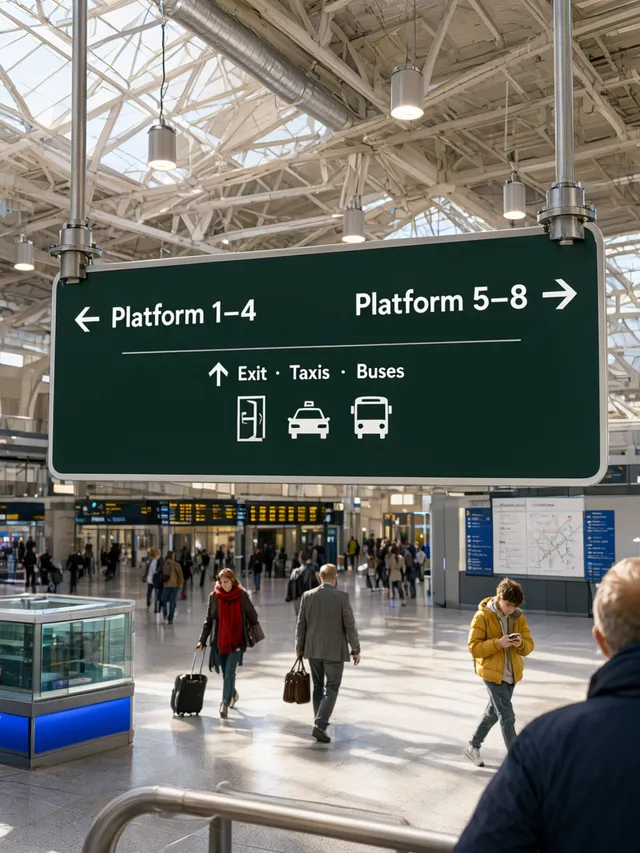
Labels and signs you can actually read.
A minimalist olive oil label with its name, type and size, and a station sign with arrows for the platforms and the exit. Qwen Image 3 Pro keeps the lettering clean and the layout simple, for packaging ideas, mock-ups and signage.
- Packaging and product labels
- Arrows and simple icons
- Clean type, simple layout
How the AI image generator works.
Three steps and no settings to learn. Everything you need is in the box above.
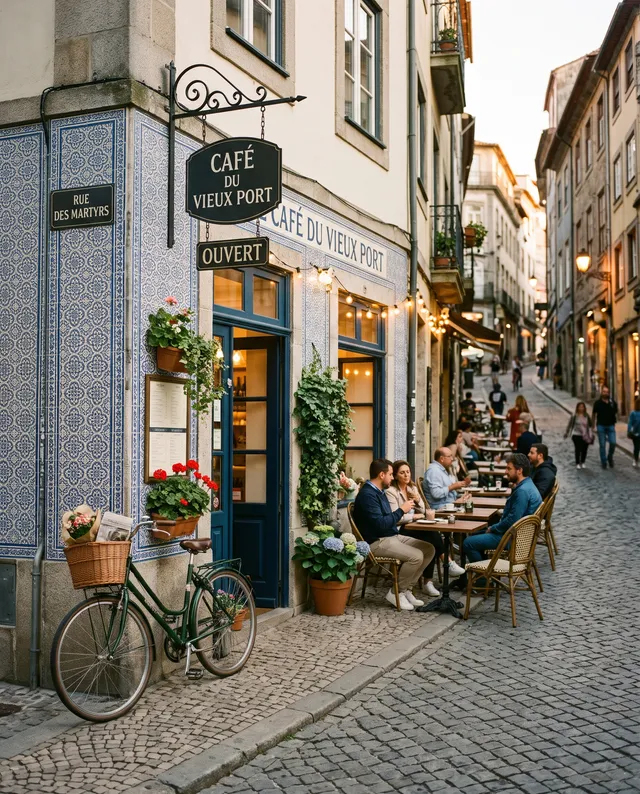 “Street café at dusk, warm string lights”
Describe the picture
Write what you want in plain words: the subject, the place, the light. Pick a shape and add a photo if you like.

Choose a model, see the price
Every model is named and priced. Switch models and the price on the Generate button changes before you run.
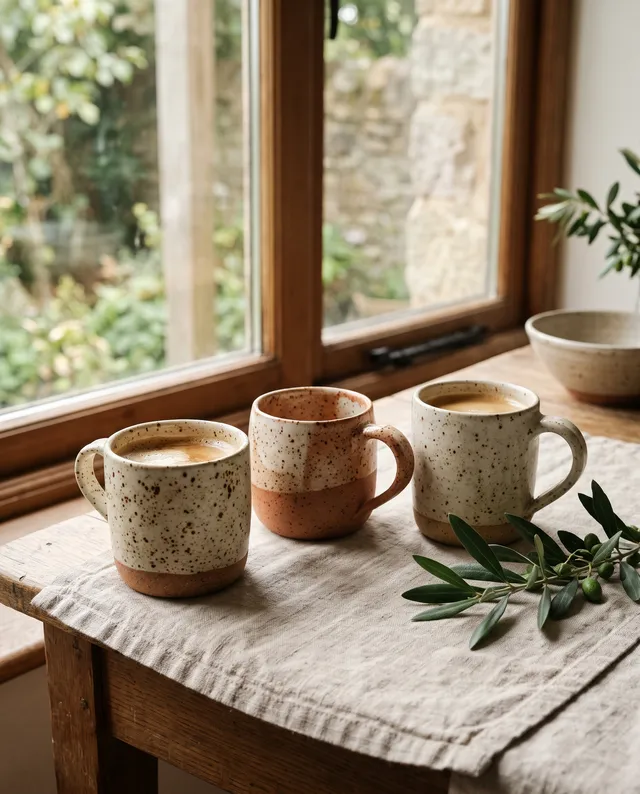
Download it or keep going
The picture appears right here. Download it, or open it in Studio to change it again, upscale it or make it move.
Price, sizes and shapes.
Prices are shown before every run and never change mid-way. Failed runs are refunded in full.
- Price
- From 4 credits1K 4 credits, per picture
- Sizes
- 1KPick the size in the box
- Shapes
- 5 shapes1:1, 4:3, 3:4, 16:9, 9:16
- Photos in
- Up to 3JPG, PNG, WebP or HEIC, up to 20 MB
- Per run
- One pictureRun again for another take
- Made by
- AlibabaNo Alibaba account needed
Not quite the right fit? Try these.
Same box, different strengths. Every model has its own page with examples and prices.



Qwen Image 3 Pro questions
Something else? Email support@pixenhancer.ai
Start with a photo, or just a sentence.
Clean layouts, lettering and diagrams.


