GPT Image 2
Write a long, detailed description and it follows it closely, item by item, down to where things sit.


In plain words.
Every model has a shape. Here is where this one shines, and when another one on PixEnhancer will serve you better.
Good at
- Follows long, detailed instructions closely.
- Working from up to 5 of your photos
- Sizes 1K, in 3 shapes
- From 2 credits a picture, priced before you run
Pick something else for
- Photo-real light, skin and texture.Flux 2 Pro
- Clean layouts, lettering and diagrams.Qwen Image 3 Pro
- Playful, cinematic looks in seconds.Grok Imagine
- Rich colour and sharp detail at 2K and 4K.Seedream 4.5
- Precise edits that keep the rest of the photo.Flux Kontext Pro

Say where everything goes, and it goes there.
Lamp top left, cactus top right, notebook in the middle with a pen across the right page, coffee bottom left, glasses on a red book bottom right, phone left of the notebook. Every item has its place, and GPT Image 2 put every one where it was asked. Useful for flat lays, mock-ups and product scenes you have already pictured.
- Top left, centre, bottom right
- Long, detailed descriptions
- Flat lays and product scenes
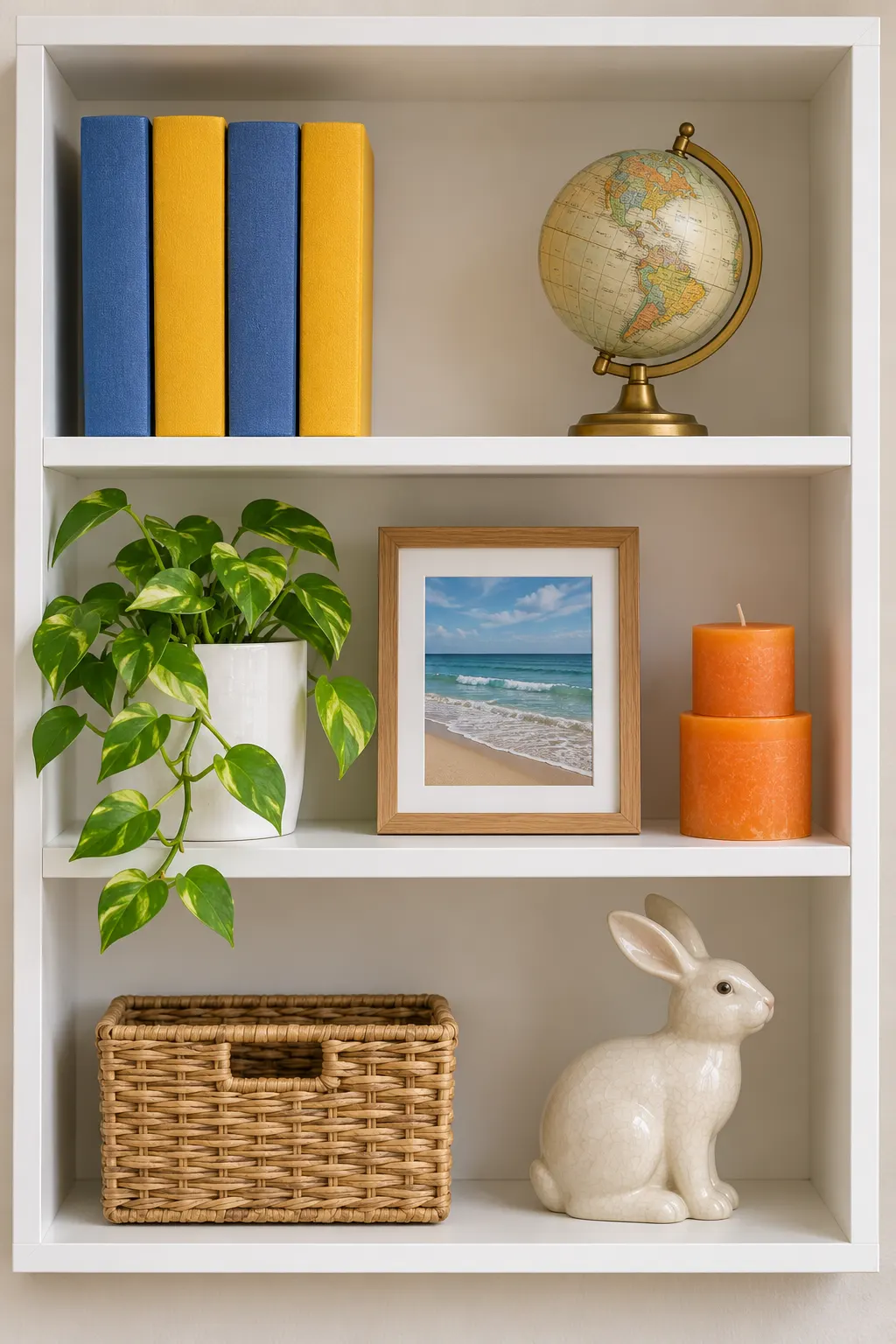
Long lists, followed item by item.
Three shelves, eleven things, and the order matters: books in blue, yellow, blue, yellow, then a brass globe; a plant on the left, a beach photo in the middle, candles on the right; a basket and a rabbit facing right. GPT Image 2 reads the whole description, not just the first line.
- Colours and order kept
- Left, middle and right on each level
- Details from the end of the description too
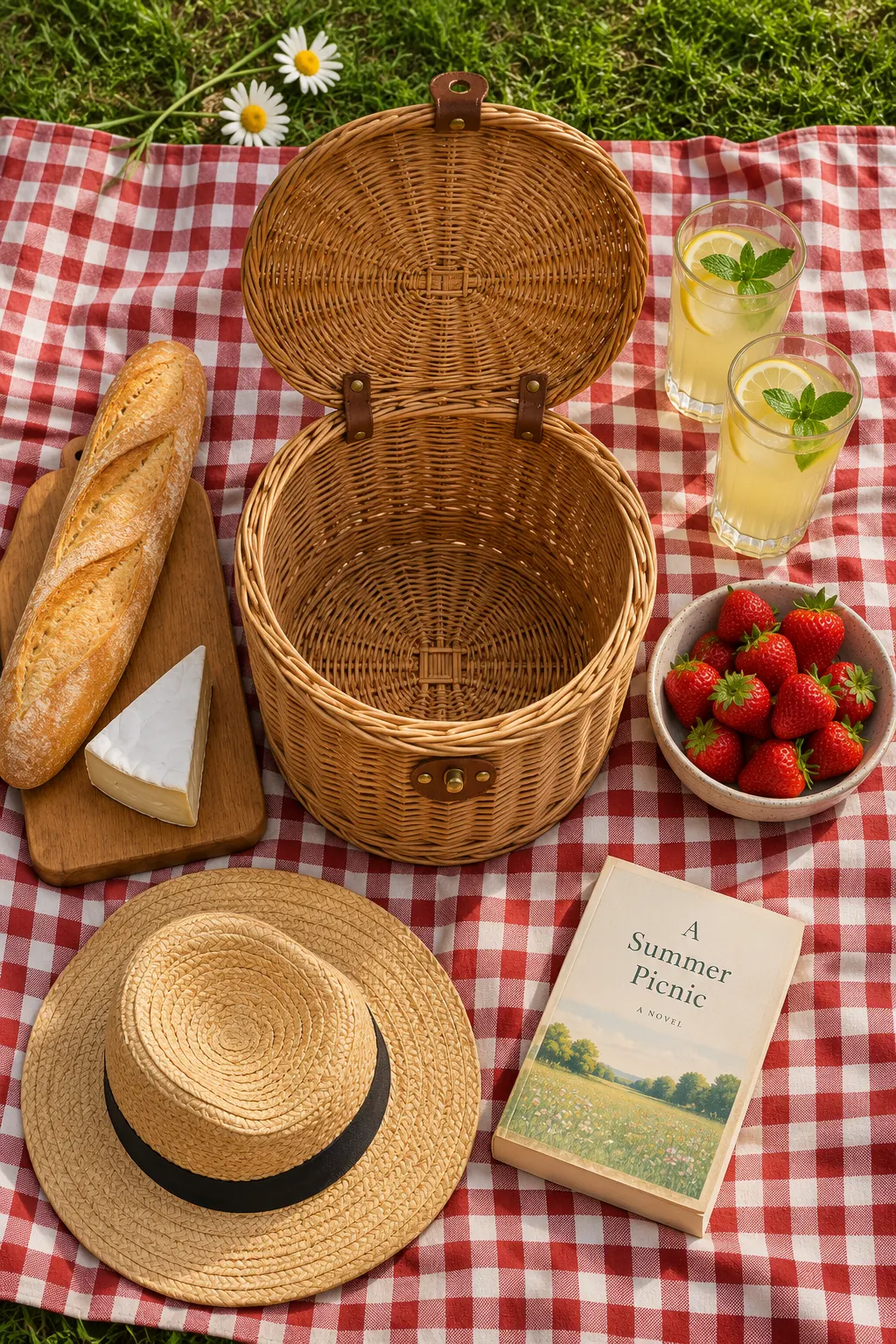
Plan the whole picture in one description.
The basket in the middle, bread and cheese to its left, strawberries and lemonade to its right, a hat and a book at the bottom, two daisies at the top. Write it the way you would brief a photographer and the picture comes back arranged, so you spend your runs on the look, not on moving things around.
- Brief it like a photographer
- Square, wide or tall
- Change one detail and run again
Made with GPT Image 2.
Every example shows the exact words that made it. Tap one to put those words in the box, then change a word and see what moves.
How the AI image generator works.
Three steps and no settings to learn. Everything you need is in the box above.
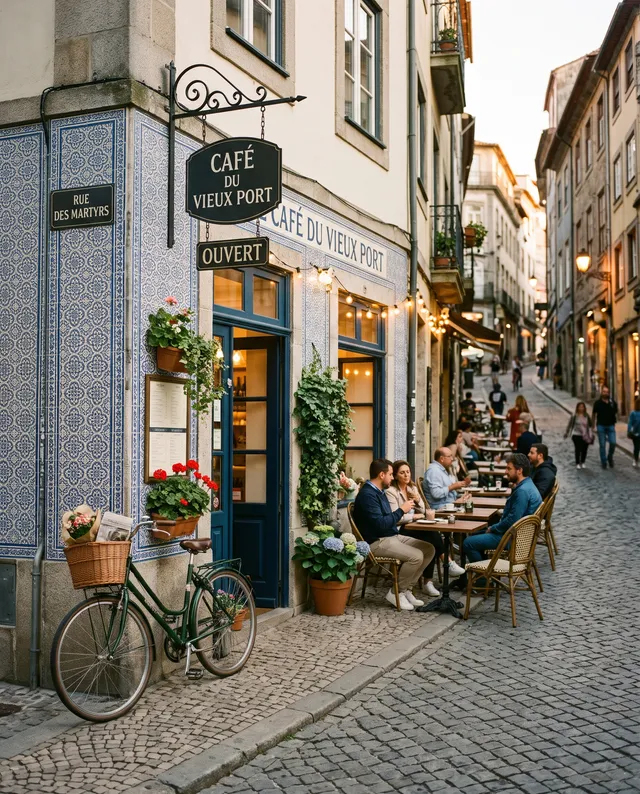 “Street café at dusk, warm string lights”
Describe the picture
Write what you want in plain words: the subject, the place, the light. Pick a shape and add a photo if you like.
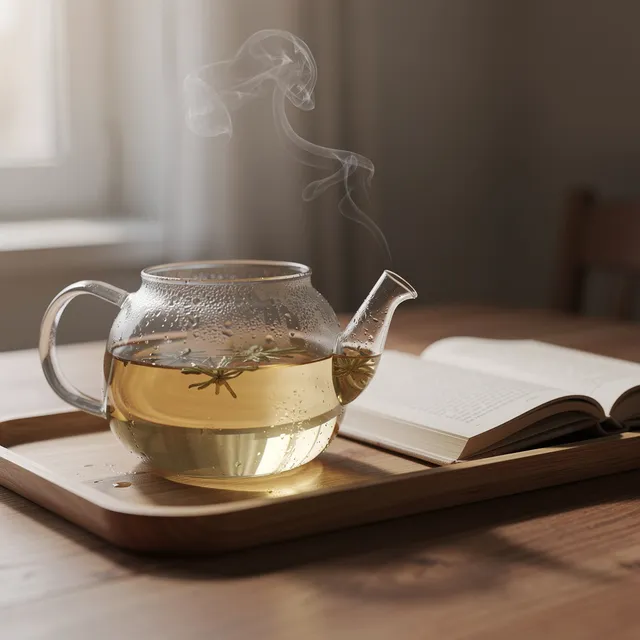
Choose a model, see the price
Every model is named and priced. Switch models and the price on the Generate button changes before you run.
Download it or keep going
The picture appears right here. Download it, or open it in Studio to change it again, upscale it or make it move.
Price, sizes and shapes.
Prices are shown before every run and never change mid-way. Failed runs are refunded in full.
- Price
- From 2 credits1K 2 credits, per picture
- Sizes
- 1KPick the size in the box
- Shapes
- 3 shapes1:1, 3:2, 2:3
- Photos in
- Up to 5JPG, PNG, WebP or HEIC, up to 20 MB
- Per run
- One pictureRun again for another take
- Made by
- OpenAINo OpenAI account needed
Not quite the right fit? Try these.
Same box, different strengths. Every model has its own page with examples and prices.

GPT Image 2 questions
Something else? Email support@pixenhancer.ai
Start with a photo, or just a sentence.
Follows long, detailed instructions closely.


