AI Image Generator
How the AI image generator works.
Three steps and no settings to learn. Everything you need is in the box above.
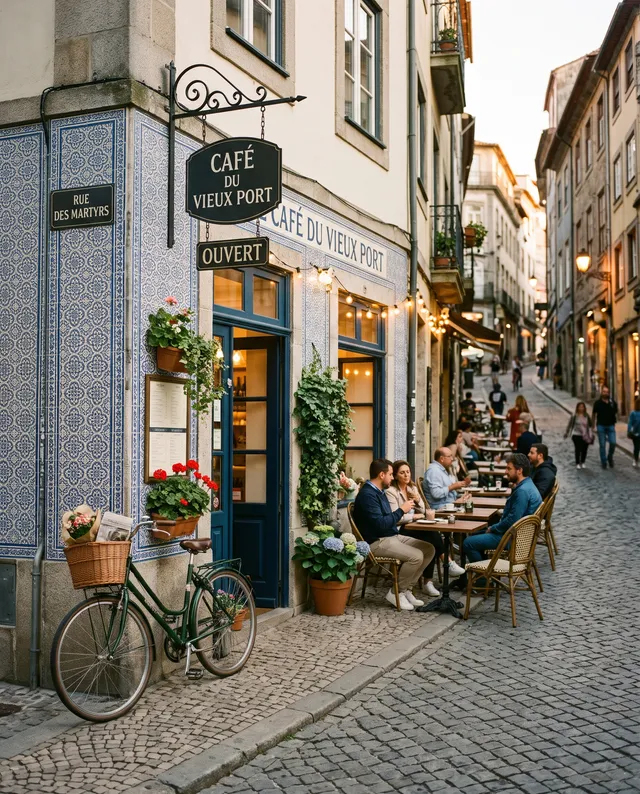 “Street café at dusk, warm string lights”
Describe the picture
Write what you want in plain words: the subject, the place, the light. Pick a shape and add a photo if you like.
Choose a model, see the price
Every model is named and priced. Switch models and the price on the Generate button changes before you run.
Download it or keep going
The picture appears right here. Download it, or open it in Studio to change it again, upscale it or make it move.
12 image models, one box.
Each model has a sweet spot. Start with the default, then switch when you want readable lettering, sharper detail or a faster draft.
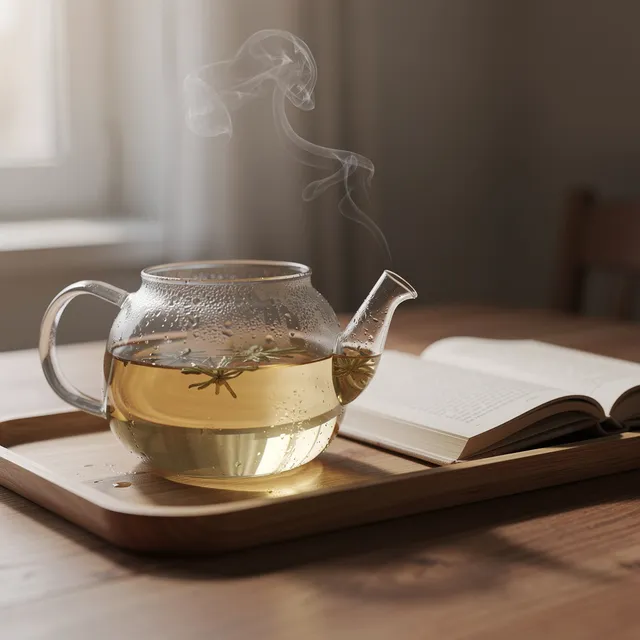
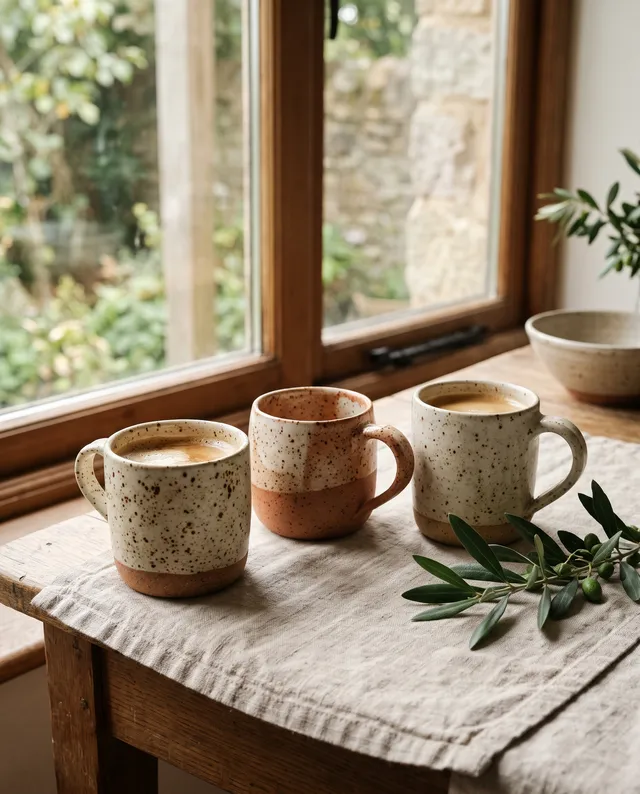
Same sentence for every model: “A glass teapot of jasmine tea on a wooden tray beside an open book, steam rising, soft window light, shallow depth of field.”
Text to image that looks like the picture in your head.
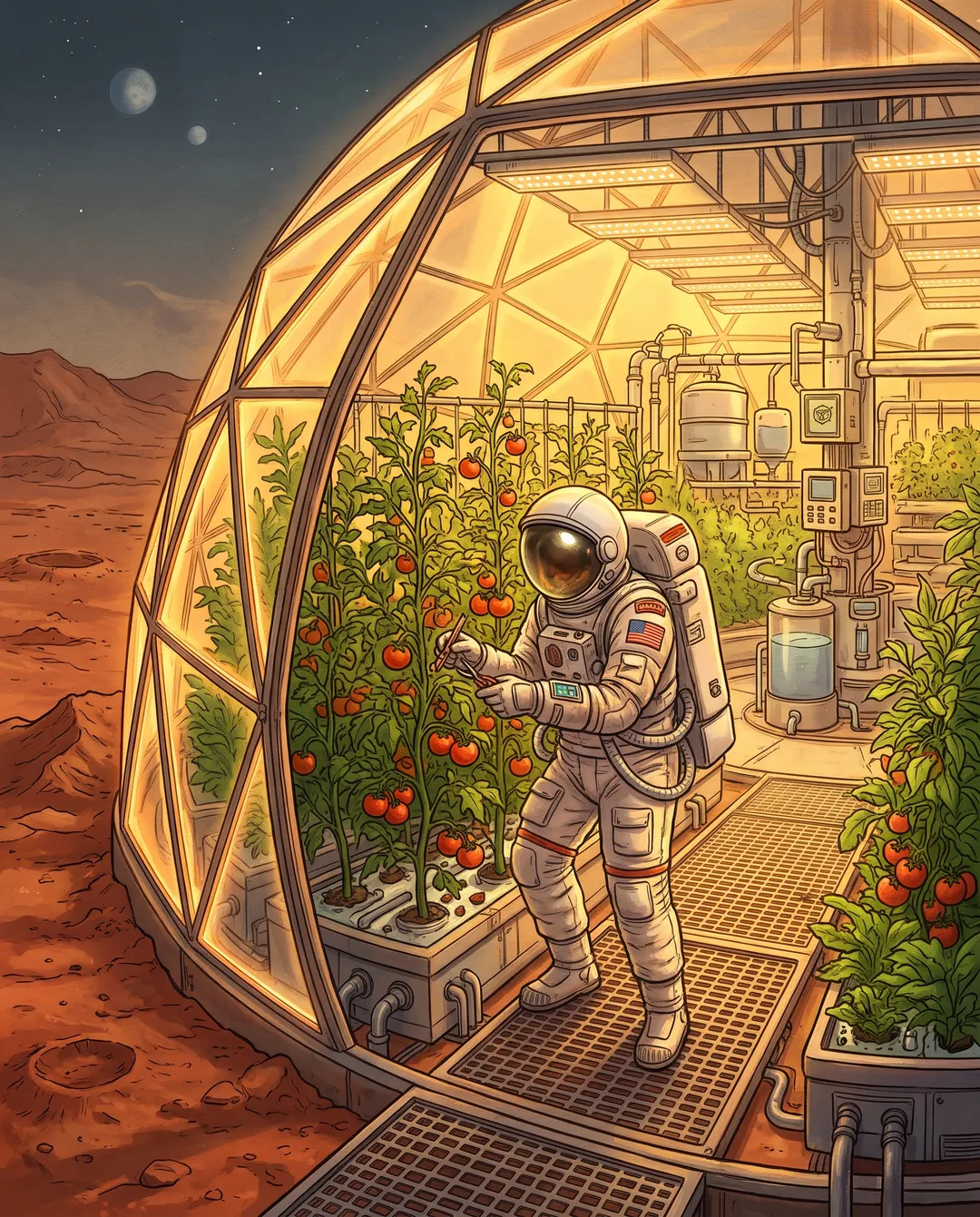
An astronaut tending tomato plants in a glowing greenhouse on a red desert planet: one plain sentence made this picture with Nano Banana 2. Say what is in it, where it is and what the light is doing. You choose from 12 named models, each with its own strengths, and the price is on the button before you run. Download it full size for a cover, a slide or a post, or keep changing it with another sentence.
Compare the image models- Plain sentences, no prompt codes to learn
- 12 models by name, price shown before you run
- Full size download with no watermark
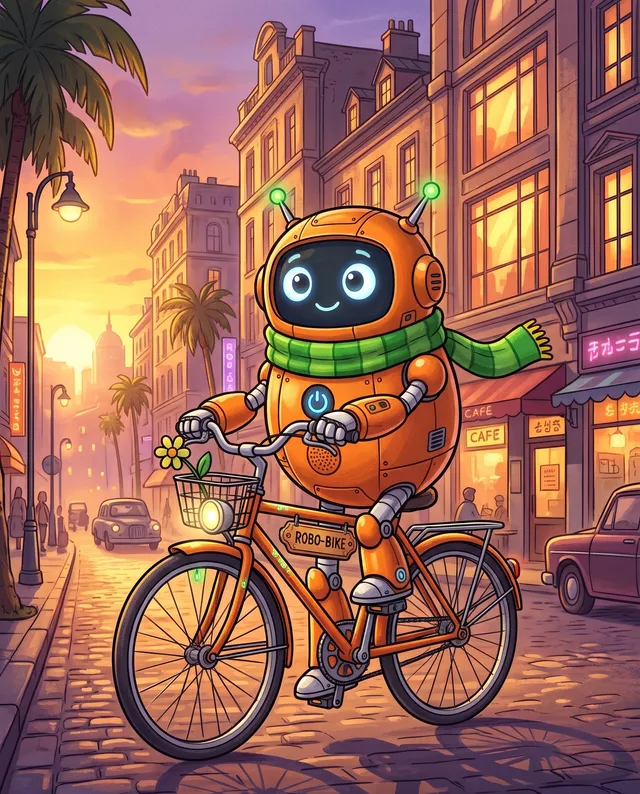
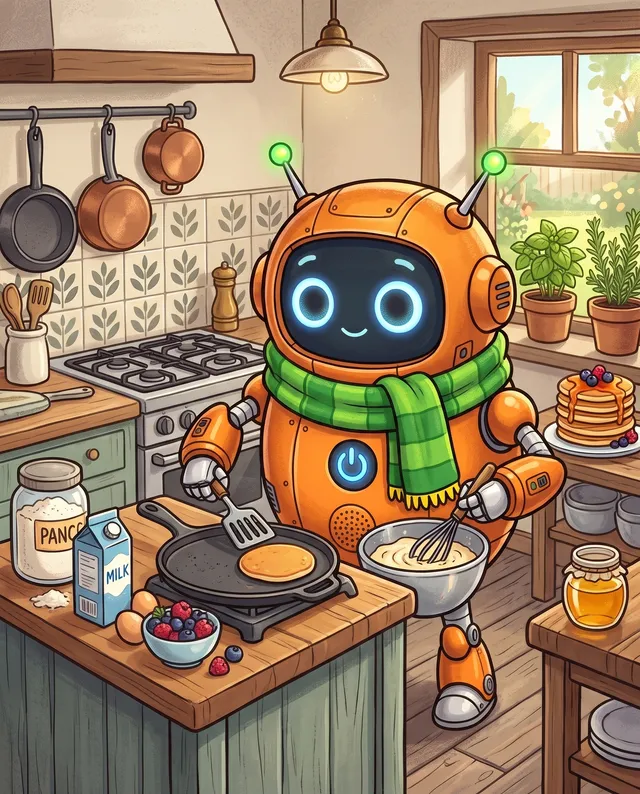
One character, scene after scene.
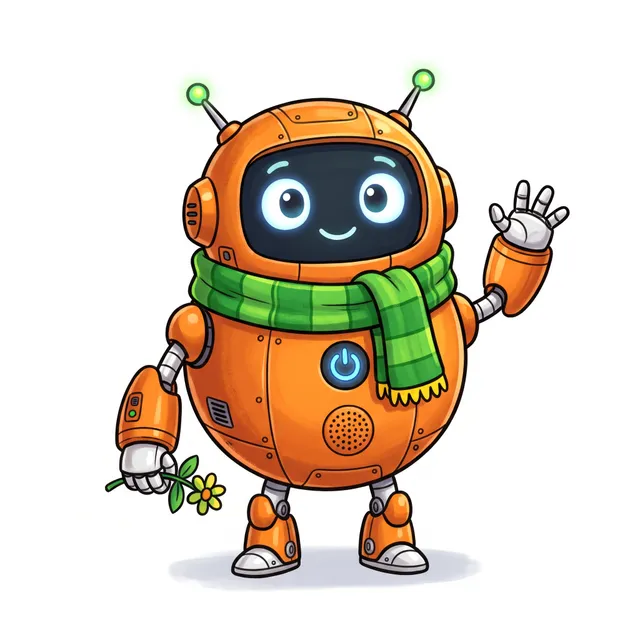
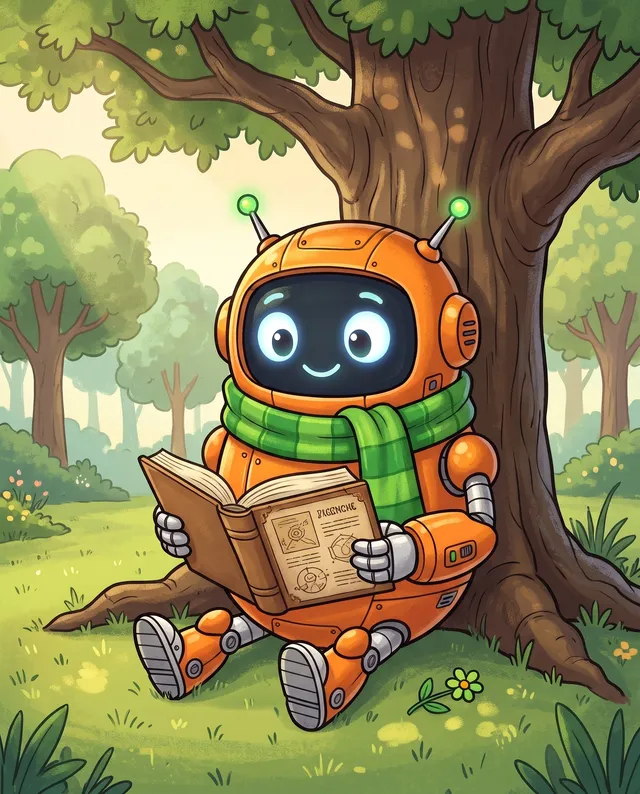
A mascot or a story hero only works if it looks the same every time. Draw the character once, add that picture, then ask for the next scene: reading under a tree, cycling through town at sunset, flipping pancakes. Nano Banana 2 kept the round body, the big eyes and the green scarf in all four, so a picture book, a sticker pack or a month of posts looks like one set instead of four guesses.
More about Nano Banana 2- Add the first picture as the reference
- Same face, outfit and colours in every scene
- For mascots, comics and brand posts
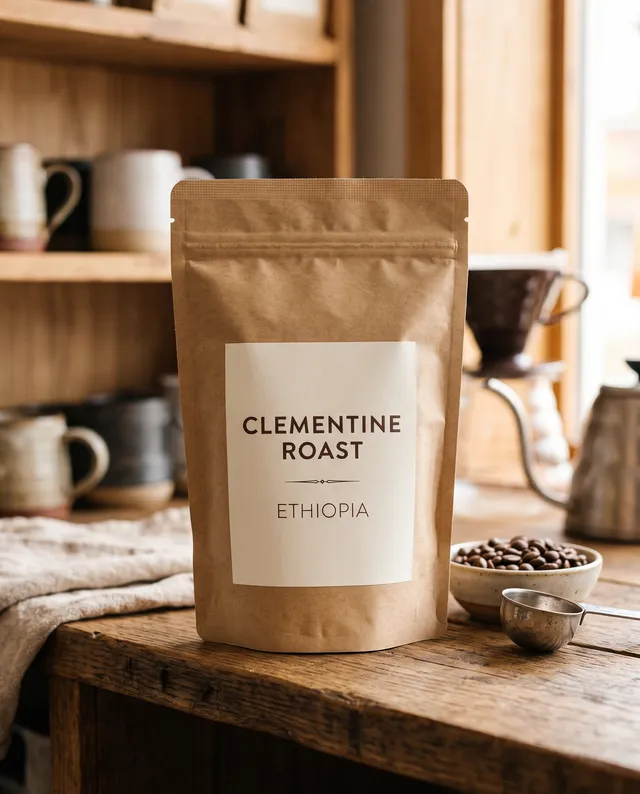
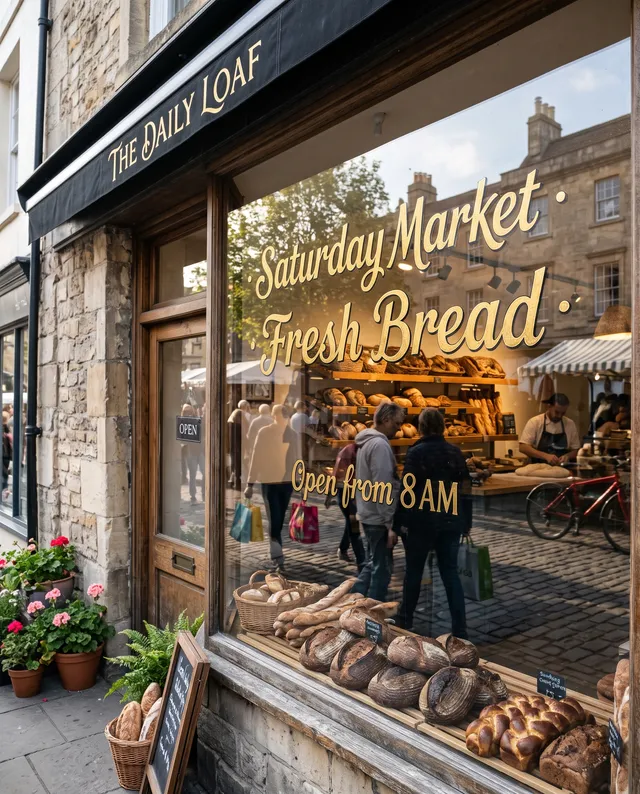
Labels and signs that actually read.
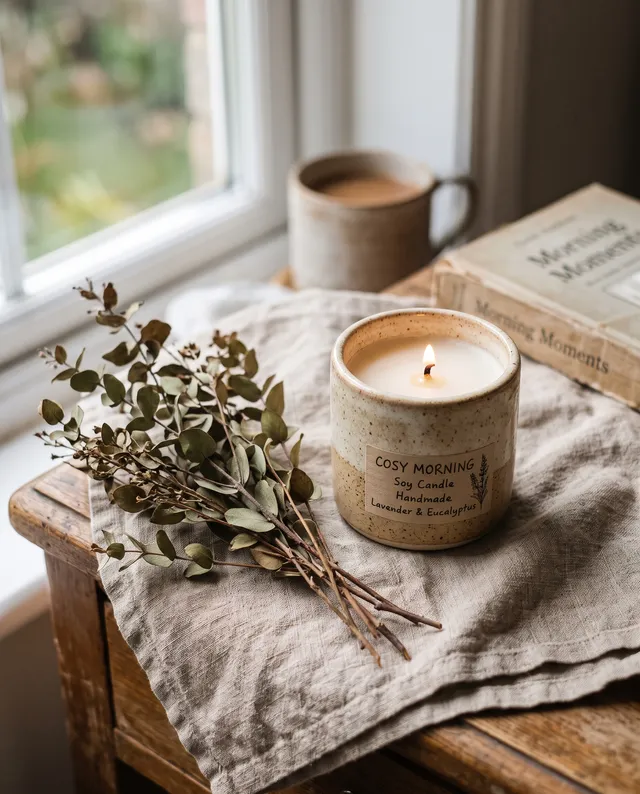
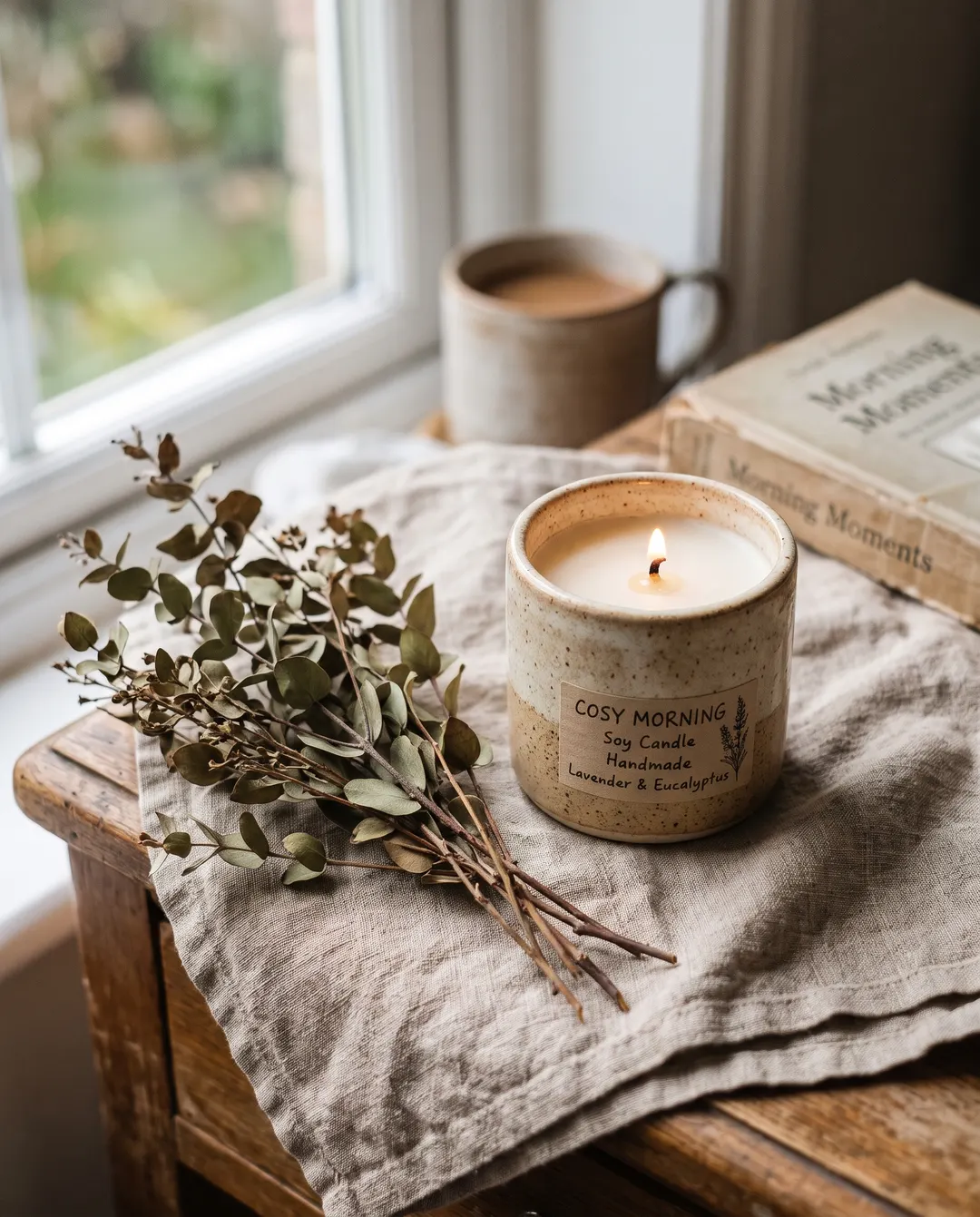
Plenty of AI pictures fall apart the moment they need words: letters melt and names come out as nonsense. Put the exact words in quotes and say where they go, like a printed label on a coffee bag or gold lettering on a bakery window. Each picture here came from one sentence, spelling included. Use it for packaging mock-ups, menus, posters and shop windows, and change the wording later with another sentence instead of starting over.
Need words gone instead? Text Remover- Put the exact words in quotes
- Labels, posters, menus and signs
- Change the wording without redrawing the rest
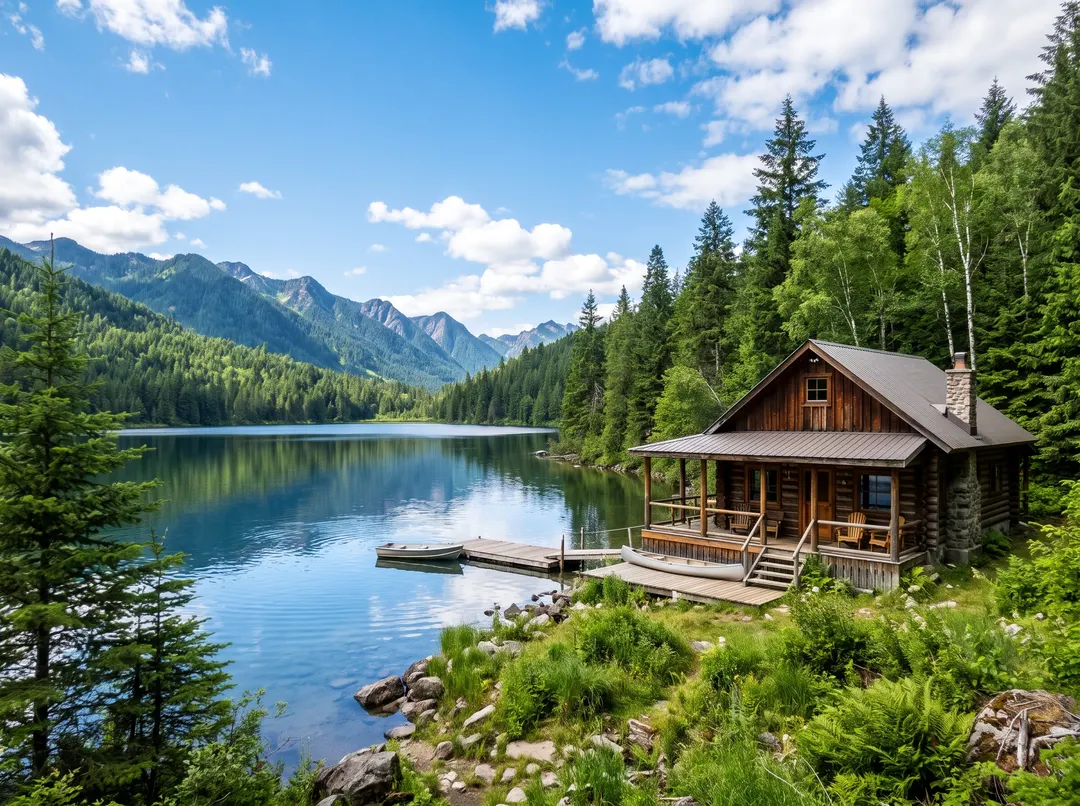
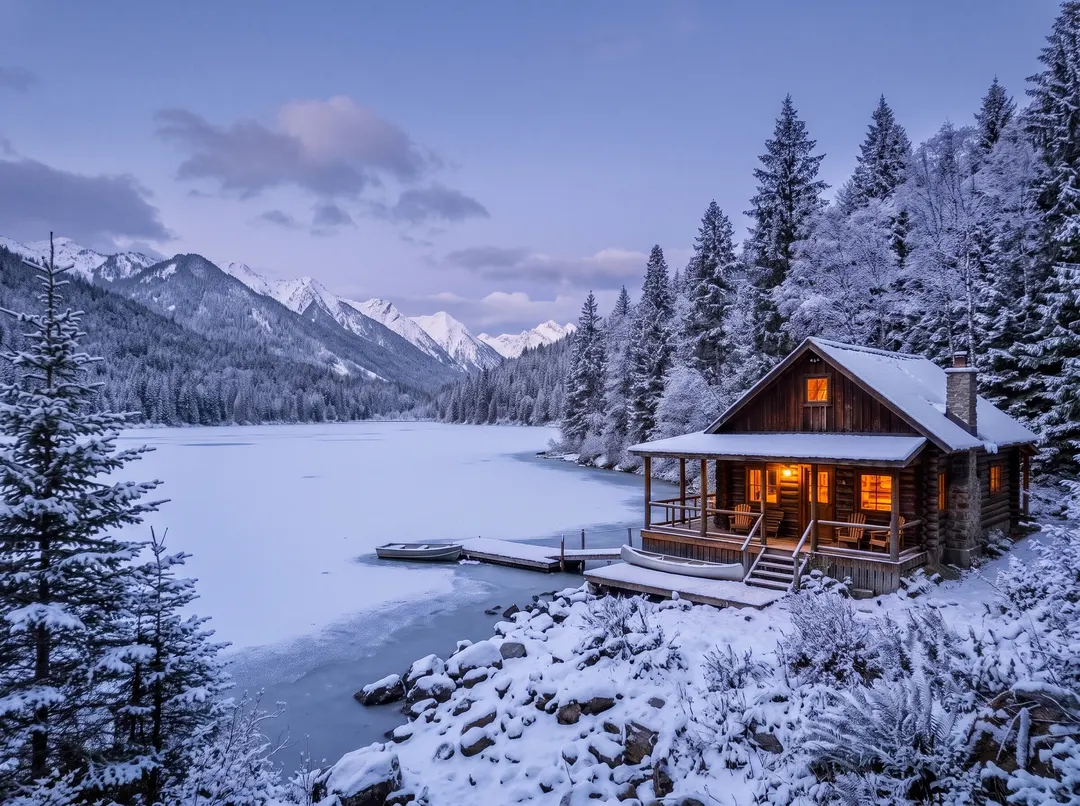 BeforeAfterMake it a snowy winter evening
Start from your own photo, not a blank page.
Already have a photo you like? Add it and say what should change. This lakeside cabin was shot in summer; one sentence turned it into a winter evening, with snow on the roof, a frozen lake and warm light in the windows. The cabin, the trees and the framing stay where they were, so it still looks like the same place. Add up to 5 photos at once, in JPG, PNG, WebP or HEIC.
Open the AI Image Editor- Your place, product or person stays recognisable
- One change per sentence, step by step
- Every version kept in your Studio
From this photoLike the picture? Make it move.
A finished picture can be the first frame of a video. Open it in Studio, say what should happen, and the corner café from above comes alive: a cyclist rolls past, the curtains move in the breeze and the camera drifts forward. You pick the video model and the length, up to 10 seconds, and see the price before you run. One picture becomes a clip for a product page, an ad or a Reel, with no shoot.
See the AI video generator- Your picture becomes the first frame
- Vertical for Reels, wide for your site
- Price shown before you run
Made from a sentence.
Each picture, the sentence that made it and the model that drew it. Tap one to put its words in the box and change what you like.
Liked one? Keep changing it.
Every picture can carry on in Studio. Say the next change in a sentence and the vase stays the same vase.
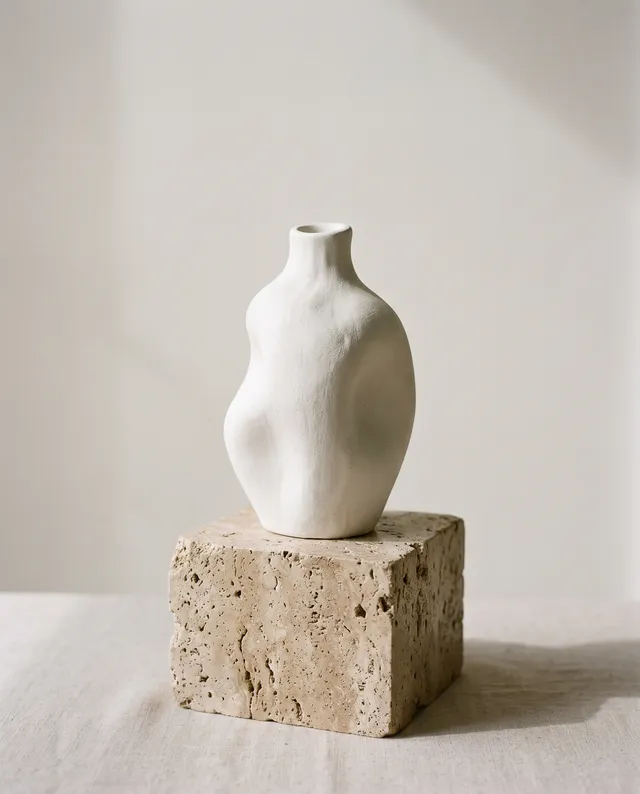 The picture
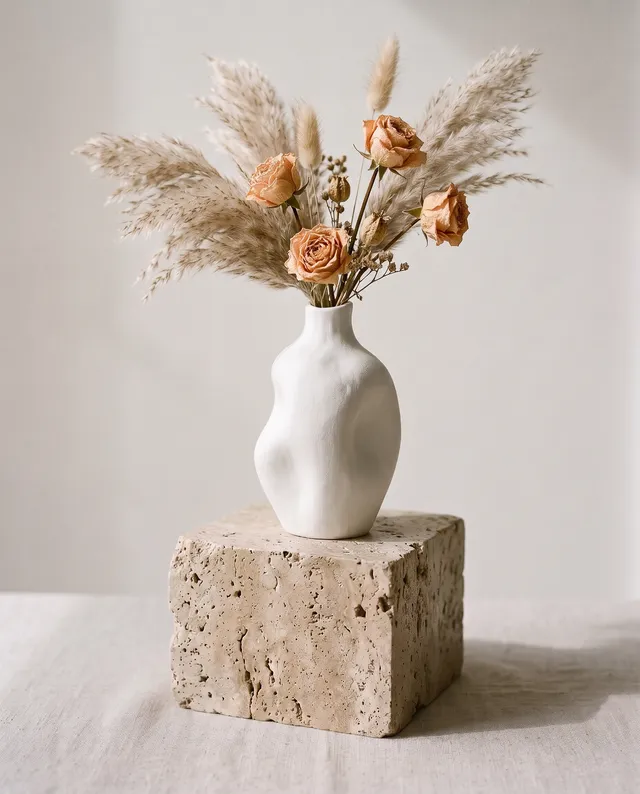 Add pampas grass and roses
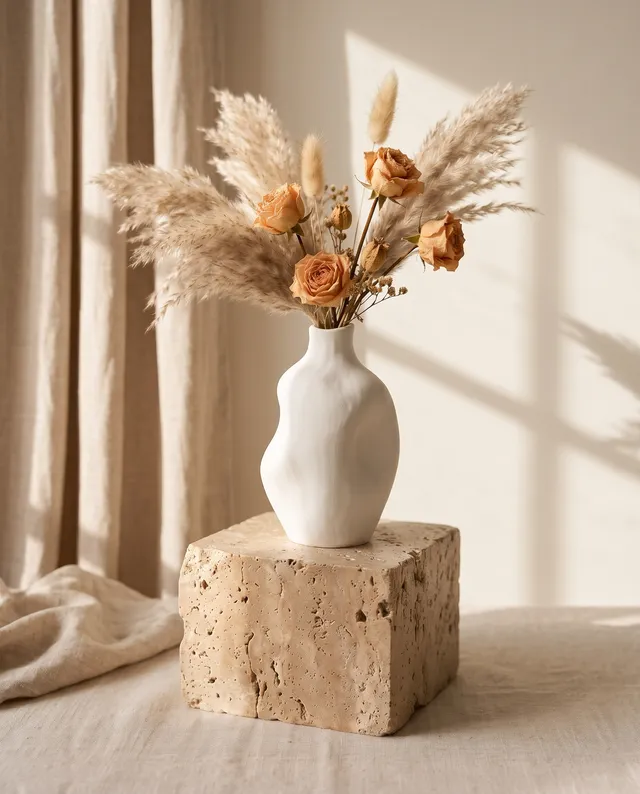 Move it to a sunlit room
- Make it move
Four habits that make better pictures.
No special words needed. These are the things that change a result the most.
- Name the subject first
Start with what the picture is of, then add the details. The first words carry the most weight.
- Say where and when
A place and a time of day give the model its light and colour. “At golden hour” does more than “beautiful”.
- Pick a look
Say photo, watercolour, 3D render or flat illustration. Without it, the model guesses.
- Quote any words
Put text that should appear in the picture in quotes, and say where it goes.
Ways to start on this page.
Each one fills the box above with the right model and a sentence to change.
The cost sits on the Generate button and changes with the model and size you pick.
A run that fails, times out or is blocked by a safety check is refunded in full.
Download full size with no watermark, free credits included.
Everything you make is saved in your Studio for at least 30 days, ready to download or change again.
AI image generator questions
还有其他问题?发邮件到 support@pixenhancer.ai
Keep exploring
Start with a sentence.
A named model and a visible price on every run.


