Free AI Background Remover
Clean cutouts in seconds, even around hair and fur.
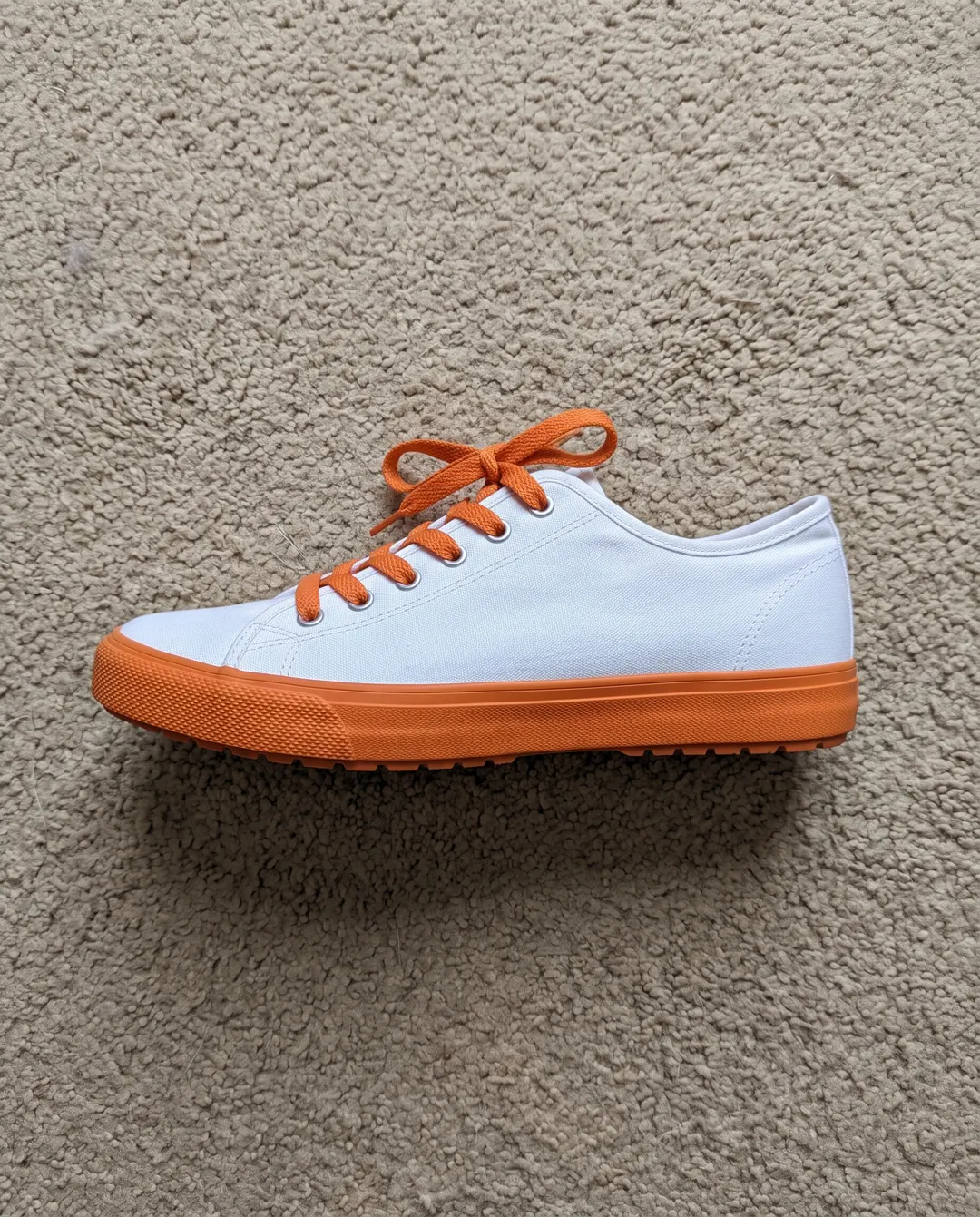
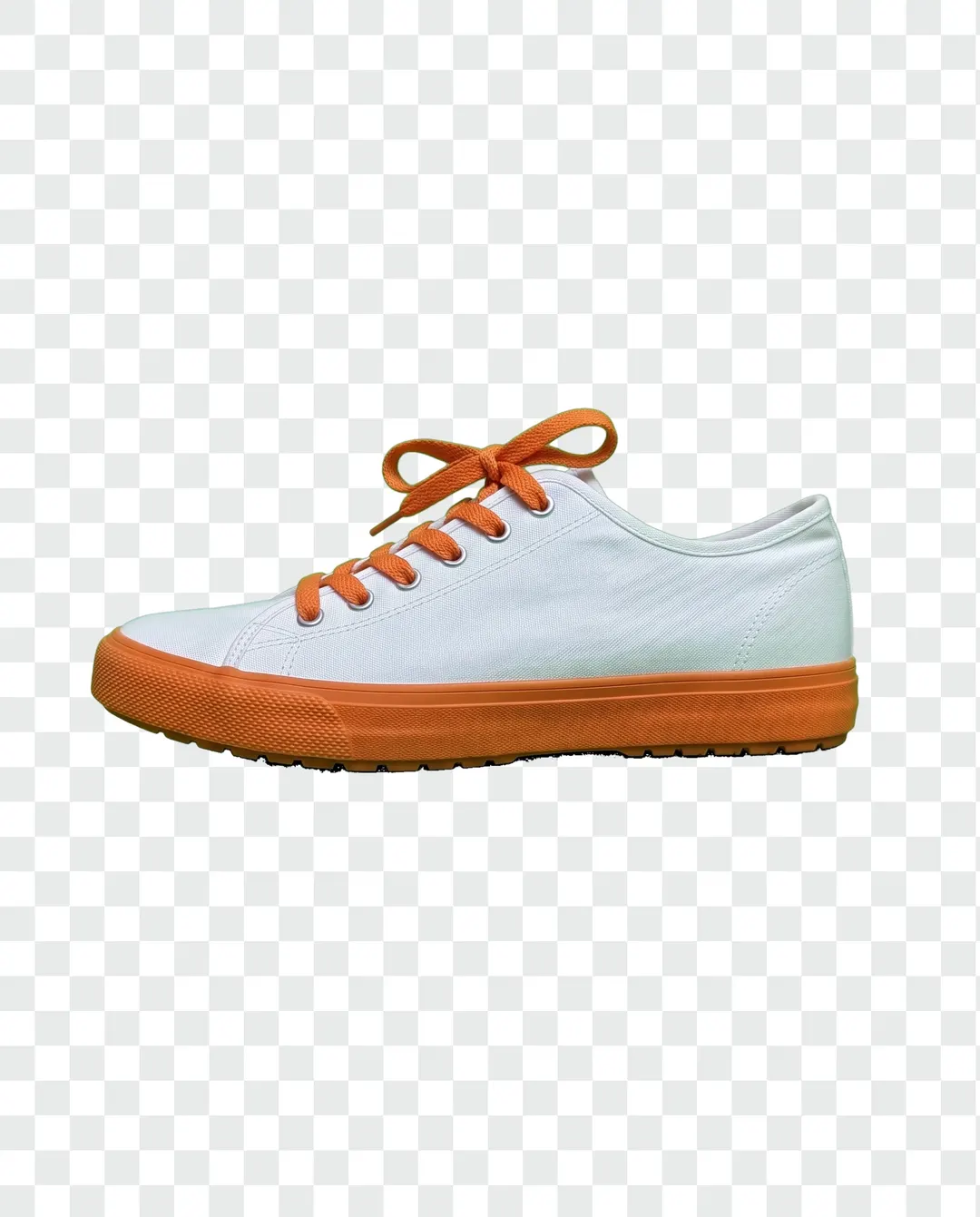 BeforeAfterCarpet gone, ready as a transparent PNGBeforeAfterCarpet gone, ready as a transparent PNG
Shot on the carpet, now on a transparent background.
Nobody has a photo studio in the bedroom. Take the picture wherever the light is, then let the background go. The shoe is lifted out with its laces, its stitching and its shape intact, ready to drop onto a listing, a banner or a slide without any fiddly tracing by hand.
- The subject is found for you, no selecting
- Download a transparent PNG or a JPG
- Done in seconds, not an afternoon
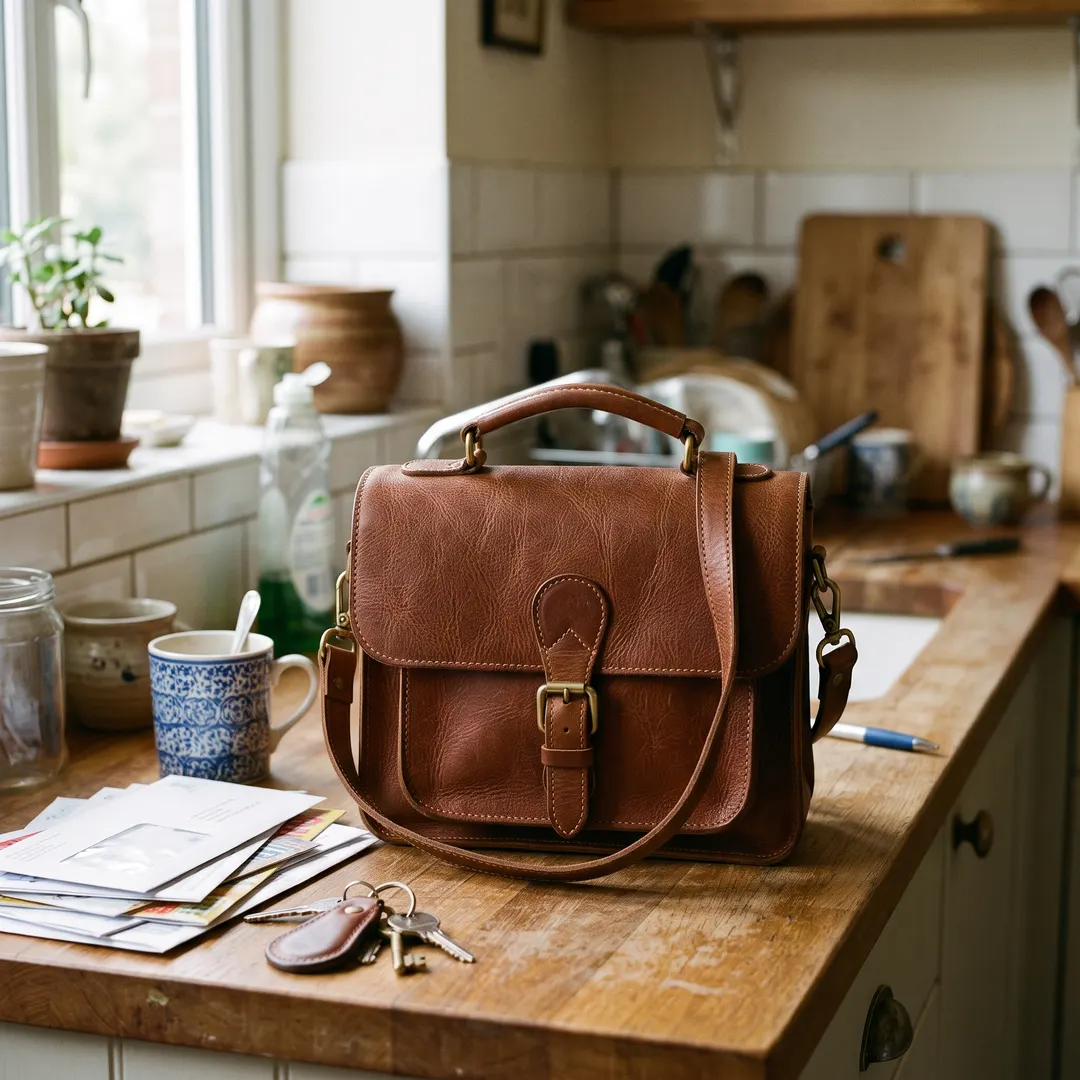
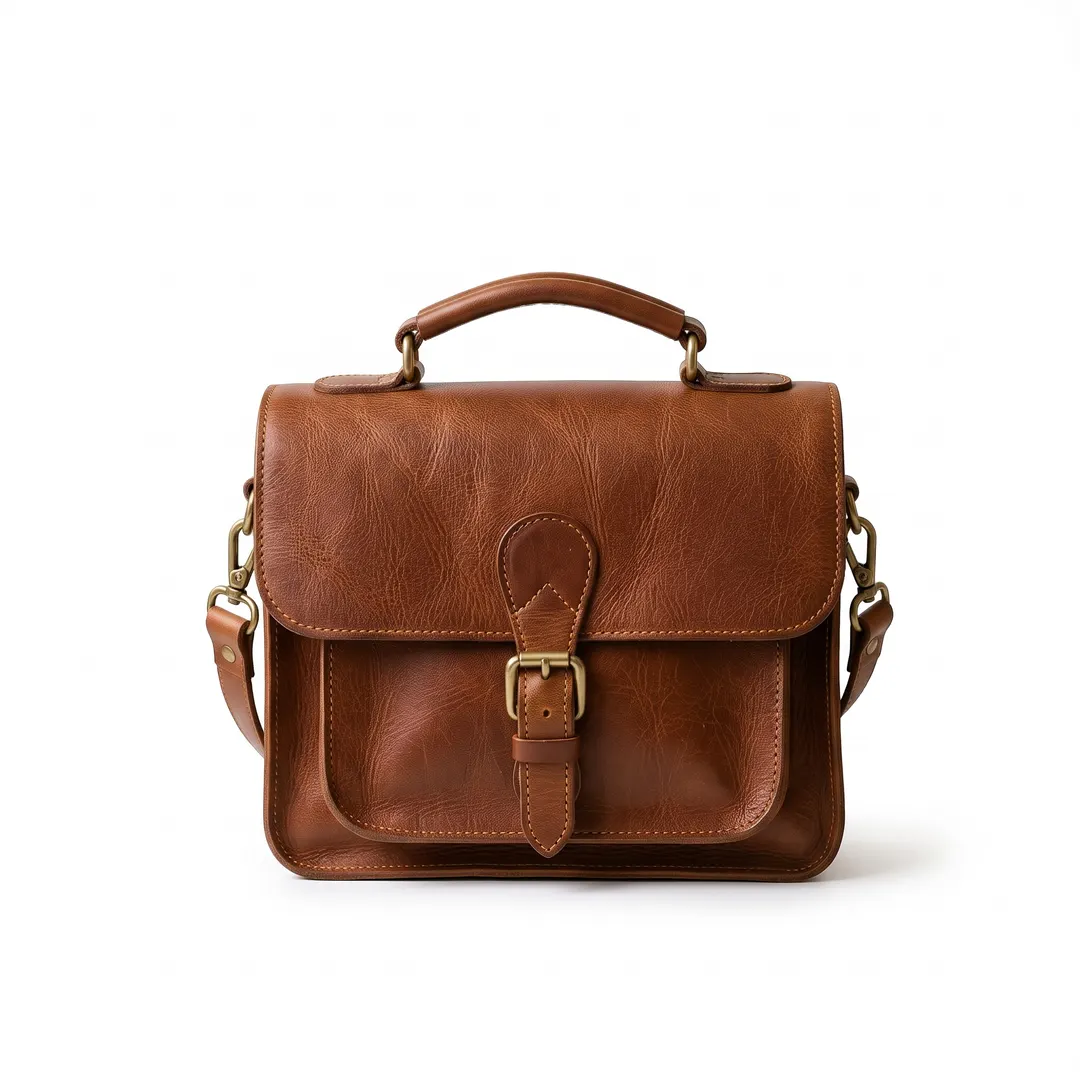 BeforeAfterCut out and placed on white
Clean white for listings, in one tap.
Marketplaces like a plain background, and buyers trust a tidy photo. Once the bag is cut out, pick white, light grey or any colour from the swatches. Switching colour after the cut-out costs nothing and happens instantly, so you can try a few before you download.
- White, grey, black or your brand colour
- Change the colour as often as you like, free
- Want a soft shadow under it? Try White background

 BeforeAfterStand it on white marble with peonies
Need a whole new place, not just a blank?
A cut-out on plain colour is perfect for a catalogue. For a post or an ad you might want the product standing somewhere real. Background changer puts it there from one sentence, with a shadow and light that match the new surface, so it looks photographed, not pasted.
- Say the scene in your own words
- Light and shadow matched to the new place
- Labels and logos stay exactly as shot
Background gone? Keep going.
Every result comes with a next step, so one phone photo can turn into a whole listing or a week of posts. Here’s one photo, four sentences later.
 Taken on a phone
 Put it on a café terrace
 Make it crisp and bright
 Extend it to 16:9
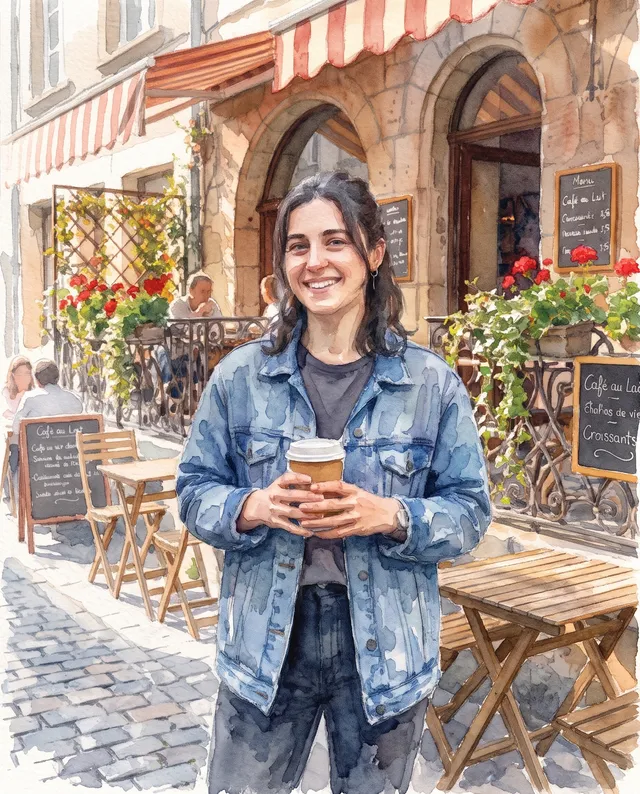 Make it a watercolour
Remove the background in three steps.
Nothing to install and nothing to select by hand. The subject is picked out on its own.
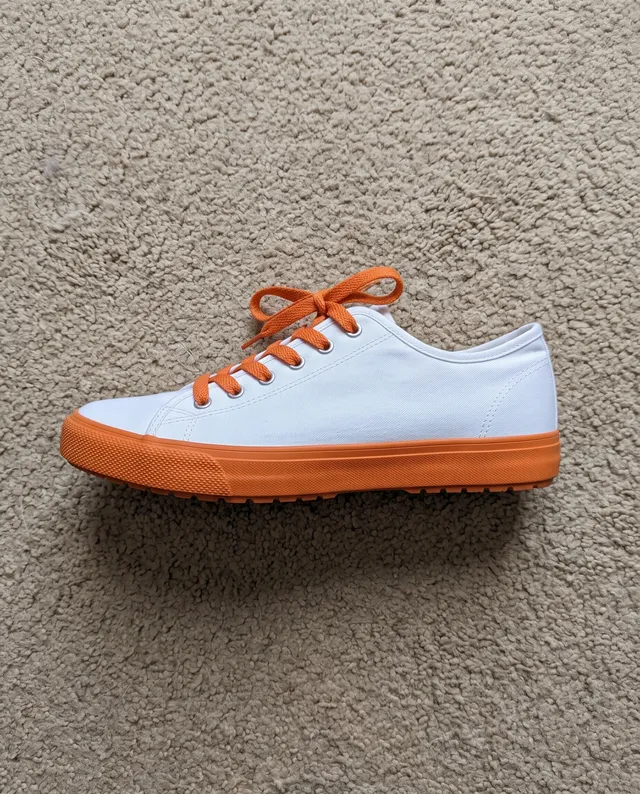
Upload a photo
From your phone or computer. A person, a pet or a product, on any background.
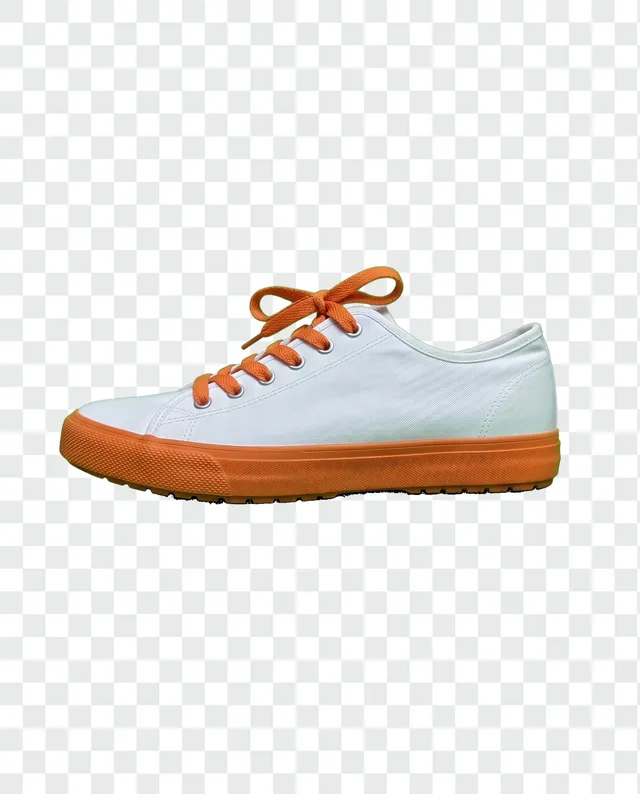
Let the background go
The subject is cut out for you in a few seconds. Then keep it clear or pick a colour.
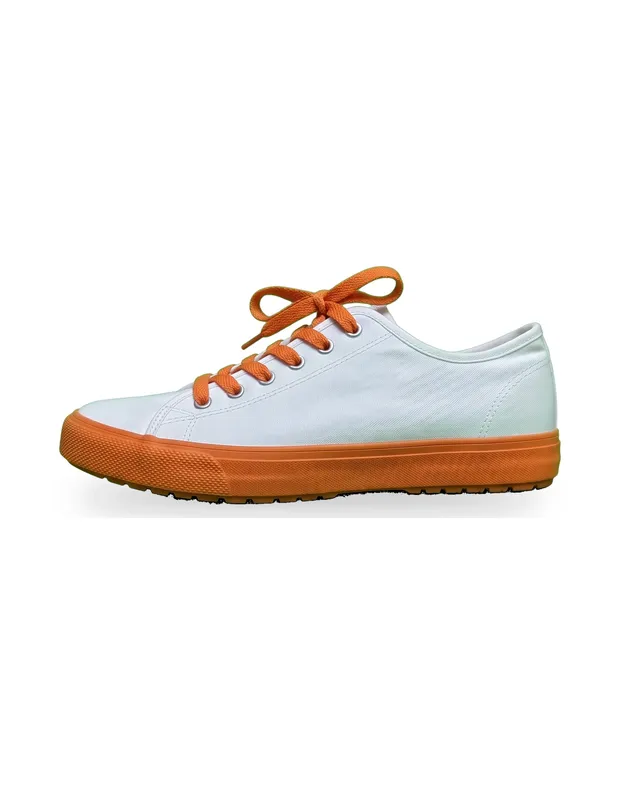
Download
Save a transparent PNG or a JPG on your colour, with no watermark.
Cut-outs for everyday jobs.
Most people come with one picture and one place it needs to go.
Shop listings
Plain white or light grey for marketplaces, so every product in the range matches.
Profile photos
Lift yourself out of the hallway and onto a calm colour for a team page, a CV or a profile.
Stickers and designs
Transparent PNGs drop straight into posters, invitations, merch mock-ups and chat stickers.
Slides and documents
A product or a face without its box of background sits neatly on any slide.
Ads and banners
Layer the cut-out over your own colours and type, ready for the campaign.
Pets
Cut the dog out of the sofa photo for a card, a mug or a birthday post.
Questions about removing backgrounds
还有其他问题?发邮件到 support@pixenhancer.ai
Keep the subject. Lose the rest.
Cut out your first photo in seconds.


