Sharpen Image
Right moment, soft photo. Add it here and get it back with crisp edges and clear detail, from eyelashes to fur to the writing on a sign.
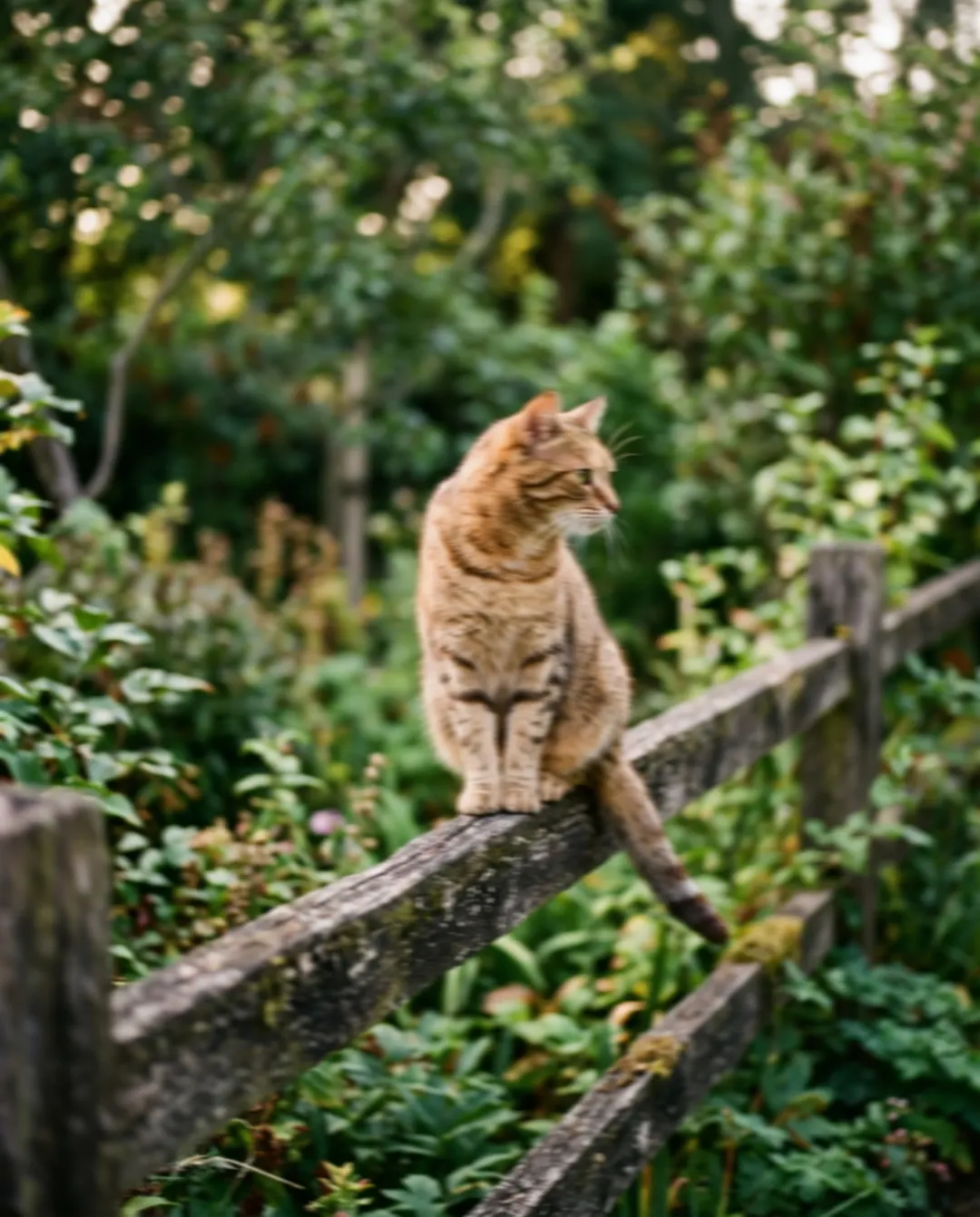
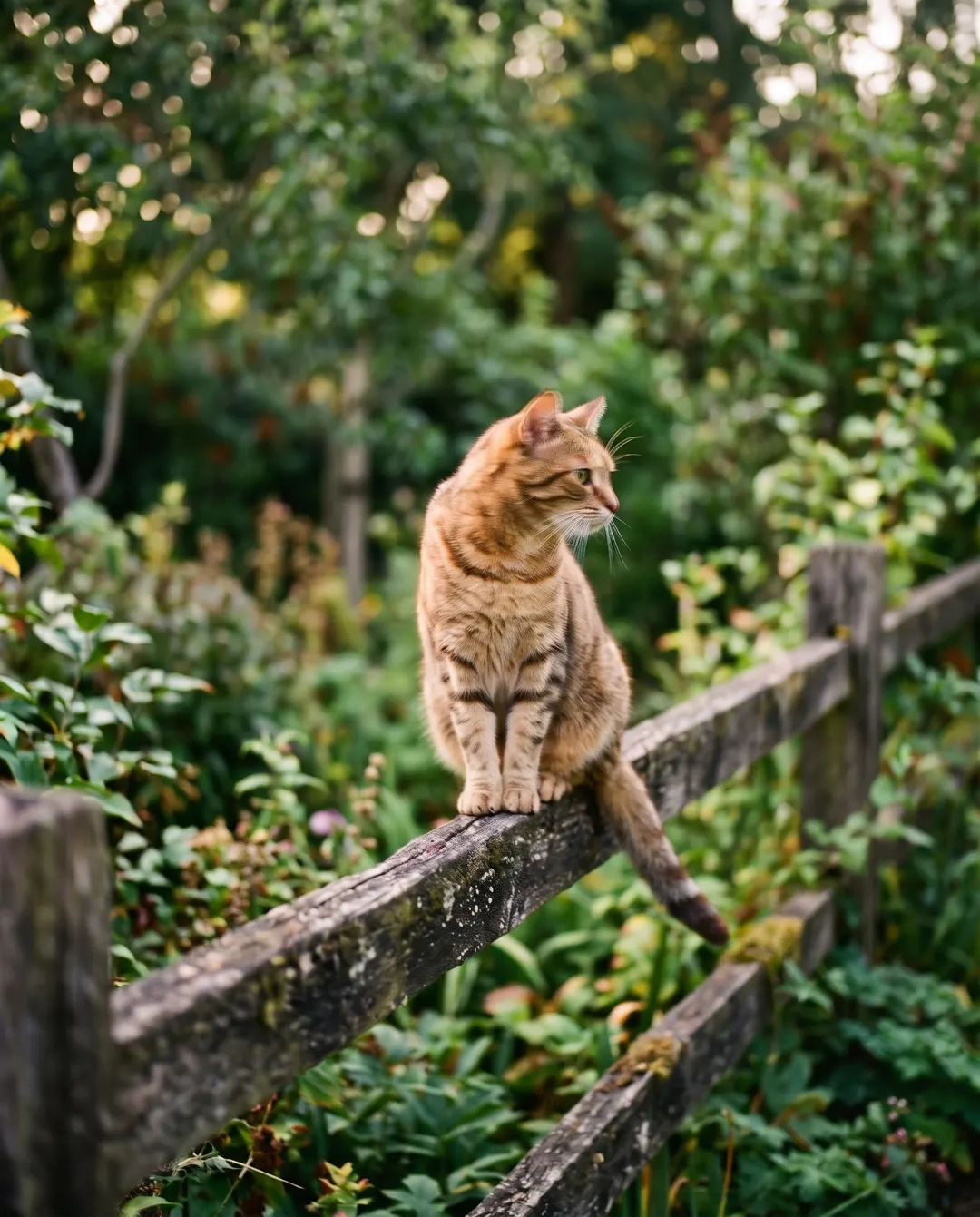 BeforeAfterFur and whiskers sharp againBeforeAfterFur and whiskers sharp again
They never sit still. Now they look like they did.
Cats turn their heads, dogs wag, children run off just as you tap. A little motion blur is all it takes to lose the whiskers and the sparkle in the eyes. Sharpening brings the edges and the fine fur back, so the photo looks the way the moment felt.
- Motion blur reduced
- Fur, whiskers and eyes come back crisp
- No halos or crunchy edges
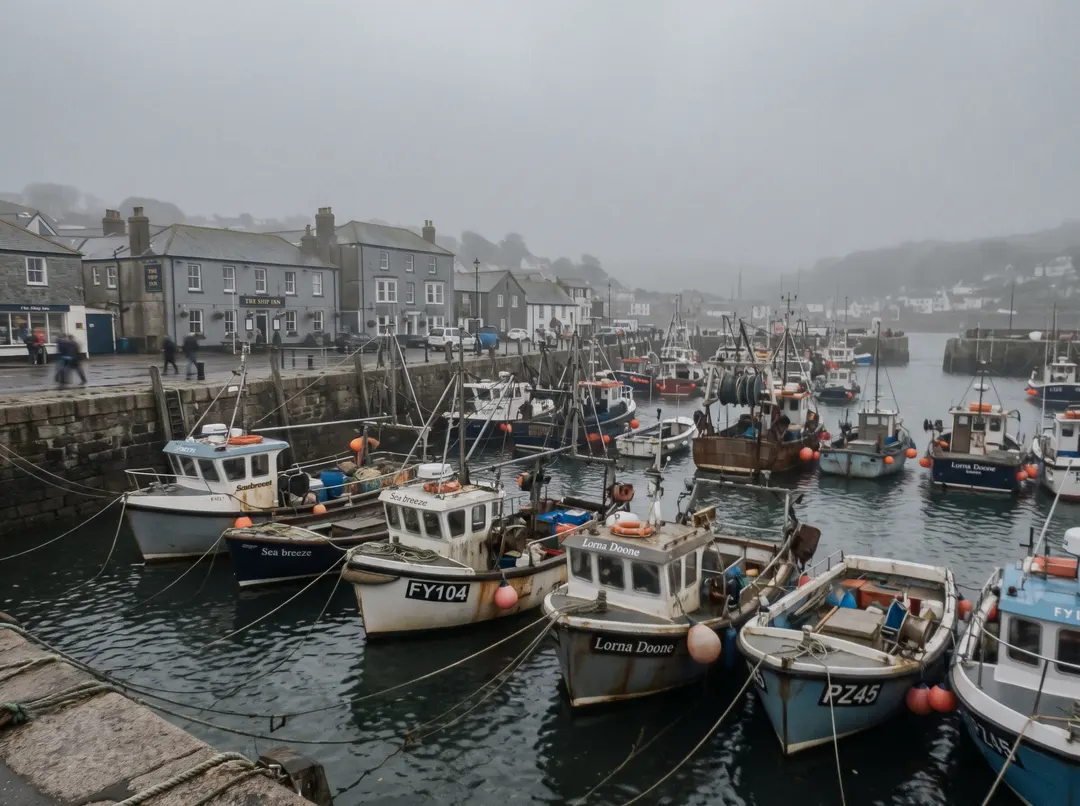
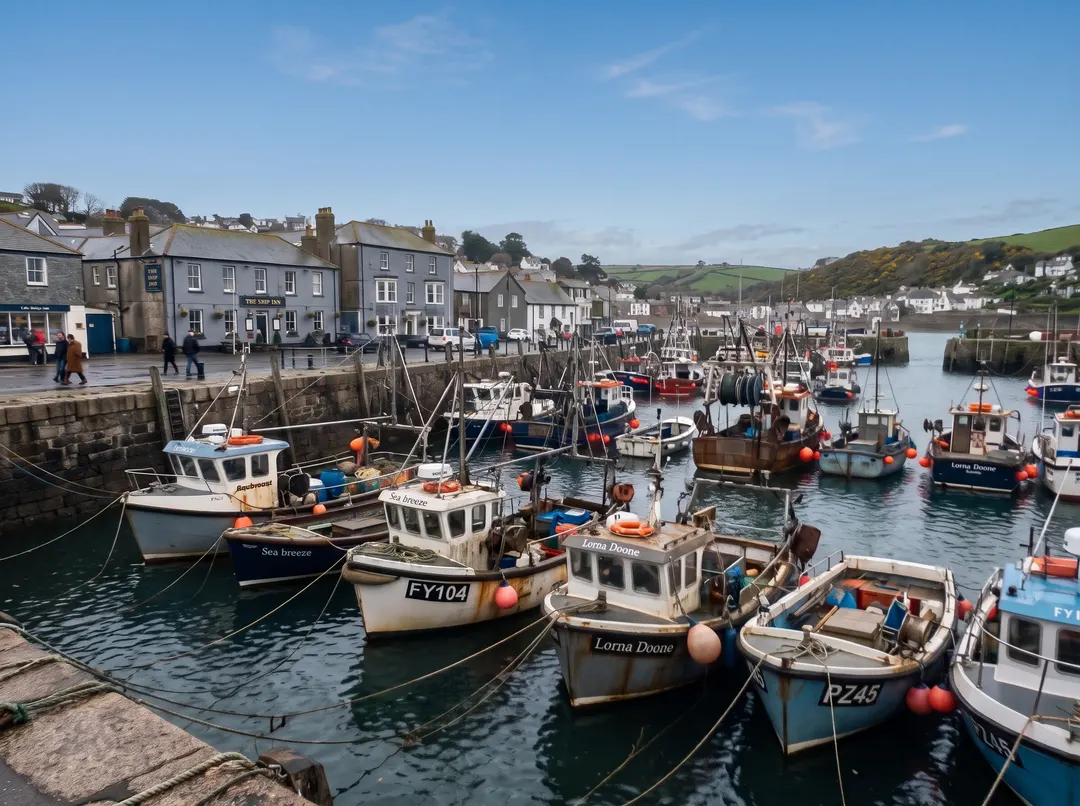 BeforeAfterBoats and buildings crisp again
Make the picture clearer, right down to the masts.
A harbour shot through a dirty window or on a grey morning ends up soft all over. Sharpen it and the masts, the windows and the edges of the boats line up clean again, with the colour and contrast lifted so the detail actually shows.
- Buildings and boats get clean lines
- Detail comes back across the whole frame
- Nothing added that was not there
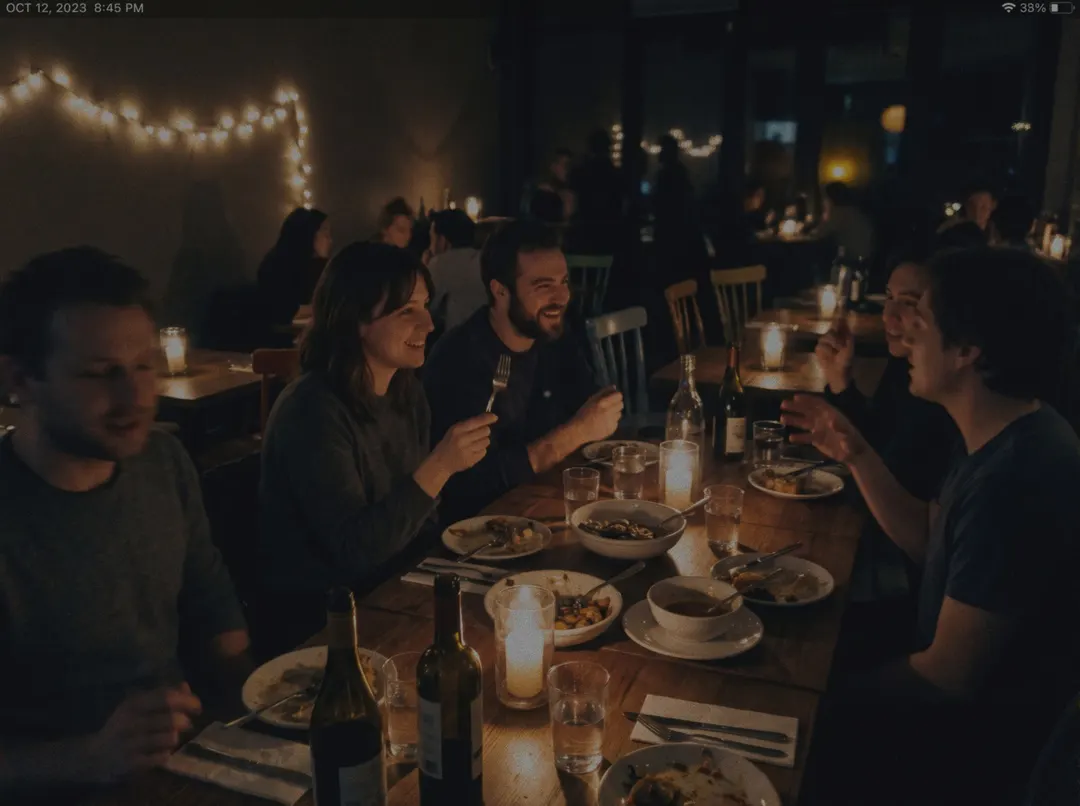
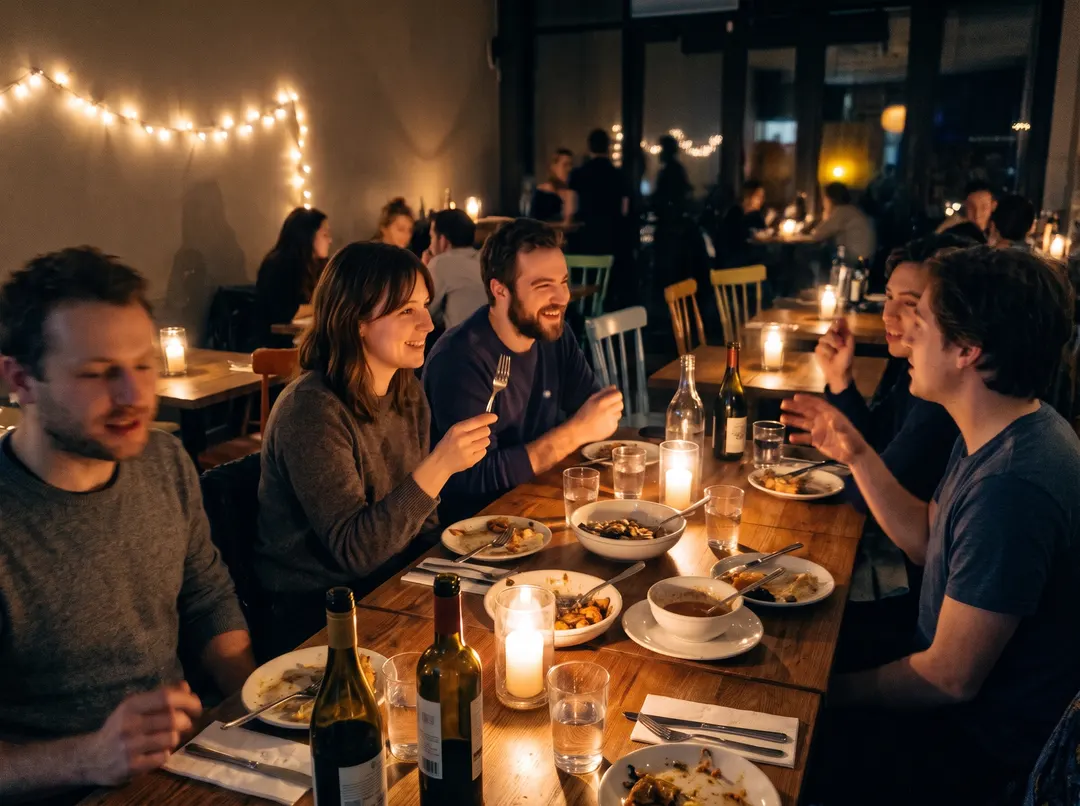 BeforeAfterBrighter, with the grain cleaned up
Soft and dark? Fix both at once.
Indoor photos are often blurry because they are dark: the camera slowed down to catch the light. When a photo needs light, colour and sharpness together, the Photo enhancer does all three in one step and keeps every face at the table as it is.
- Light, grain and blur in one go
- Faces left as they are
- Made for dim indoor shots
Sharp now? Keep going.
Every result comes with a next step. Here’s one phone photo, four sentences later.
 Taken on a phone
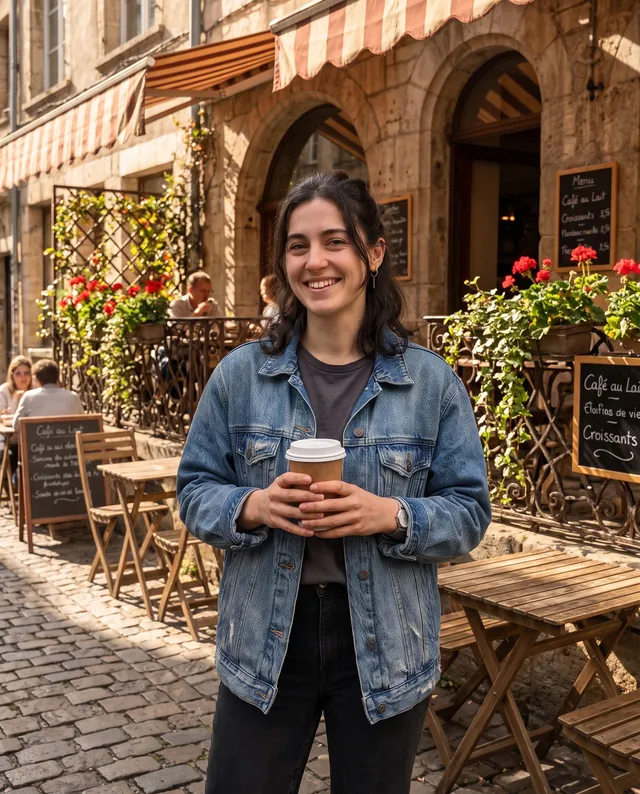 Put it on a café terrace
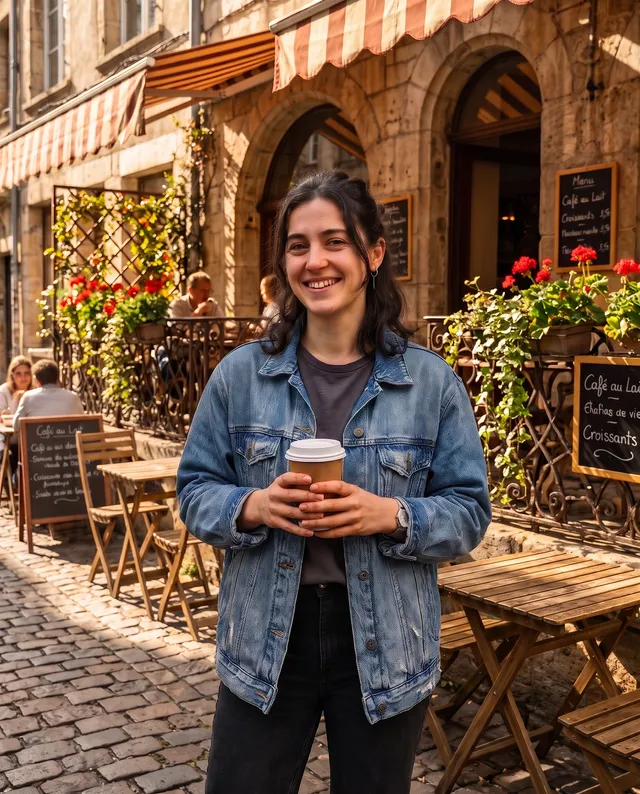 Make it crisp and bright
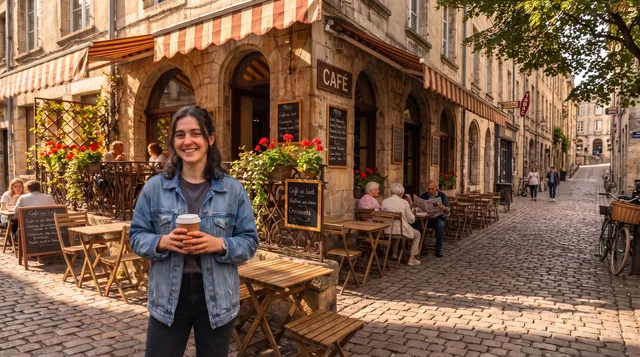 Extend it to 16:9
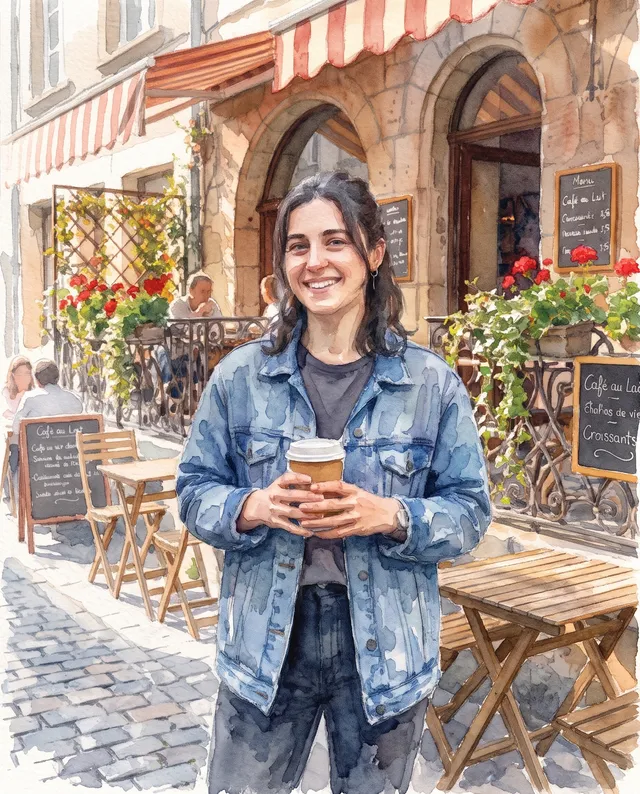 Make it a watercolour
The image sharpener that needs no sliders.
No radius, no amount, no masks to paint. Pick what should be sharp, or press Sharpen photo.
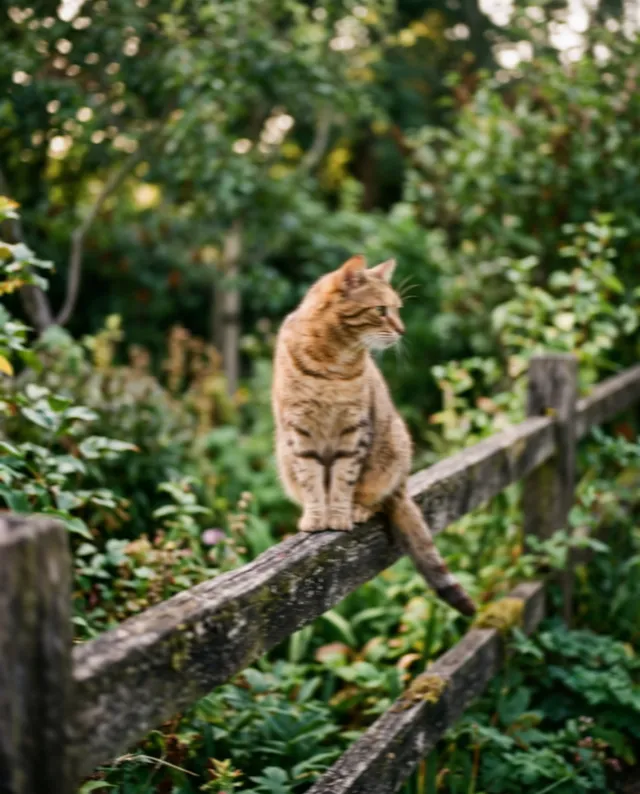
Add your photo
From your phone or computer, or paste it straight in.
Pick what to sharpen
Auto handles most photos. Or tap Motion blur, Sharp eyes or Pet fur.
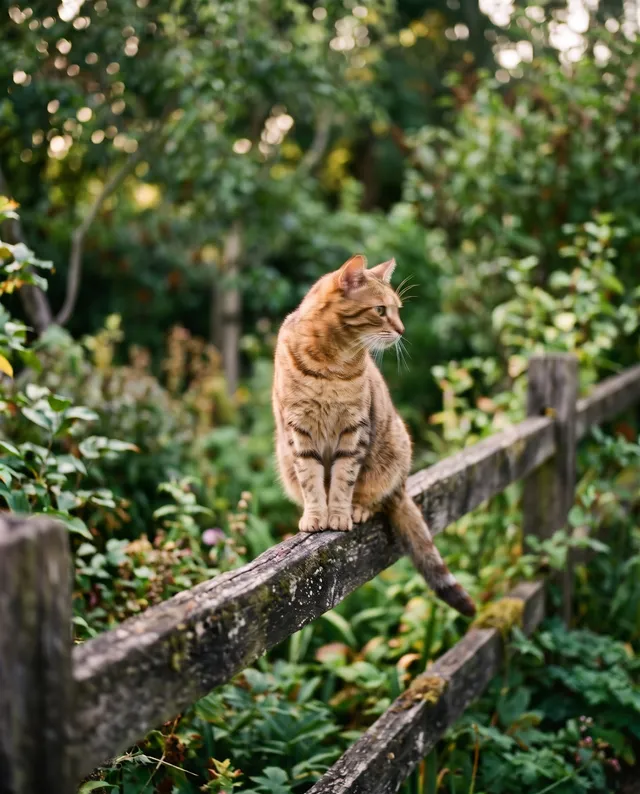
Download, or keep going
Save it with no watermark, or take it on to a bigger size or a new background.
For the shots you only got once.
The blurry photo is usually the one you cannot take again.
Pets
The one photo where they finally looked at the camera, a touch too soft.
Family moments
Birthday candles, first steps, the group shot someone took in a hurry.
Sport and action
Kids on the pitch, a jump, a finish line. Bring the moving subject back into focus.
Product photos
Sharp edges and readable labels make a listing look cared for.
Profile photos
The photo you like, with sharp eyes and clean hair edges, and your face left as it is.
Travel
Soft views from a moving train or a misty morning, with the detail brought back.
Questions about sharpening photos
还有其他问题?发邮件到 support@pixenhancer.ai
Blurry moment, sharp photo.
Start with the photo you almost deleted.


