Free AI Background Changer
Put any photo somewhere new. Edges stay clean and the light matches the new scene.

 BeforeAfterSwap the office for a soft grey studio backdrop
Just need a plain colour?
One tap for a solid background. Transparent PNGs come from Remove background.
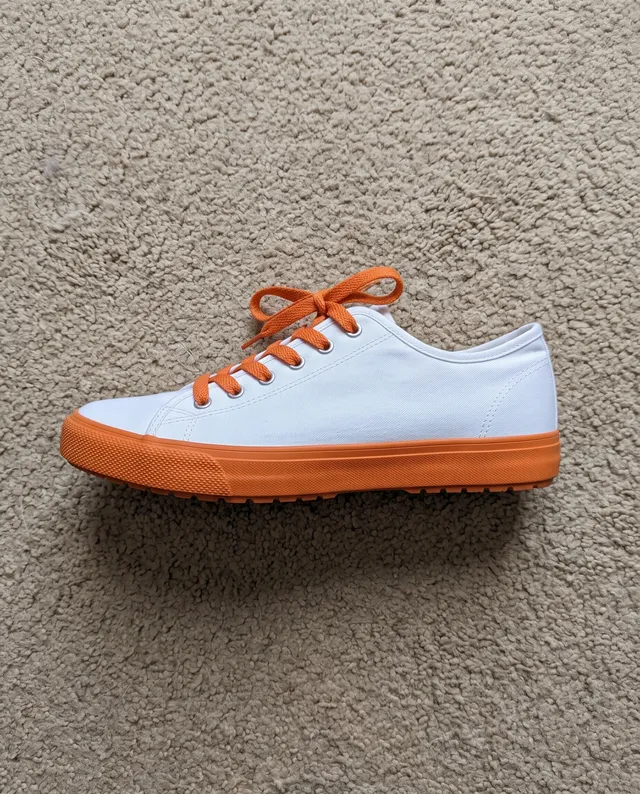
One sneaker. Eight places it’s never been.
Tap a scene to write it into the box above, then add your own photo.
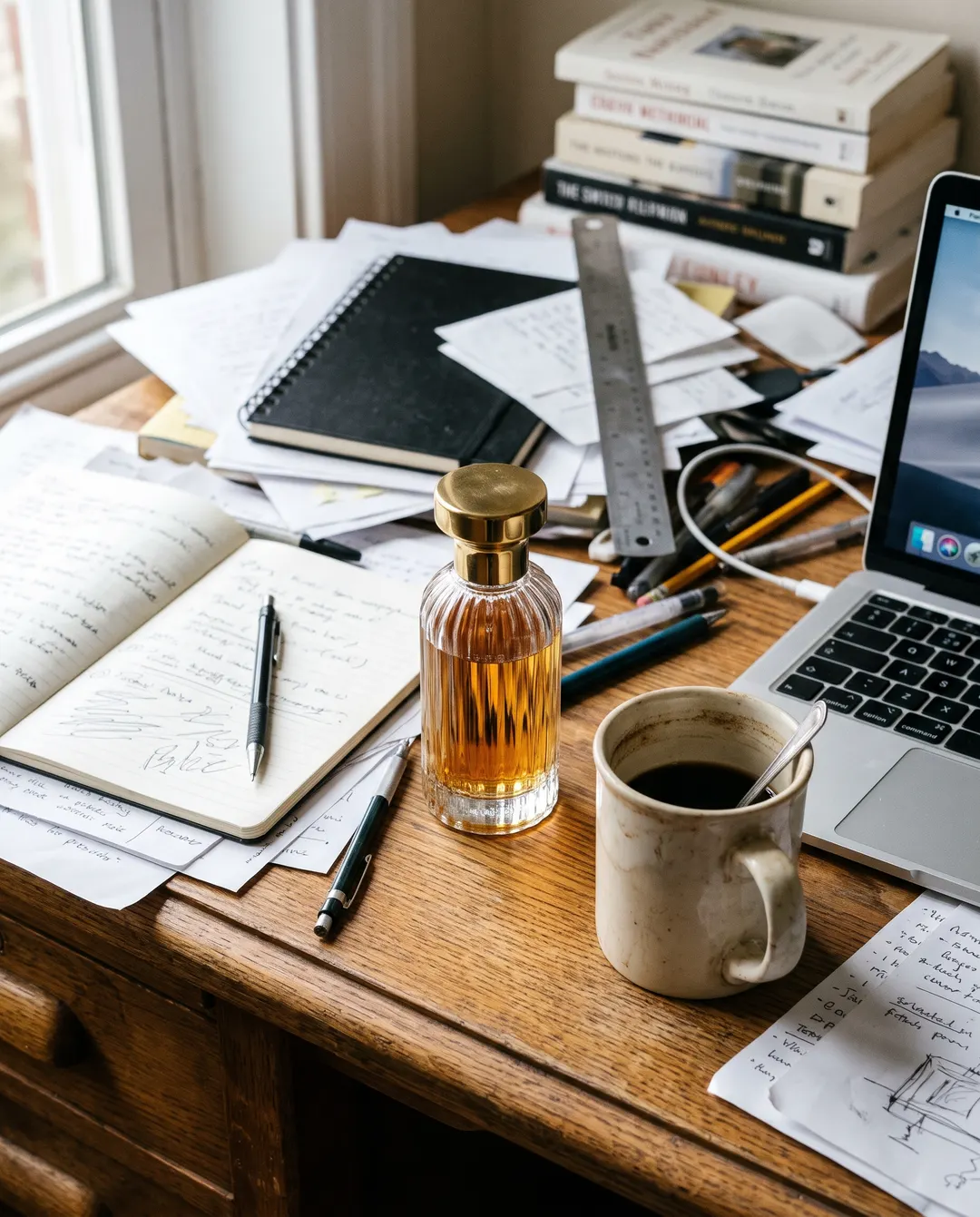
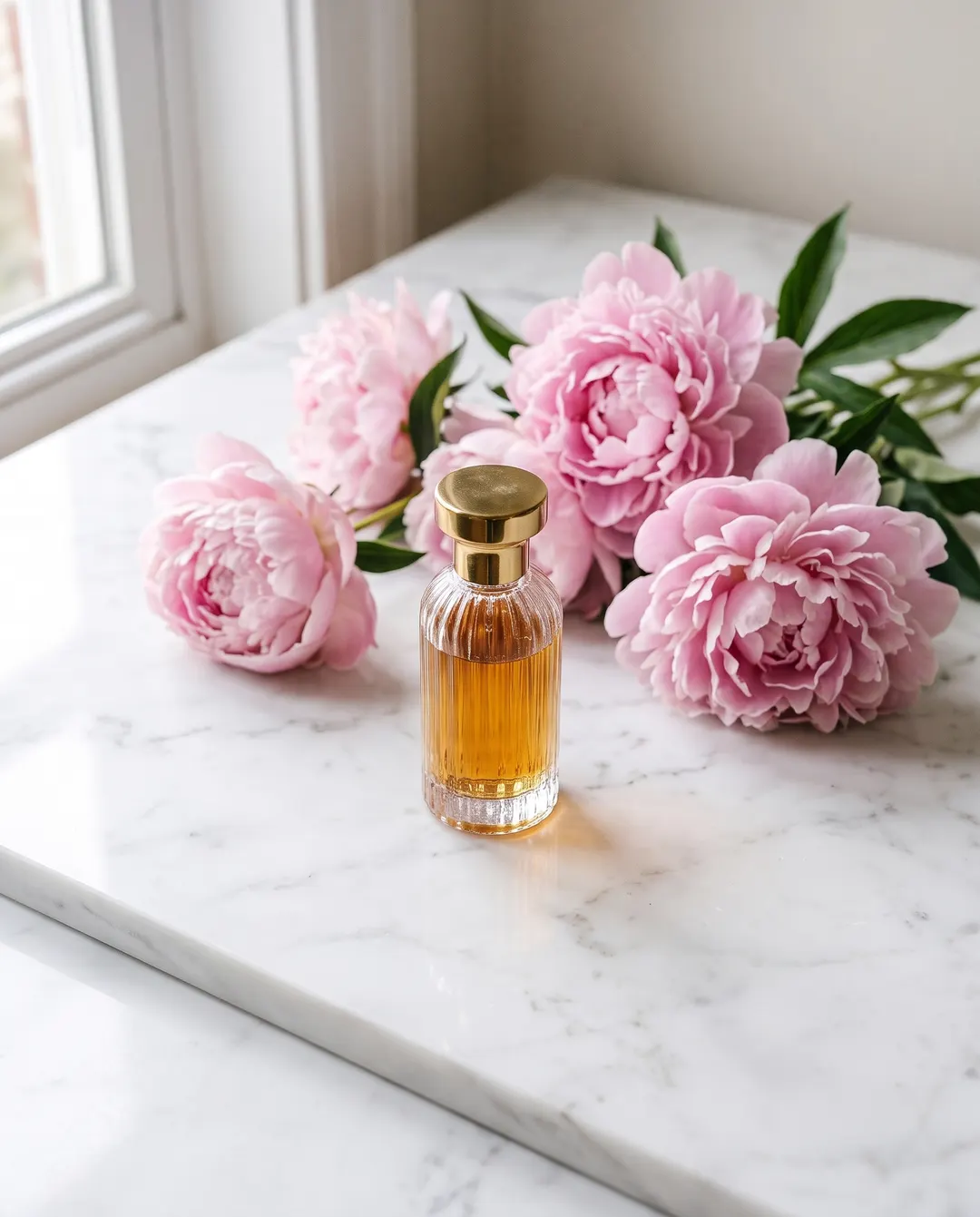 BeforeAfterStand it on white marble with peonies
 Or by the pool
Studio-quality product shots, taken on your desk.
The bottle was shot between a laptop and a coffee cup. A studio day would have cost more than the stock. Say where it should stand and the reflection, the shadow and the colour of the light are drawn to match the new surface, while the label stays sharp enough to read.
- Made to keep labels, logos and glass as shot
- A soft, real shadow instead of a floating cut-out
- The same sentence gives a whole range the same scene
BeforeAfterSwap the office for a soft grey studio backdrop Or a city street
A headshot that looks booked, not borrowed.
Recruiters notice the fire exit sign before they notice you. Take the photo you already like, from the office, the wedding or the hallway, and put it in front of a clean grey backdrop. It is made to keep your face, hair and jumper as they were and change only the corridor.
- Made to keep your face, hair and clothes as they are
- Flyaway hair stays soft, not sliced
- Studio grey, office, outdoors: say which

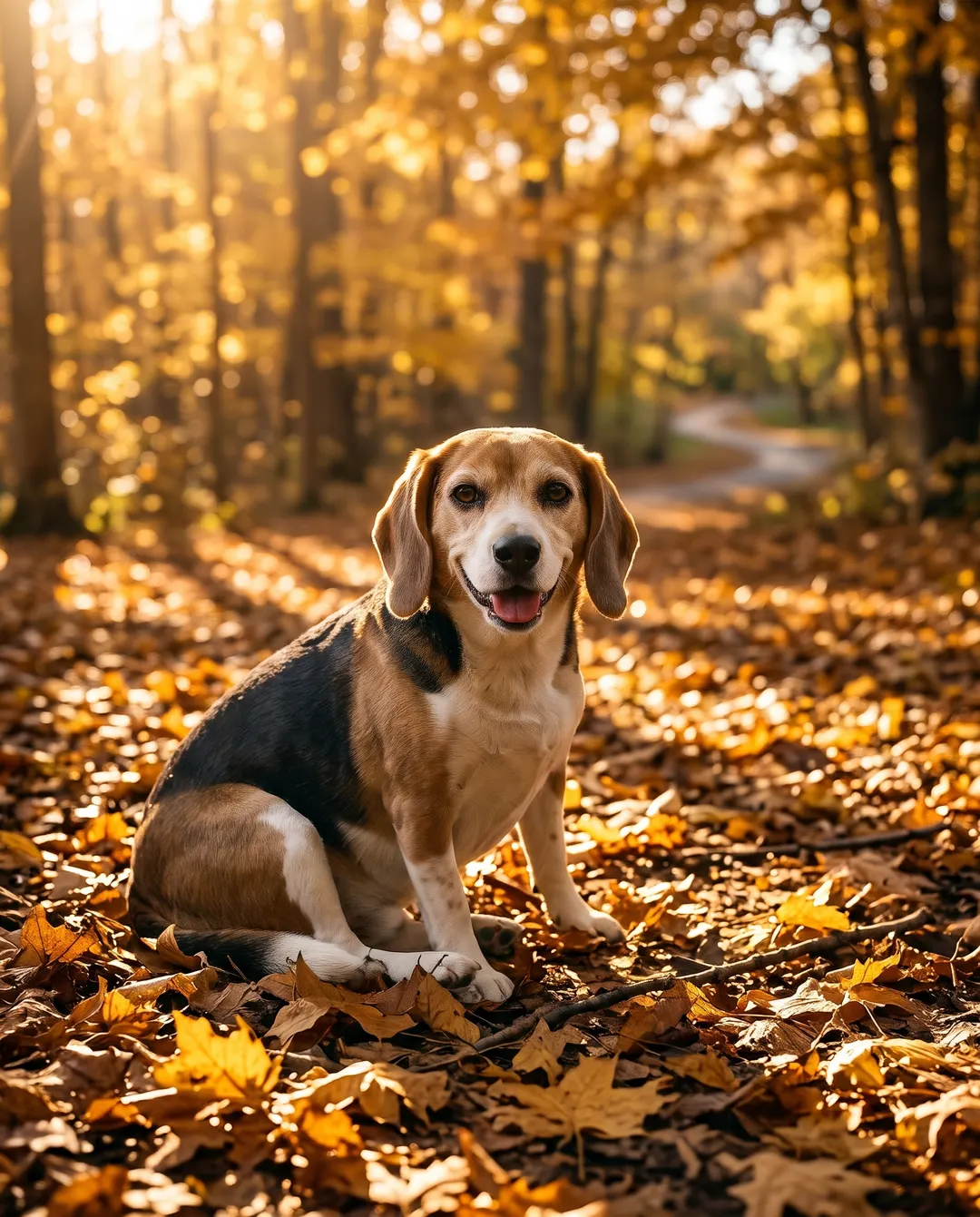 BeforeAfterChange it to a sunny autumn park
 Or in the snow
Every whisker stays exactly where it was.
Fur is where most background tools give up: you get a cut-out with a fuzzy halo, or a dog that looks pasted on. Here the edges come from your photo, so the ears, the whiskers and that one tuft that never lies flat stay soft, and the new light falls on the coat the way it would in the park.
- Fur and whiskers kept, not traced
- Light on the coat matches the new place
- Made for cards, prints and the family chat
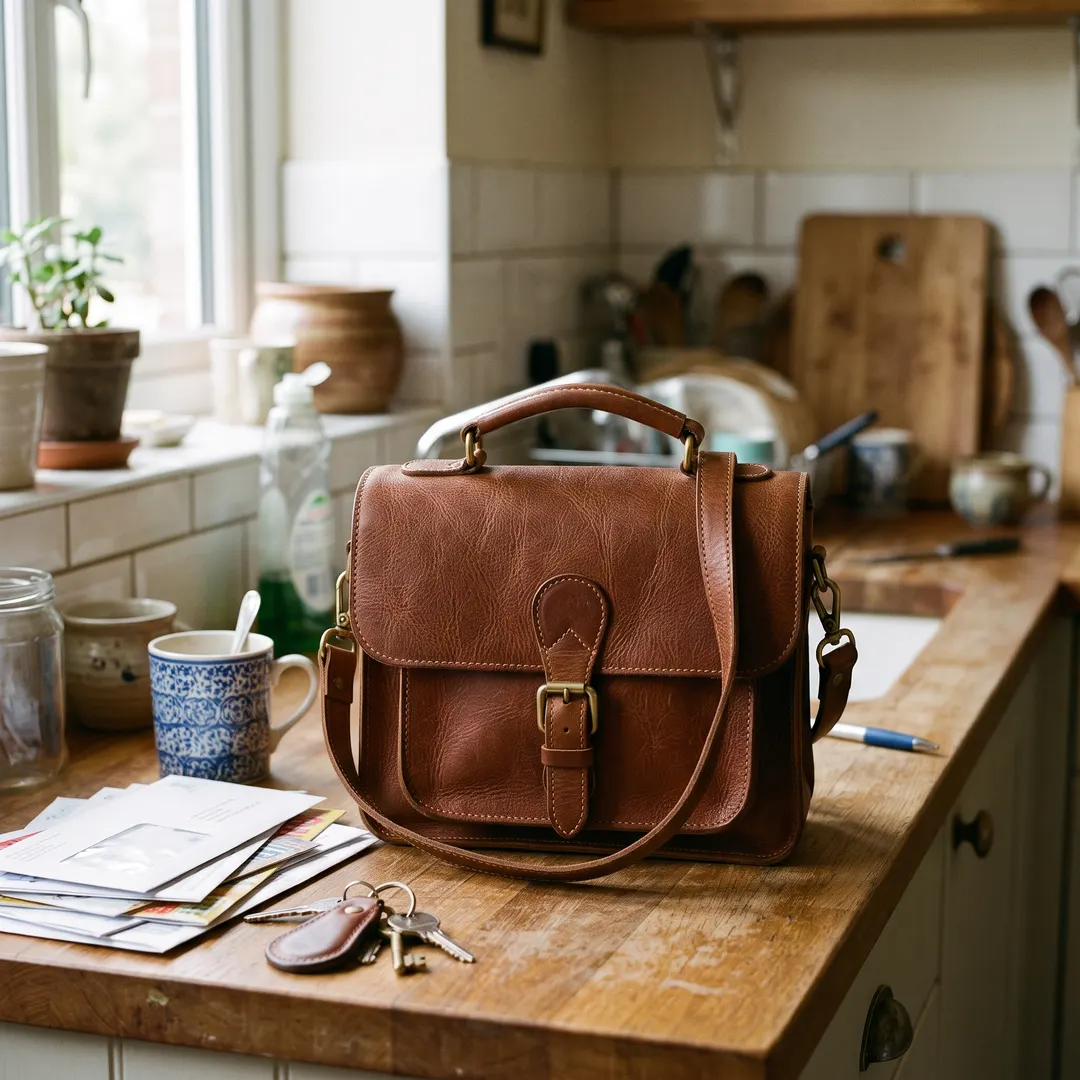
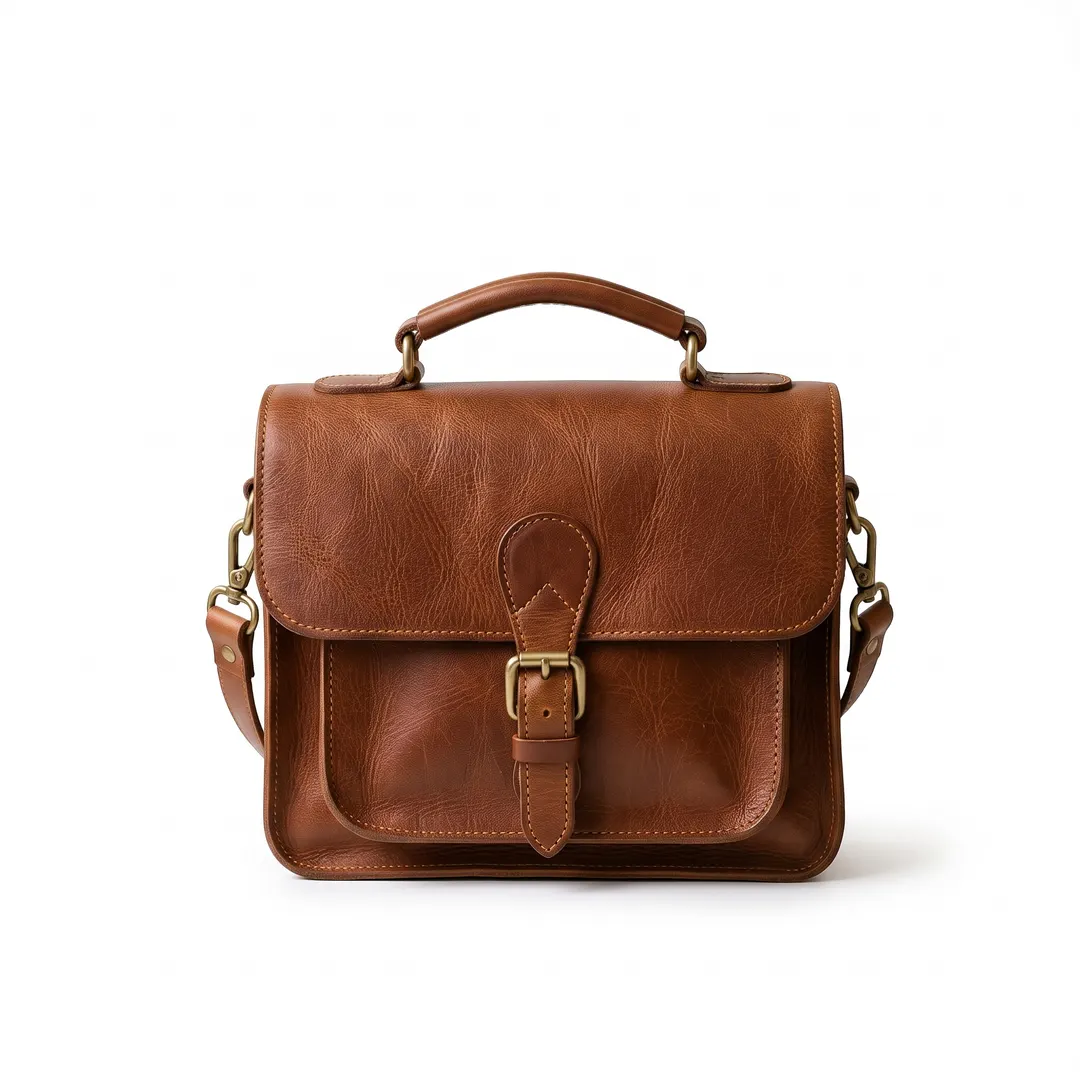 BeforeAfterPure white with a soft shadow
Pure white for your listings, with a shadow that looks real.
Marketplaces want a white background. A flat cut-out on pure white looks like it is floating, and buyers scroll past. Ask for white and the bag sits on it, with a soft contact shadow underneath, ready for Amazon, eBay, Etsy or your own shop.
- A clean white backdrop, edge to edge
- A natural contact shadow, or none if you ask
- Square, ready to upload
New background done? Keep going.
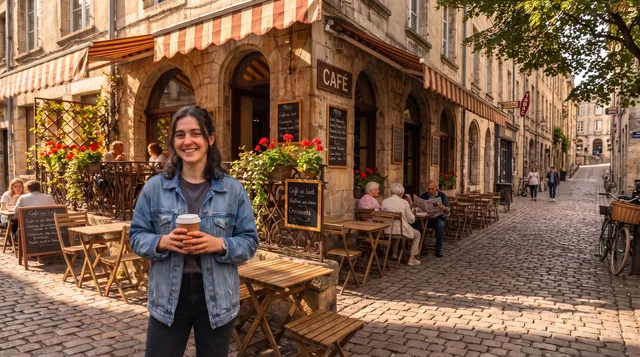
Every result comes with a next step, so one phone photo can turn into a whole listing or a week of posts. Here’s one photo, four sentences later.
 Taken on a phone
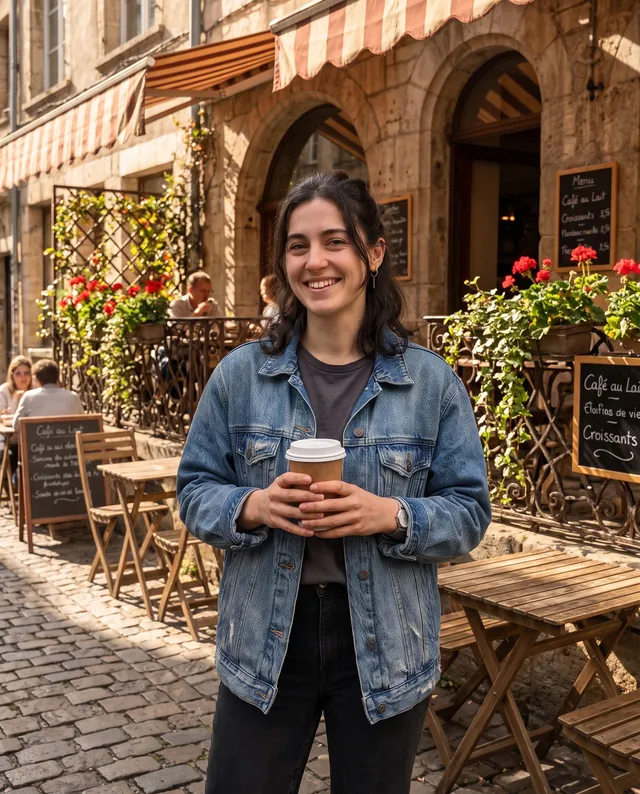 Put it on a café terrace
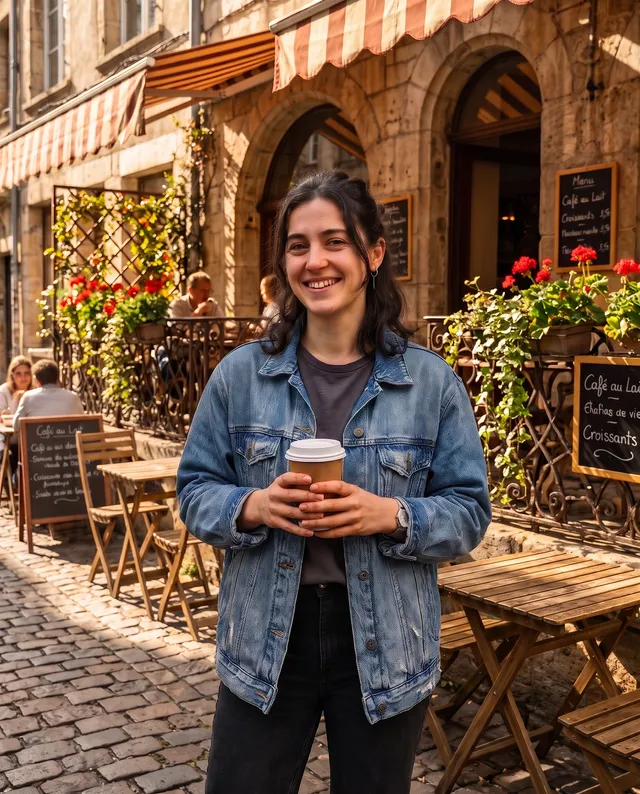 Make it crisp and bright
 Extend it to 16:9
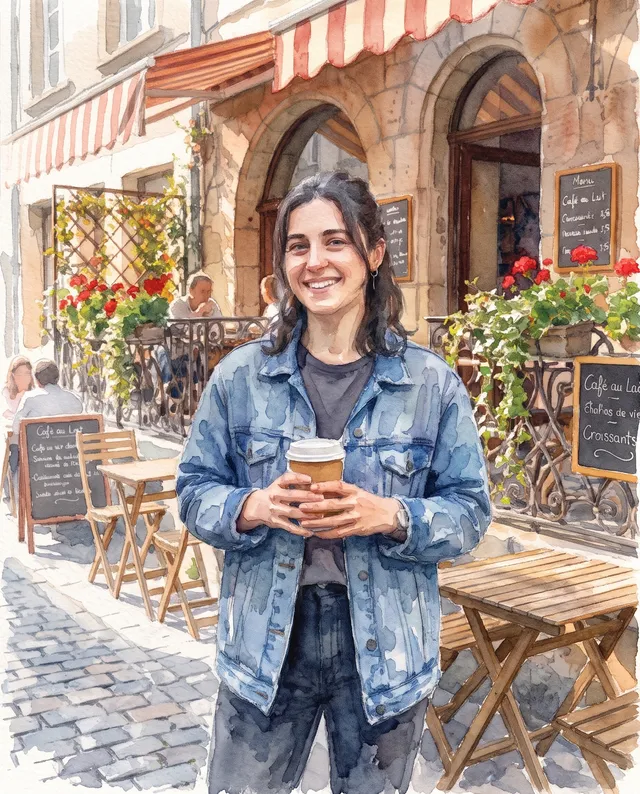 Make it a watercolour
Three steps to change the background.
Nothing to install and nothing to select by hand. The subject is found for you.
Upload a photo
From your phone or computer. The person, pet or product is picked out on its own.
- “Put it on a pale sand beach with gentle waves”
Say the new scene
In your own words, or tap a scene. Add the light or the season if you like.

Download, or try another
Save it with no watermark, or say a different scene and go again.
A background changer for the photos you actually need.
Most people come with one job to get done. These are the ones we see most.
Online shop listings
Pure white for Amazon and eBay, or a lifestyle scene for Etsy and your own store. Use the same sentence for a whole range so every listing matches.
Headshots and profiles
A clean backdrop for LinkedIn, a team page or a CV, from the photo a friend took against the kitchen door.
Pet portraits
Put the dog in the snow it has never seen, or a park in full autumn colour. Fur stays fluffy, not cut out.
Social posts
Take the outfit, the plate or the new haircut somewhere worth posting, without leaving the house.
Ads and banners
One product, a different scene for every season and campaign, in the same afternoon.
Cars for sale
Move the car off the driveway and into a clean showroom so buyers look at the car, not the bins.
Questions about changing backgrounds
还有其他问题?发邮件到 support@pixenhancer.ai
That photo isn’t wrong. The background is.
Change a background in one sentence.


