Add a White Background
Marketplaces want your product on white. Upload the phone shot from the kitchen counter and get a clean white backdrop with a soft, natural shadow, ready for the listing.
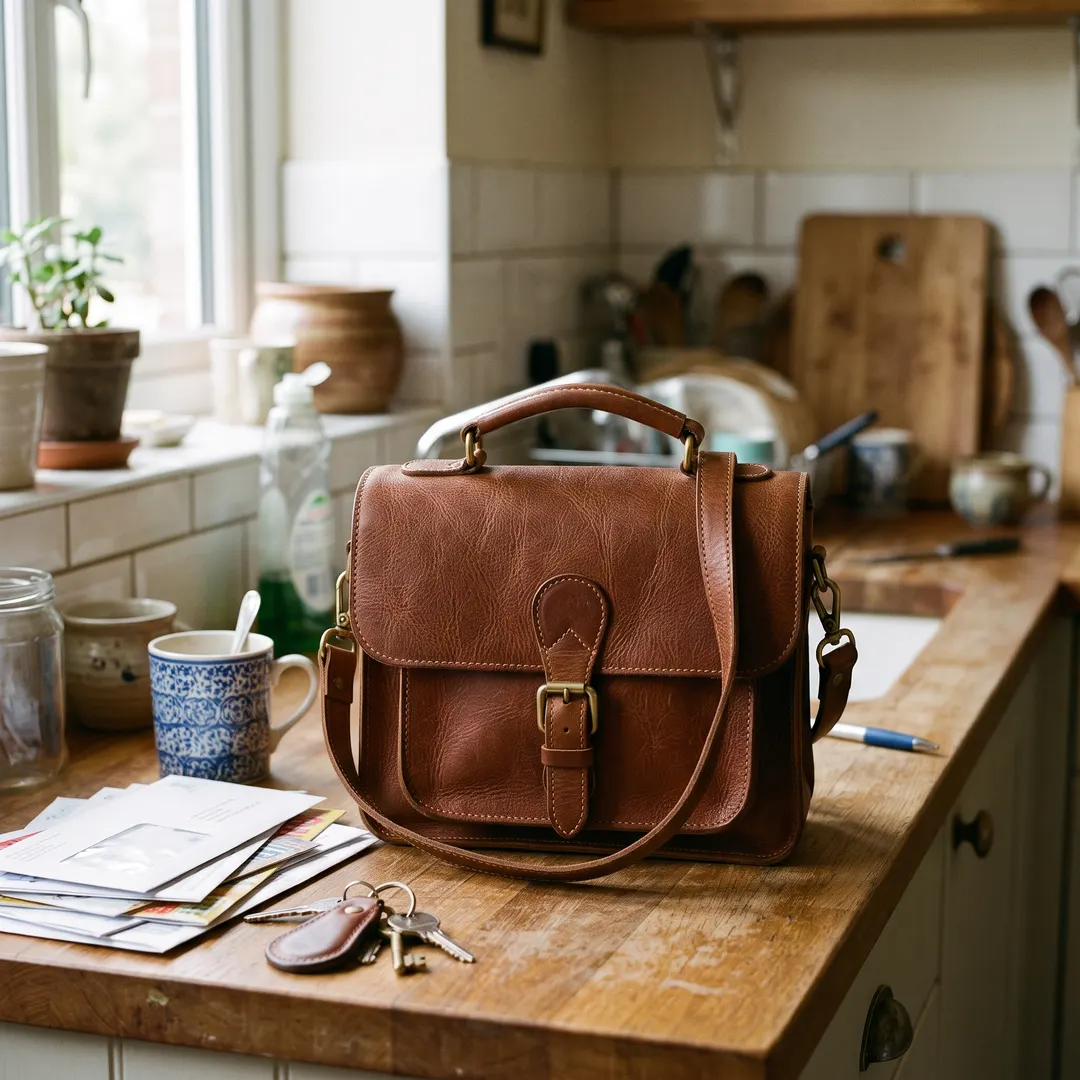
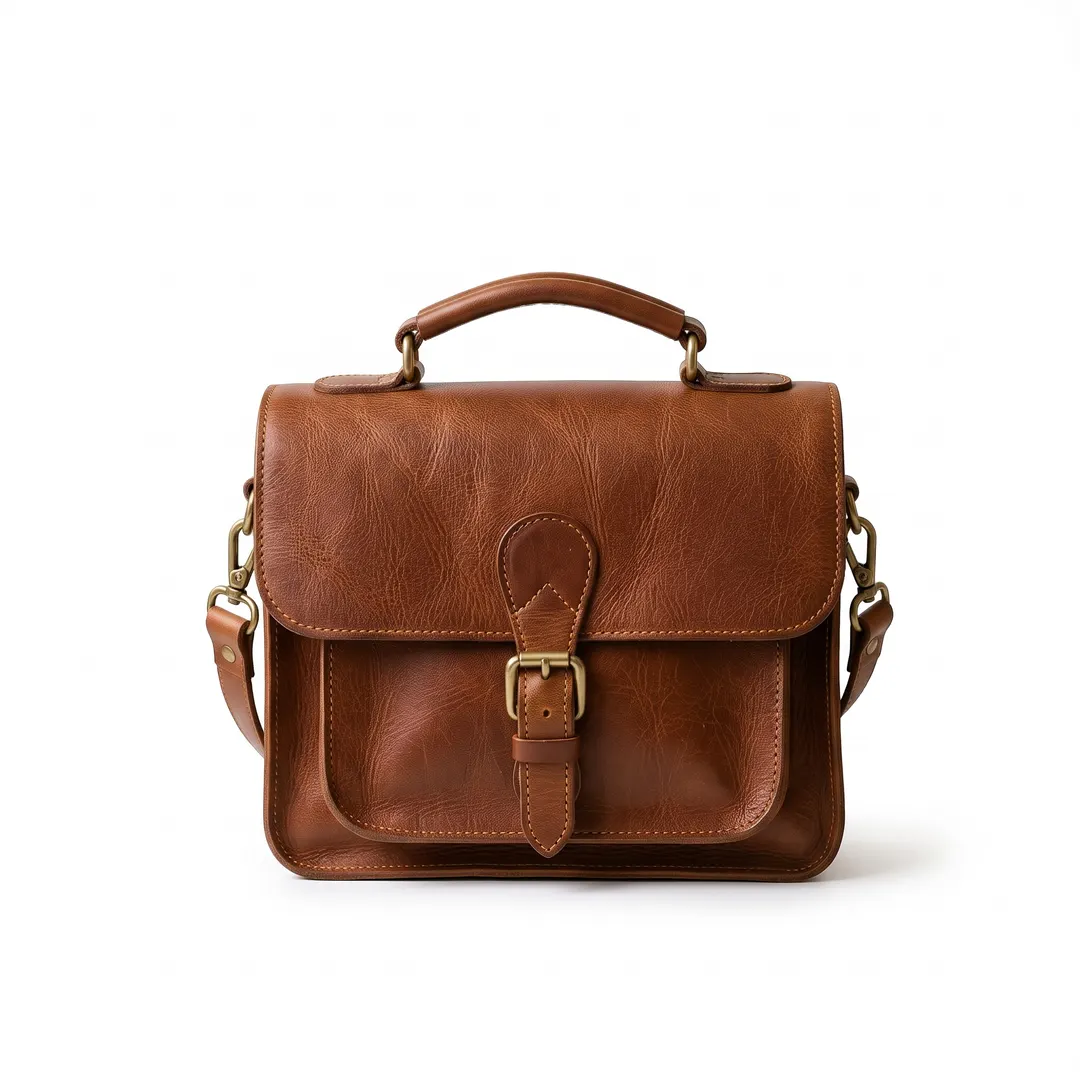 BeforeAfterPure white with a soft shadowBeforeAfterPure white with a soft shadow
From the kitchen counter to the listing page.
The bag was shot next to the mugs, the keys and the post. Ask for white and the clutter goes: the bag sits on a clean white backdrop with a soft shadow under it, so it looks placed, not pasted. The stitching, the buckle and the colour of the leather stay as they were.
- The clutter behind your product cleared
- A soft contact shadow, or none if you ask
- Leather, stitching and logos kept as shot

 BeforeAfterSoft light grey studio backdrop
Headshots look best on off-white or light grey.
Pure white can feel stark behind a face. For profiles, team pages and CVs, ask for light grey or off-white instead: the corridor behind you is replaced, and it is made to keep your face, hair and jumper as they were. Same tool, one different word in the box.
- Made to keep your face, hair and clothes as they are
- Flyaway hair stays soft, not sliced
- White, off-white or light grey: say which
Your white background photo, ready in three steps.
Nothing to trace and no eraser. The product is picked out for you.
Upload a photo
A phone photo is fine. The product or person is found on its own.
- “Pure white with a soft shadow”
Pick your white
White with a soft shadow is already filled in. Tap no shadow, light grey or off-white to change it.
Download and list
Save it with no watermark and upload it straight to your listing.
Add a white background wherever white is the rule.
Most people come with a listing to finish. These are the jobs we see most.
Amazon main images
The main image wants the product alone on white. Ask for no shadow when the rules are strict.
eBay and Etsy
A clean white photo looks trustworthy in a crowded search page, even when it was taken on the sofa.
Your own shop
Use the same sentence for every product on Shopify or your own site, so the whole range matches.
Headshots
A clean, light backdrop for LinkedIn, a team page or a speaker bio.
Forms and documents
A plain white background for applications, badges and sign-up forms. Check the size and pose rules where you apply.
Catalogues and flyers
White product shots drop straight onto a printed page or a price list without a box around them.
Questions about white backgrounds
还有其他问题?发邮件到 support@pixenhancer.ai
Same product. Cleaner listing.
Put your first product on white in one sentence.


