Remove People from Photos
Get the view back. Strangers disappear and the space behind them fills in naturally.
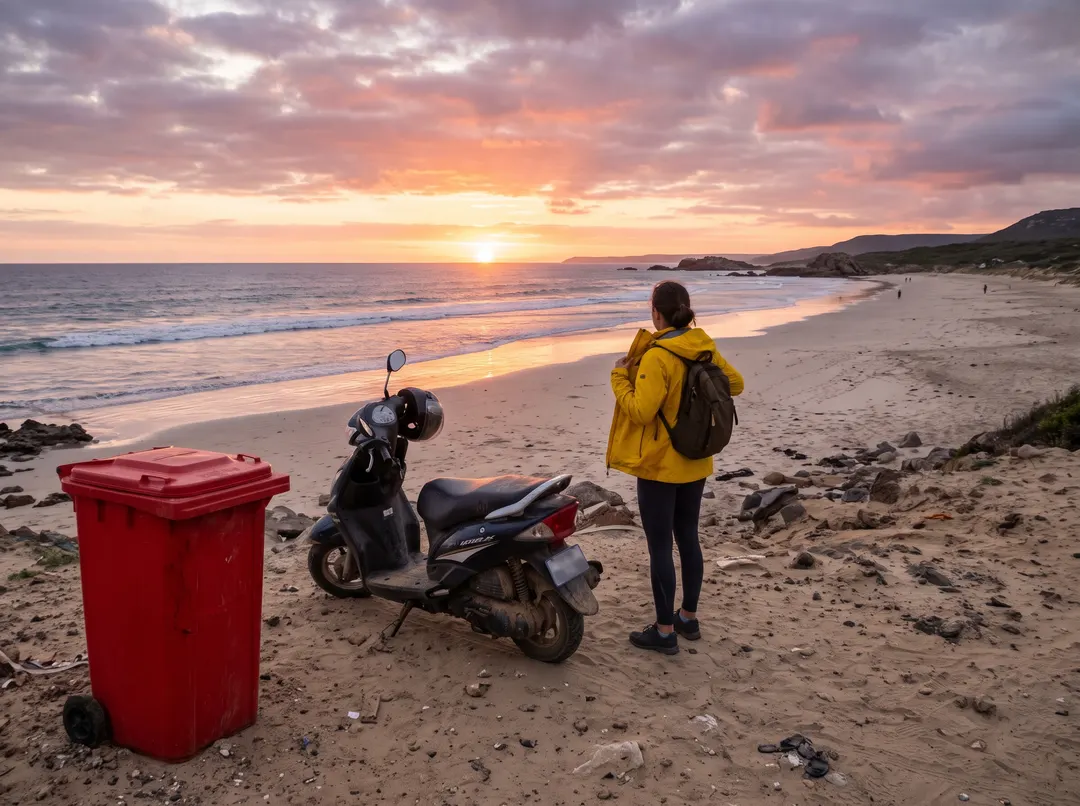
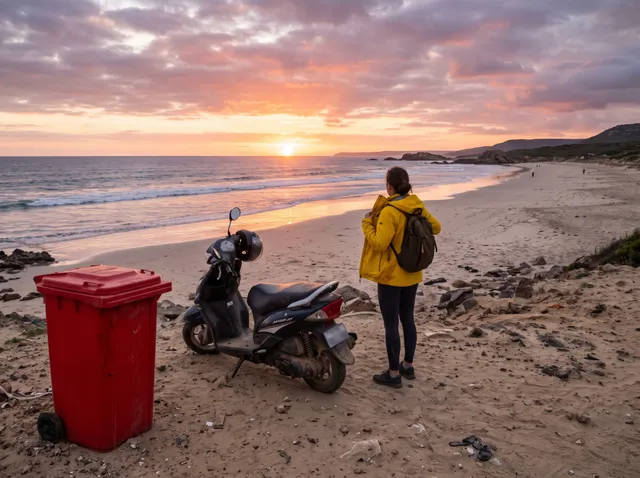
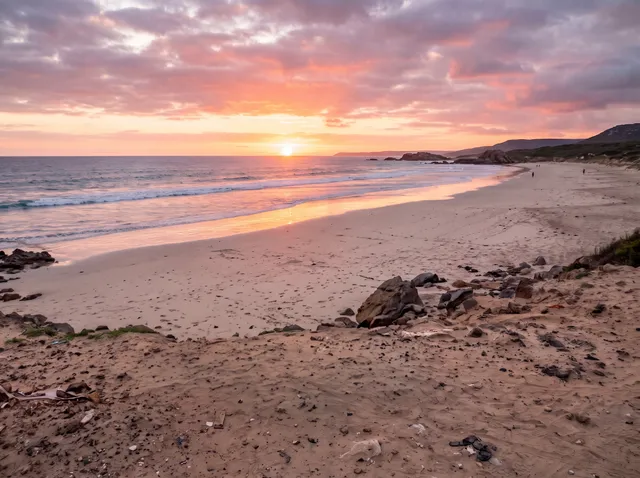
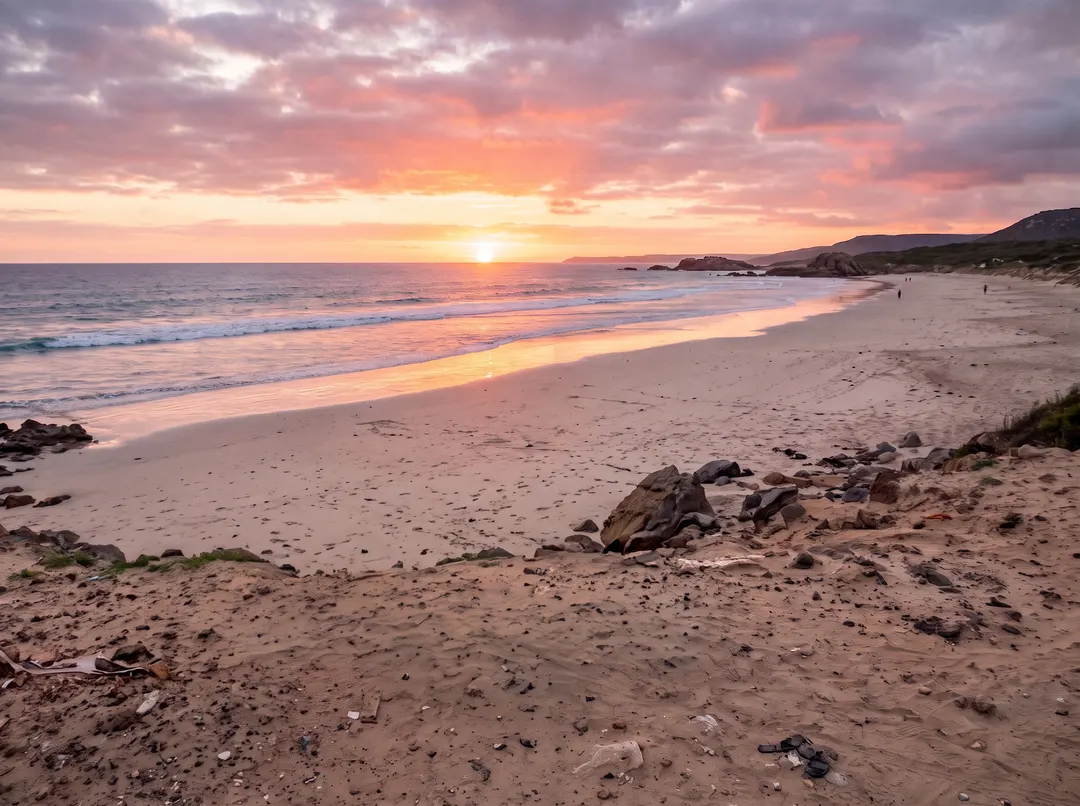 BeforeAfterBrush away the tourist, the bin and the scooterBeforeAfterBrush away the tourist, the bin and the scooter
Remove someone from a photo, keep the view.
You can’t ask a whole beach to step aside. Leave the box empty to clear everyone behind the main subject, name the one person who should go, or brush over them yourself. The sand and the sea are carried on behind them, so the photo looks the way the place felt. Whether it’s one stranger or a whole tour group, you decide who stays in the shot.
- Describe who goes, or leave it empty for everyone
- Brush mode when you want to pick exactly
- The scene behind them filled in to match
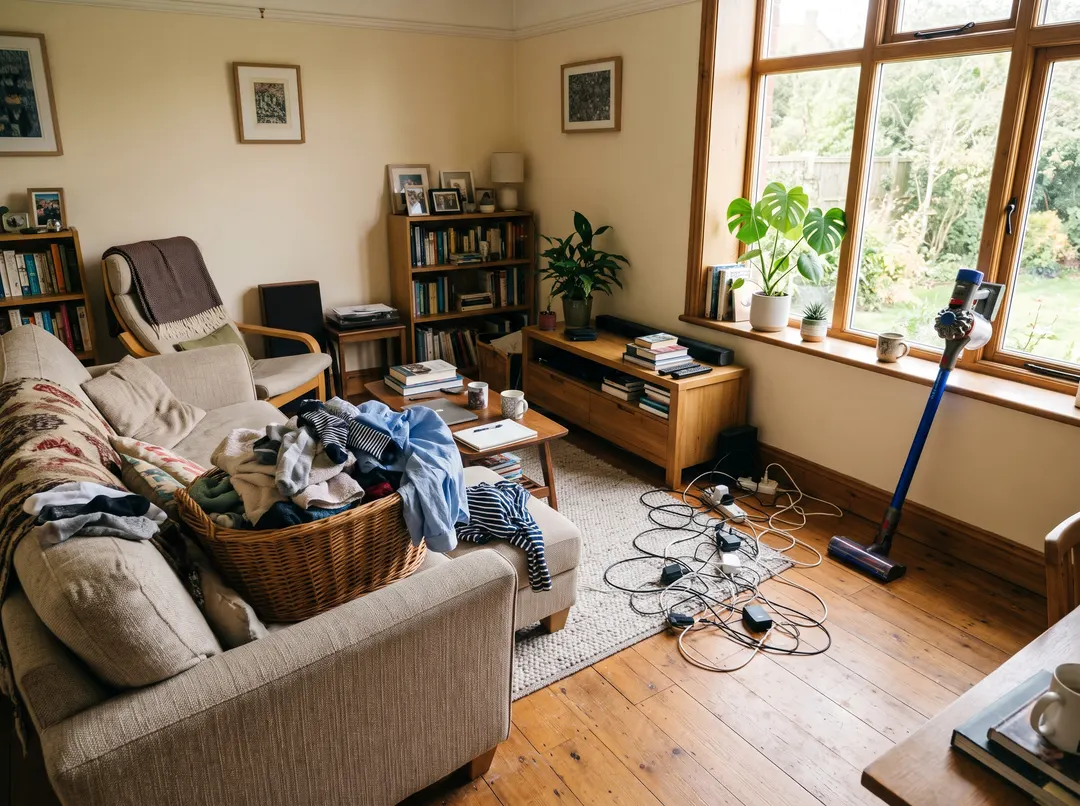
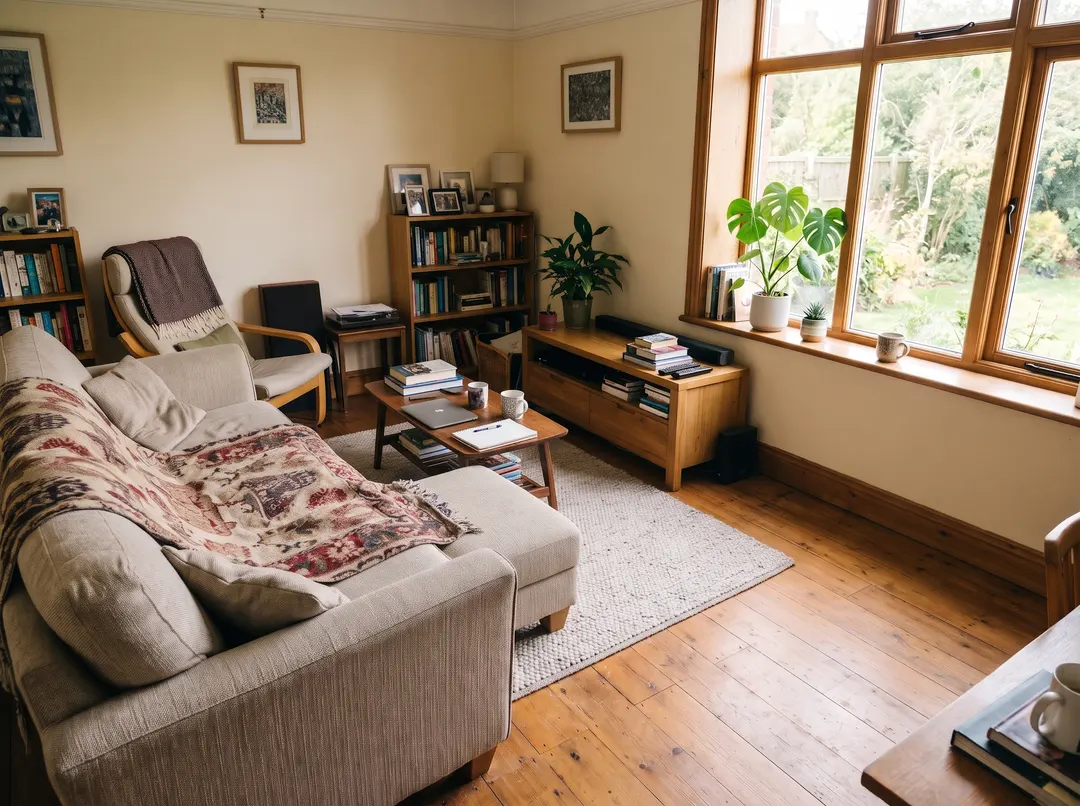 BeforeAfterPaint over the basket, the cables and the vacuum
Not a person? Paint over anything.
Sometimes the problem isn’t who walked past but what was left lying around: a laundry basket, a tangle of cables, the vacuum by the window. Object remover works the same way with a brush, for anything that shouldn’t be in the frame, from bins and signs to clutter. Brush over everything you want gone and it all goes in one run.
- Bins, signs, cables and clutter
- Several things gone in one go
- Floors and walls continued naturally
Remove a person from a photo in three steps. No crowd control.
Nothing to install and no careful cutting round people. Say it or paint it. A person standing in front of busy detail may need a second pass.
Upload a photo
From your phone or computer. Holiday snaps, street shots, group photos. JPG, PNG, WebP and HEIC all open, so shots straight off an iPhone work too.
- “The person in the bright jacket”
Say who should go
Type who to remove, tap a suggestion, or switch to Brush and paint over them. Leave it empty and everyone behind the main subject is cleared.
Download
Save it with no watermark, or brush over anyone left and run again. Want it bigger for a print? Send the result to Image upscaler.
For the moments that were yours.
Busy places make the best memories and the worst backgrounds. When you remove people from a photo, what’s left is the bit you remember.
Travel photos
The tour group behind you at the viewpoint, gone, so it’s just you and the view. It’s the easiest way to remove tourists from photos you can’t go back and retake.
Landmarks
The famous square or bridge without the crowd that is always standing in front of it. Get the postcard view, taken on the day you were really there.
Weddings and events
The guest who wandered into the first-dance photo, quietly taken out. Name them or brush them out, and the moment stays about the couple.
Photobombers
The stranger pulling a face in the corner of an otherwise perfect shot.
Beach and pool days
Sunbathers and passers-by out of the frame, the sand and water carried on behind.
Property and venues
Staff and visitors out of the room shots before the listing goes up.
Questions about removing people
还有其他问题?发邮件到 support@pixenhancer.ai
Keep the place. Lose the crowd.
Say who should go and they’re gone.


