AI Image Extender
Love the photo, wrong shape? Pick the frame you need, from a wide 16:9 banner to a tall 9:16 story, and the scene carries on past the edges instead of being cropped away.
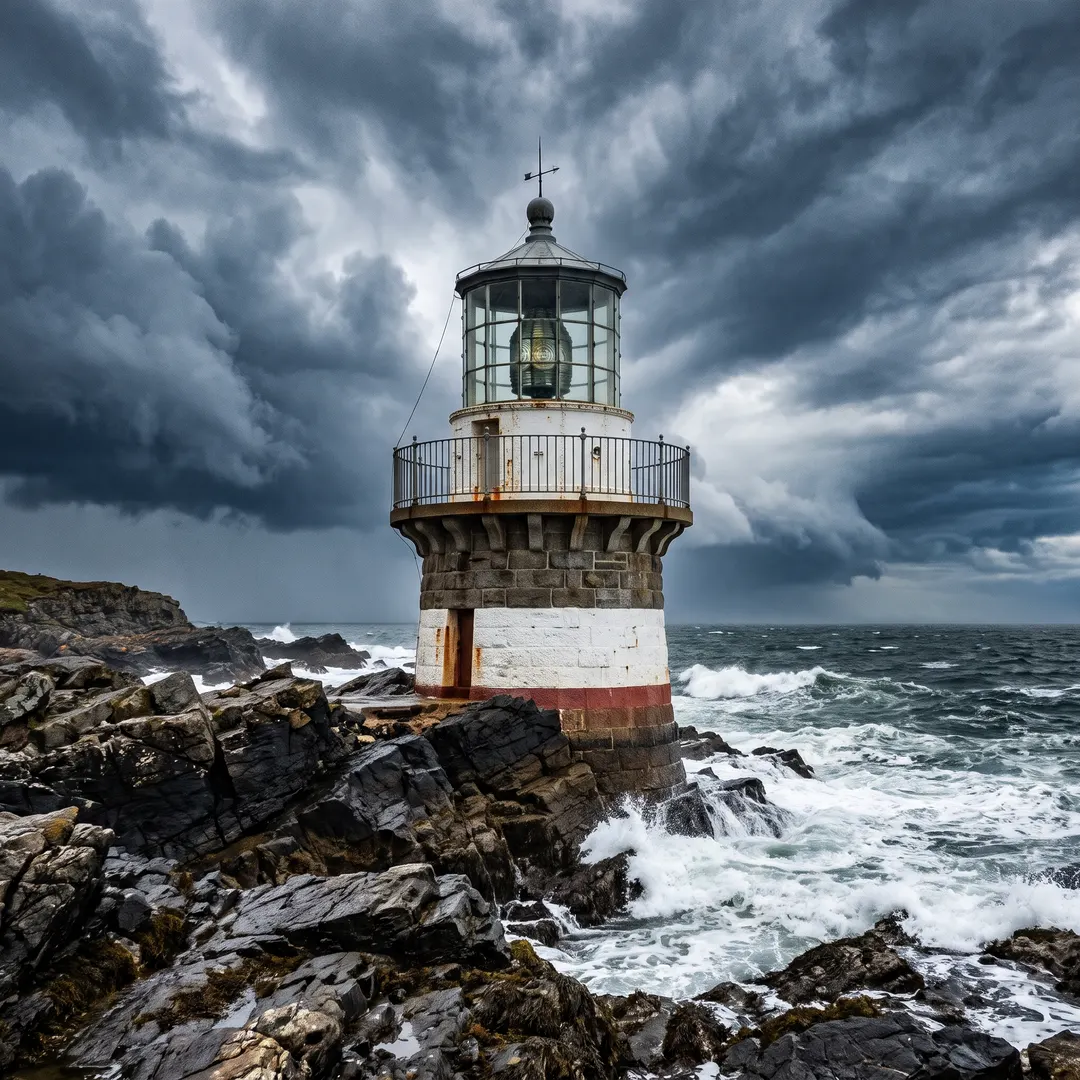
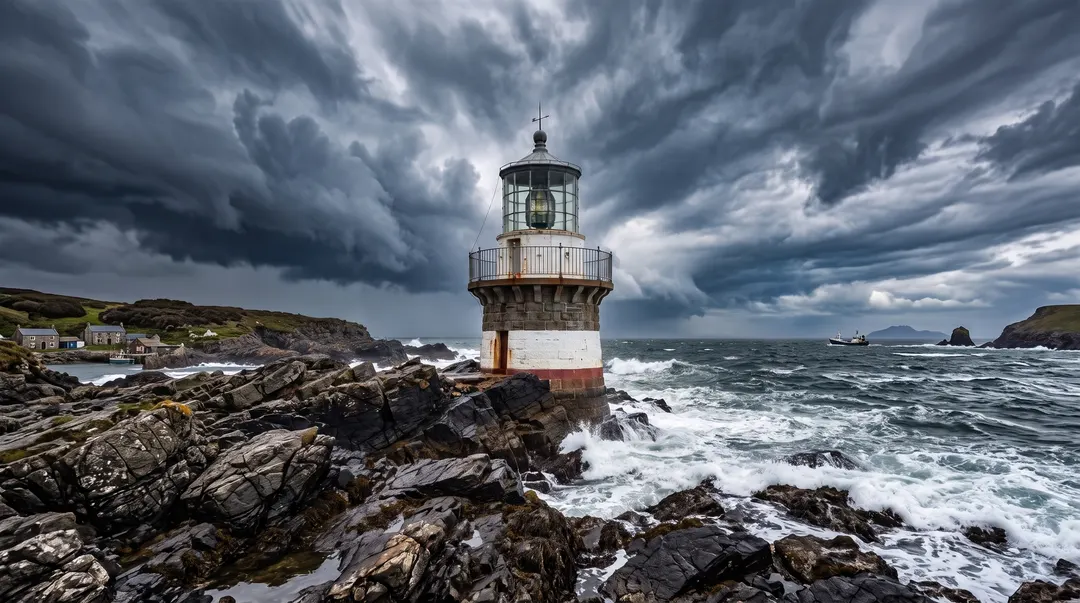 BeforeAfterNow a wide landscape, the scene carried onBeforeAfterNow a wide landscape, the scene carried on
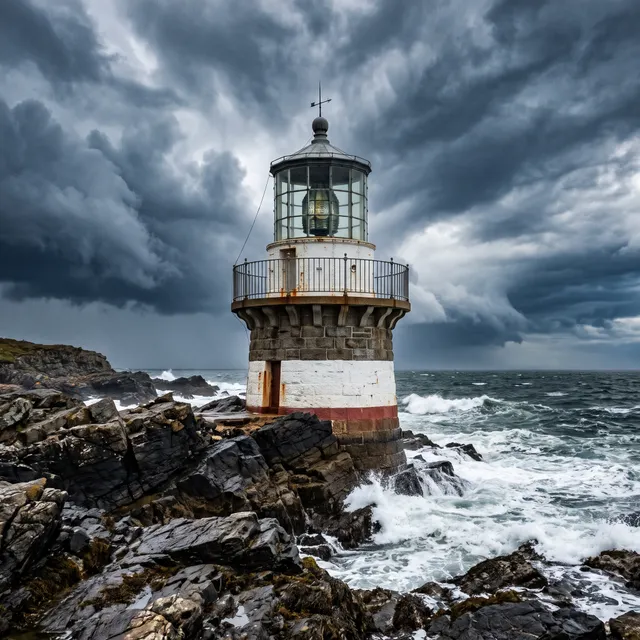
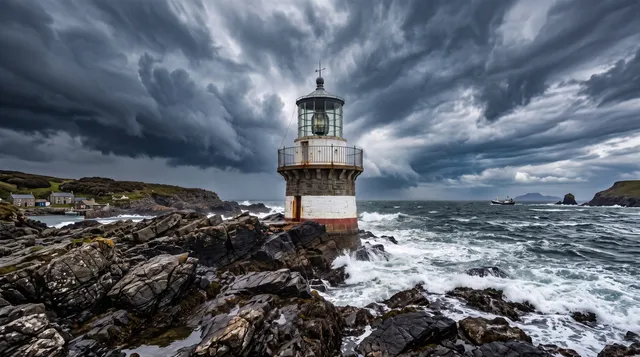
Expand the image, keep the lighthouse.
The lighthouse filled a square frame nicely, but the website header is wide. Instead of cropping off the top and bottom, the coastline, the sea and the stormy sky carry on to the left and right until the photo fits, with the lighthouse untouched in the middle. Some call it outpainting; you just see more of the place you photographed.
- Scene continued past the edges
- Light and horizon matched
- The original kept in the middle
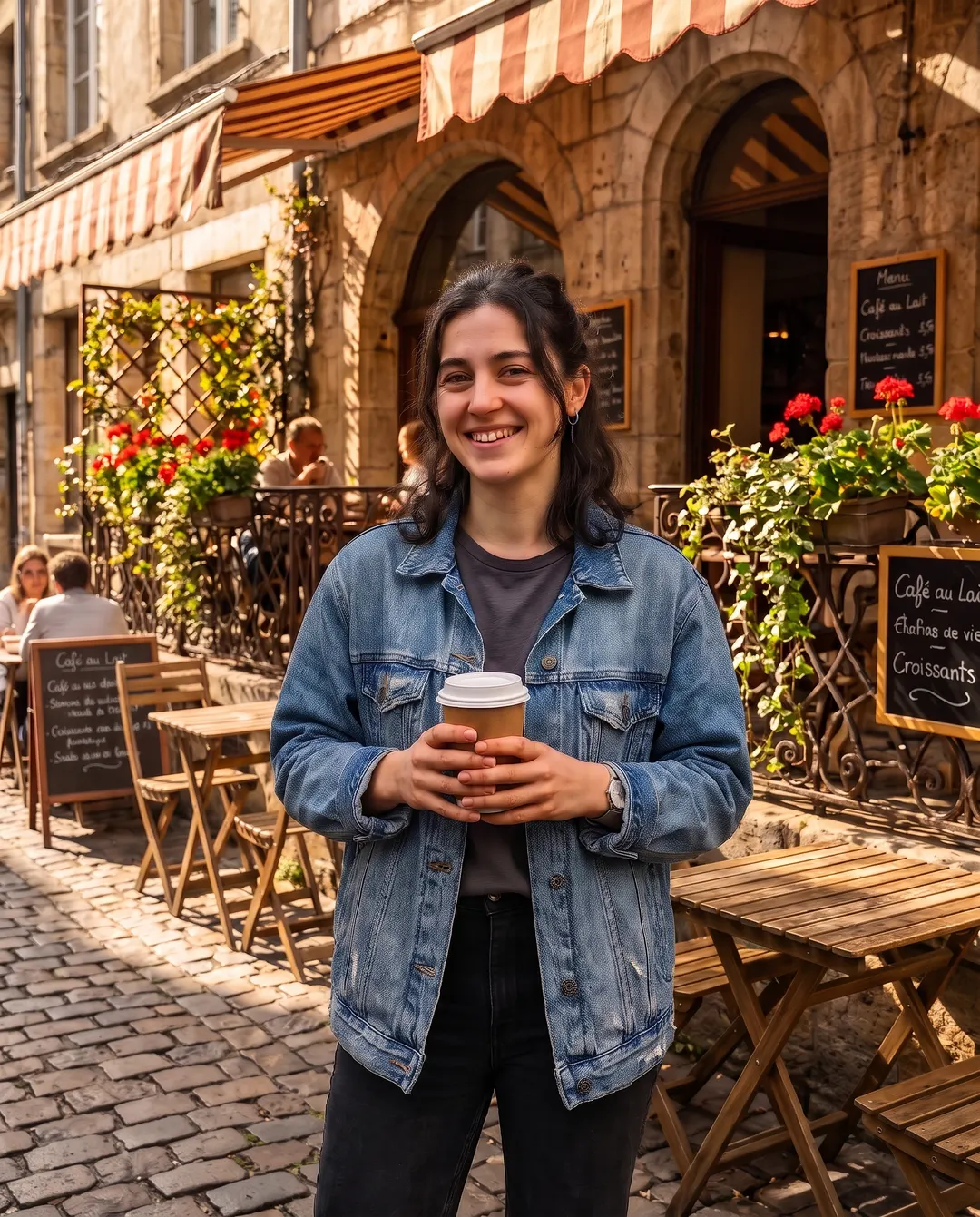
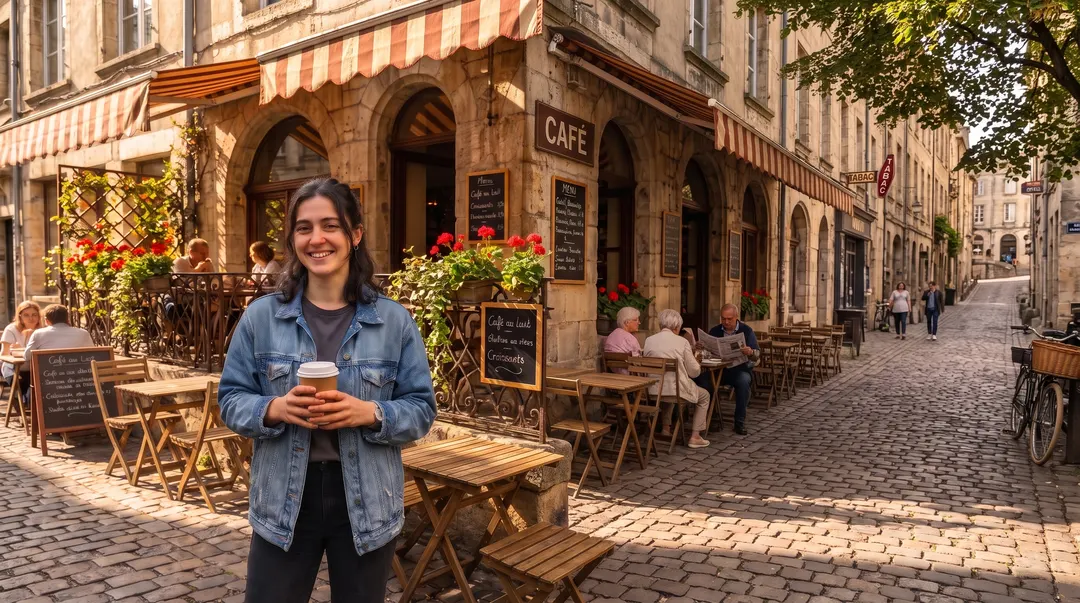 BeforeAfterNow 16:9, nothing cropped
Portrait photo, widescreen cover.
A tall phone photo looks lost in a wide slot: thin, with empty bars on both sides. Extend it to 16:9 and the street and the café keep going around her, so it works as a banner, a video thumbnail or a slide background. It’s an AI image expander for any photo that came out the wrong shape.
- Tall photos made wide
- The street and café continued
- She stays exactly as she was
Extended? Keep going.
Every result comes with a next step. Here’s one phone photo, four sentences later.
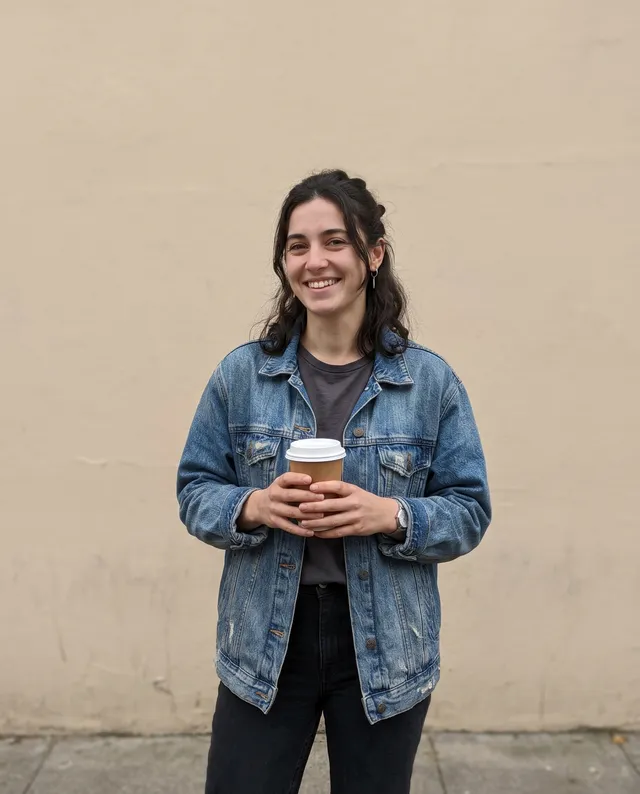 Taken on a phone
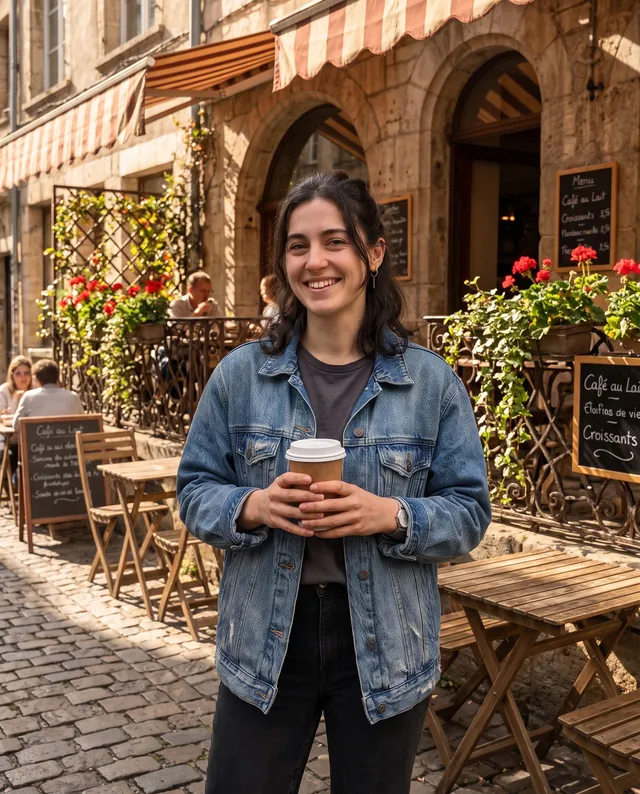 Put it on a café terrace
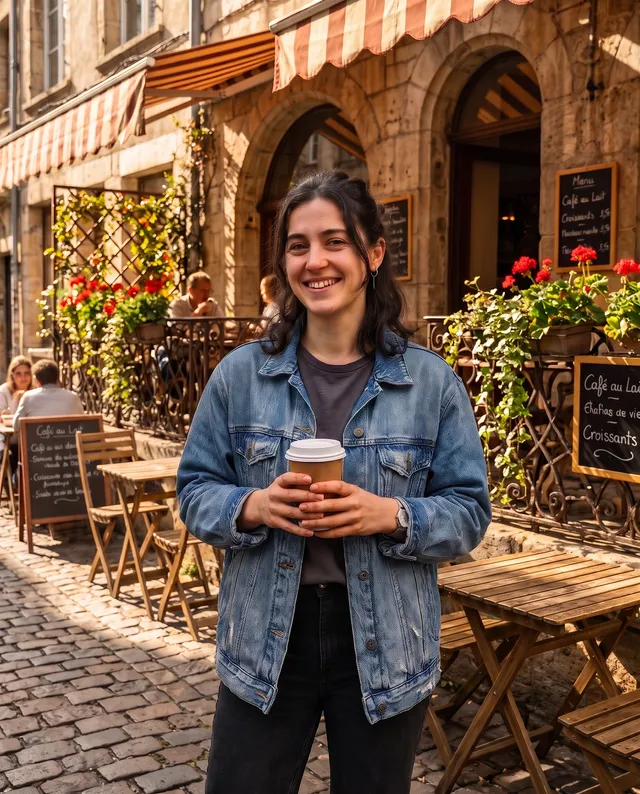 Make it crisp and bright
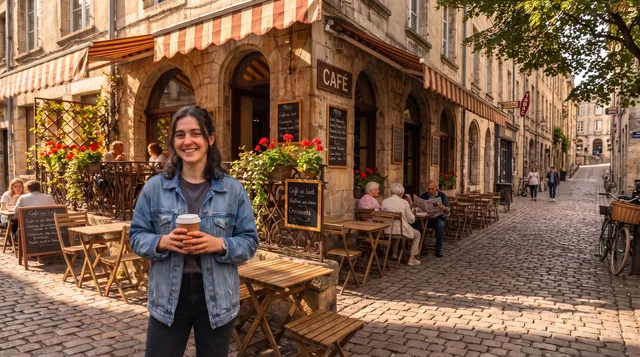 Now 16:9, nothing cropped
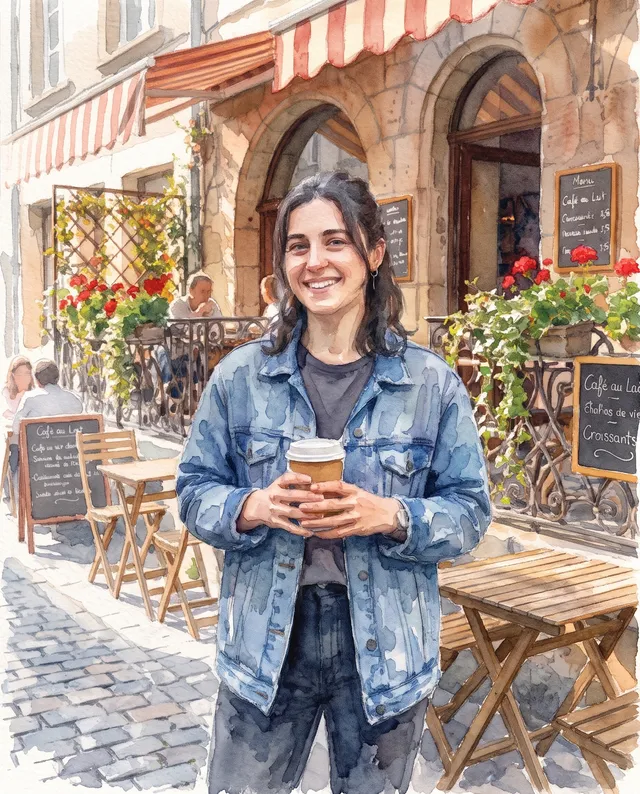 Make it a watercolour
Use the AI image extender in three steps. No cropping.
No canvas to resize, no edges to patch. Pick the shape and press Extend photo. If someone got cut off at the edge, Fix a tight crop brings the rest of them into view.
Add your photo
From your phone or computer, or paste it straight in.
Pick the new shape
Choose 16:9, 9:16, 4:3, 3:2 or another shape on the card. The scene is carried on for you, nothing to write.
Download, or keep going
Save it with no watermark, or take it on to a sharper or bigger version. Your original photo sits in the middle of the new frame.
For photos that need a new shape.
Every place you post wants a different frame. Your photo can fit all of them.
Stories and reels
Turn a square or landscape photo into a tall 9:16 story with no blurred bars.
Website banners
Make a hero image wide enough for a header without cropping the subject.
Social posts
Fit one photo to square, portrait and landscape posts without losing the edges.
Room for a headline
Add clean space beside the subject for text on ads, covers and slides.
Product photos
Give a tightly cropped product shot more table and backdrop around it. Handy when a marketplace wants a different shape from the one you shot.
Prints and frames
Match a photo to a 3:2 or 4:3 frame instead of trimming it to fit.
Questions about extending photos
还有其他问题?发邮件到 support@pixenhancer.ai
Wrong shape, right photo.
Make your favourite photo fit where it needs to go.


