Unblur Image
Shaky hands, a subject that moved, focus that landed on the wall behind. Add the blurry photo and get it back with clear faces and clean edges.
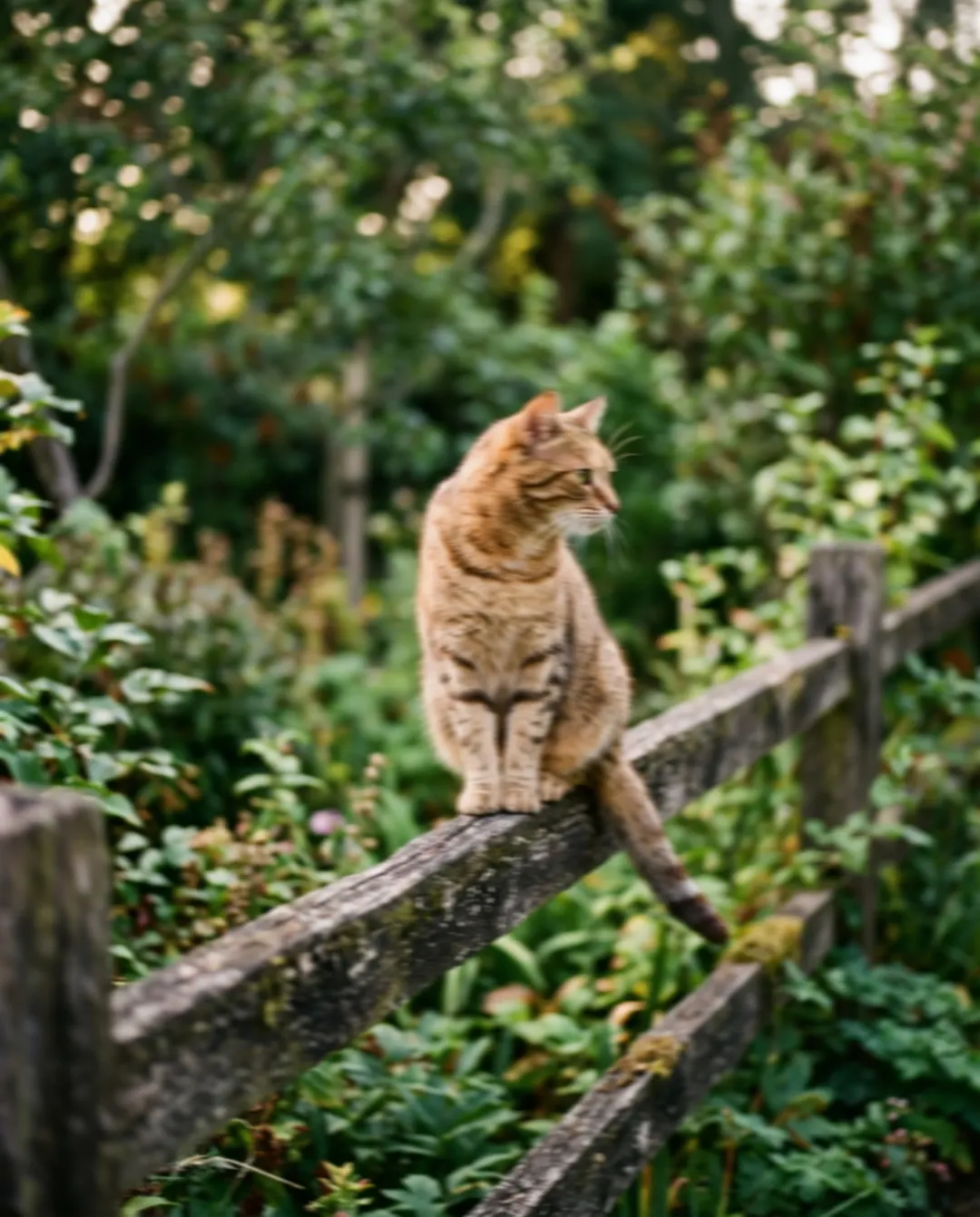
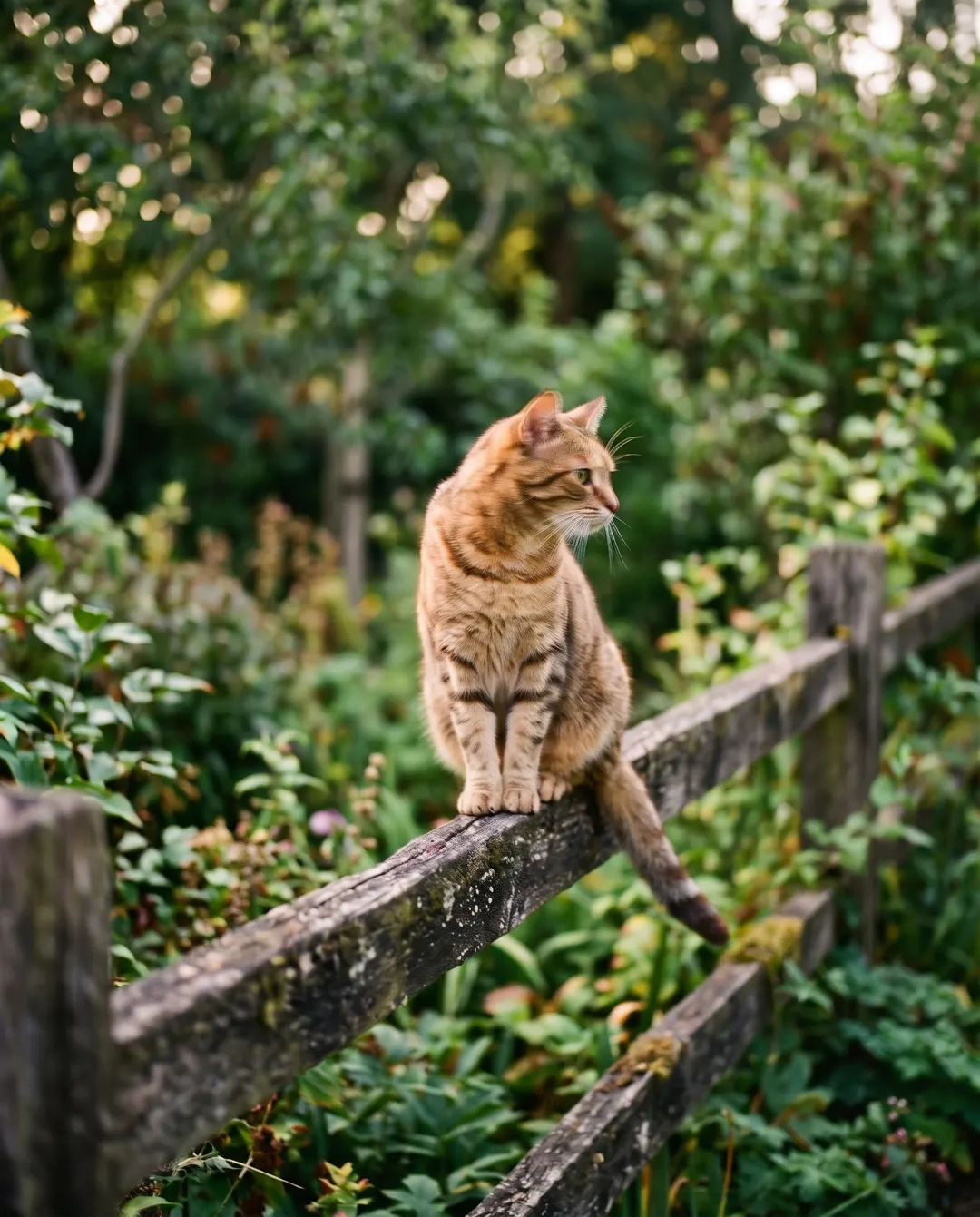 BeforeAfterRemove the motion blur and make the cat crispBeforeAfterRemove the motion blur and make the cat crisp
Fix blurry photos you thought were lost.
The cat jumped up, the hand moved, and the photo came out smeared. It is still the photo you want. Unblurring rebuilds the edges the blur pulled apart, so eyes, whiskers and fur read clearly again, and the pose and the light stay the ones you caught. It works best while you can still tell what is in the picture; a complete smear has too little left to bring back.
- Motion and shake blur undone
- Eyes and fine detail made clear
- Pose, light and framing kept
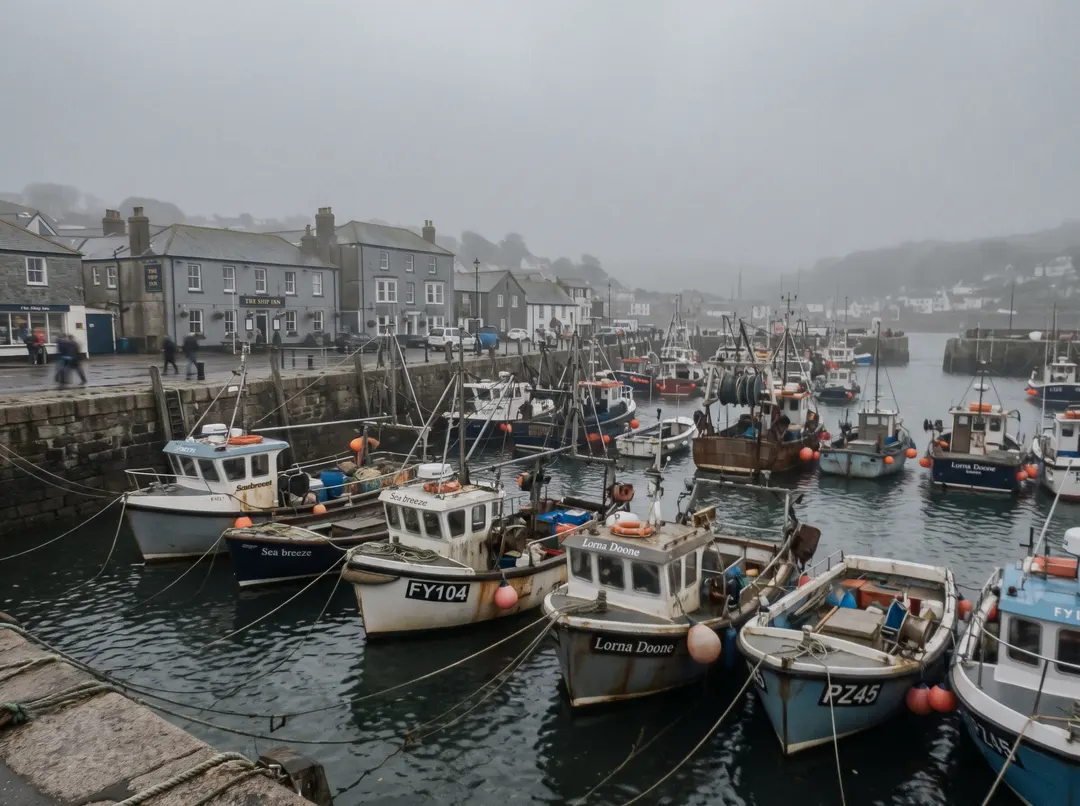
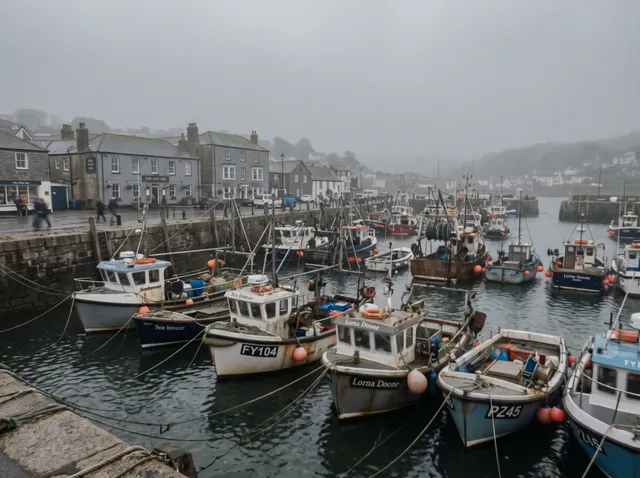
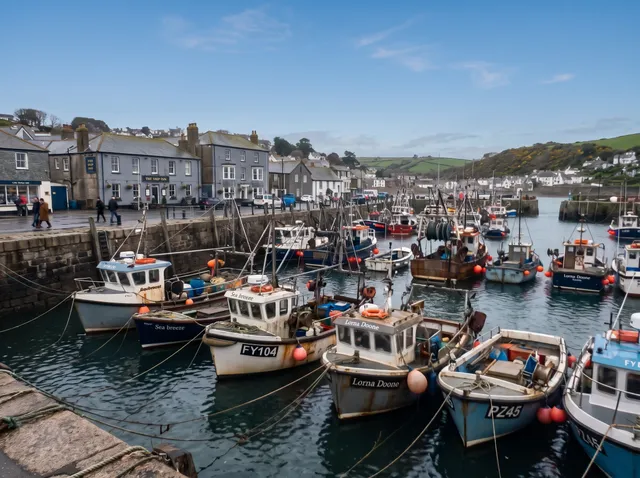
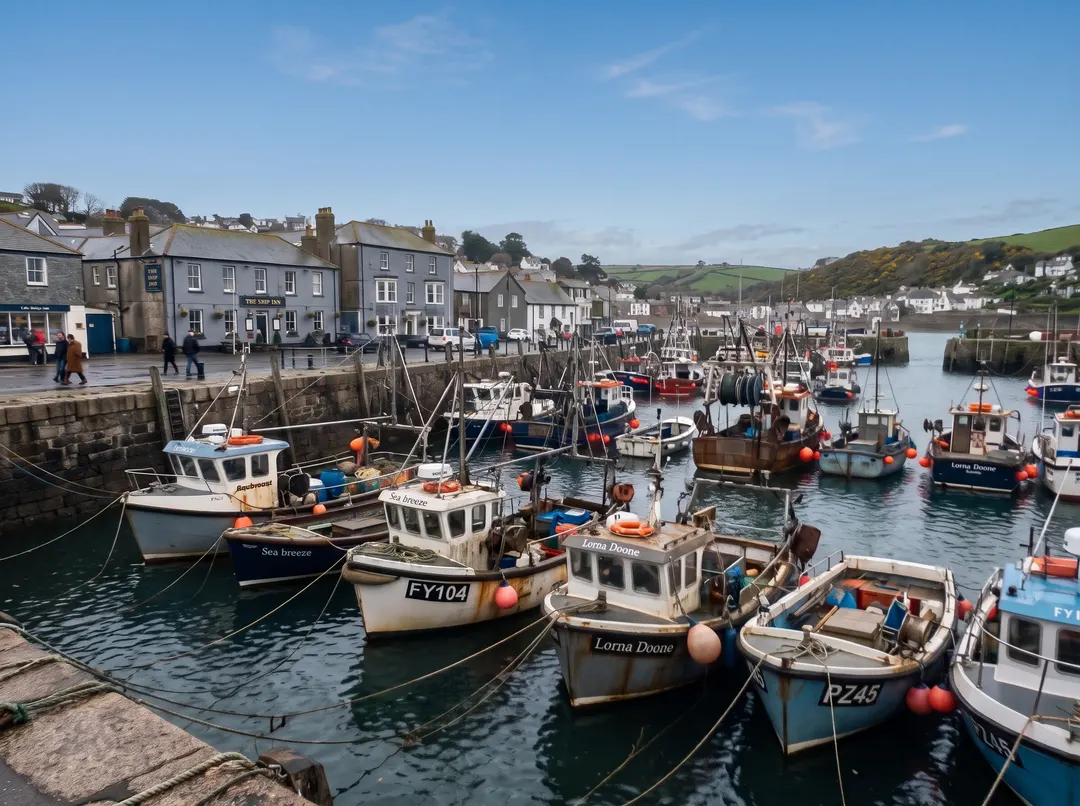 BeforeAfterMake the whole harbour clear
Soft from edge to edge.
Some photos are not blurred in one spot but soft everywhere: shot through a window, on a grey day, or with a smudged lens. Clear it up and the boats, rooftops and water get their lines back, along with the contrast that lets the detail show. The result is generated, so look closely at small things like signs and faces before you print it.
- Softness cleared across the frame
- Lines and shapes made clean
- Nothing added that was not there
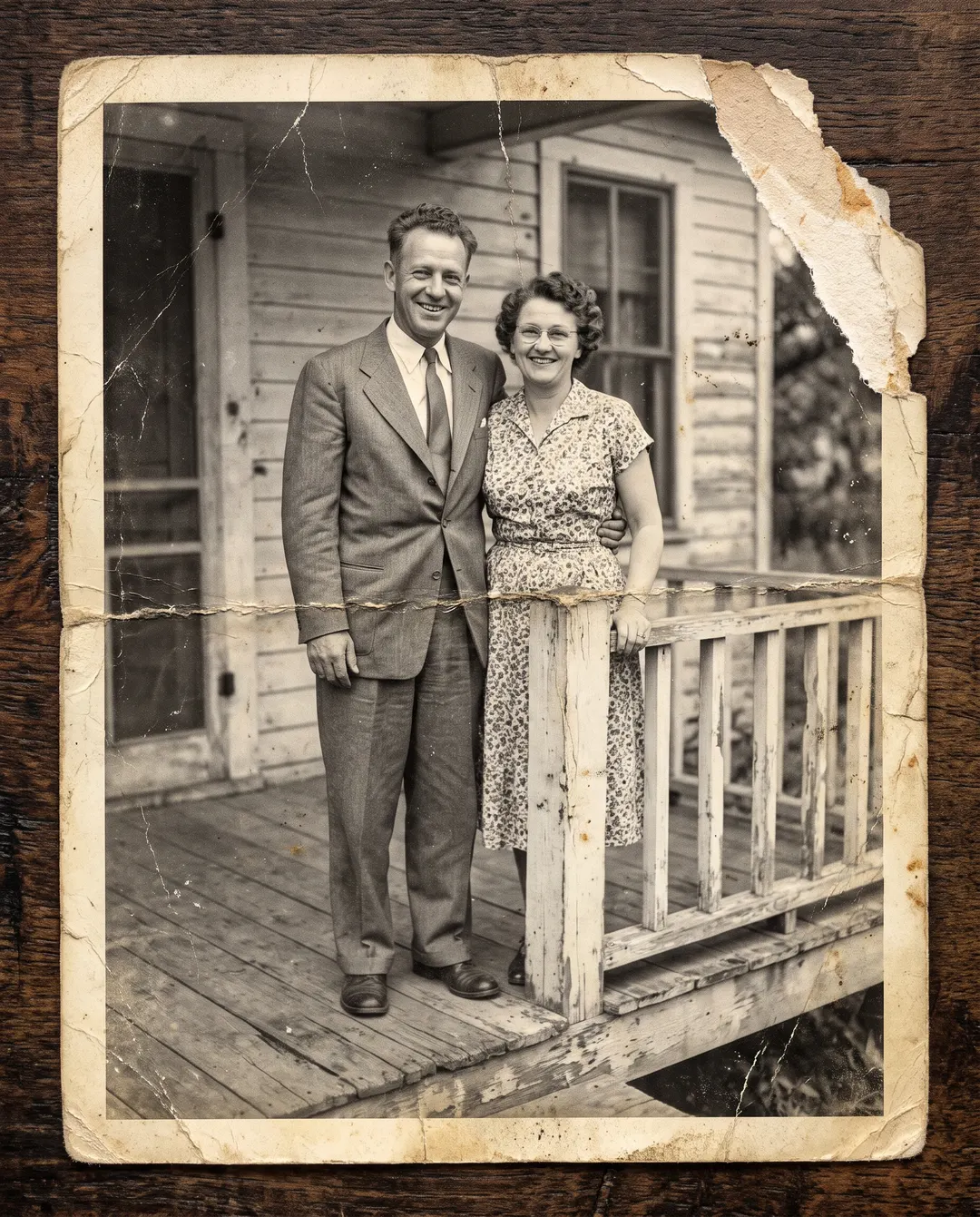
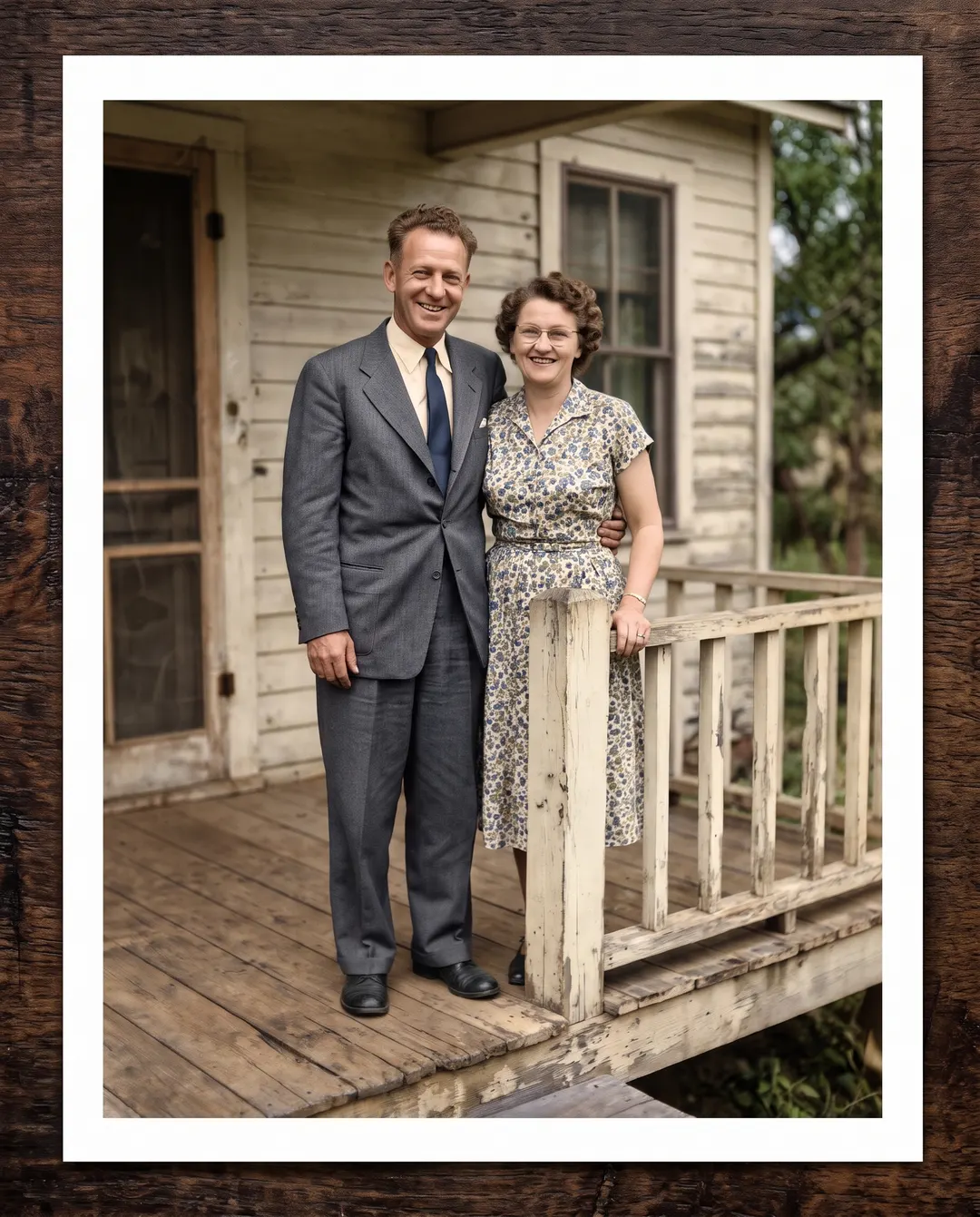 BeforeAfter
Old and blurry? Restore it instead.
Faded prints and scanned family photos are often blurry, creased and stained all at once. Photo restoration is made for exactly that: it clears the damage, brings faces back into focus and can add natural colour, in one step.
- Blurry faces in old prints recovered
- Creases, scratches and stains removed
- Colour added if you want it
Unblur an image in three steps. No tripod needed.
No deblur settings to guess. Say what went wrong, or just press Generate. To unblur an image free, sign in: a free account collects credits every day.
Add the blurry photo
From your phone or computer, or paste it straight in. Took a few in a row? Start with the least blurry one.
- “Make the whole harbour clear”
Say what went wrong
The fix for heavy blur is already written in. Change it, or tap Shaky hands, Moving subject or Missed focus. If a face looks off, run it again or add “keep the face exactly the same”.
Download, or keep going
Save it with no watermark, or take it on to a bigger size or a new background. Every unblurred photo stays in your history to download again.
For the photos you almost deleted.
The blurriest shots tend to be the liveliest ones.
Kids
They never stop moving. Keep the laugh, lose the smear.
Pets
Mid-jump, mid-shake, mid-zoomies. Bring the eyes and fur back.
Sport
The goal, the race, the jump. Freeze the action the camera could not.
Parties
Low light and happy hands make blurry faces. Make them clear again.
From a moving car or train
The view went past too fast. Steady it after the fact.
Signs and notes
A blurry photo of a menu, a sign or a whiteboard, made readable.
Questions about unblurring photos
还有其他问题?发邮件到 support@pixenhancer.ai
Shaky shot, steady photo.
Start with the blurry one you kept anyway.


